
Wyze Camera Subscription: Do You Really Need One?

Key Takeaways
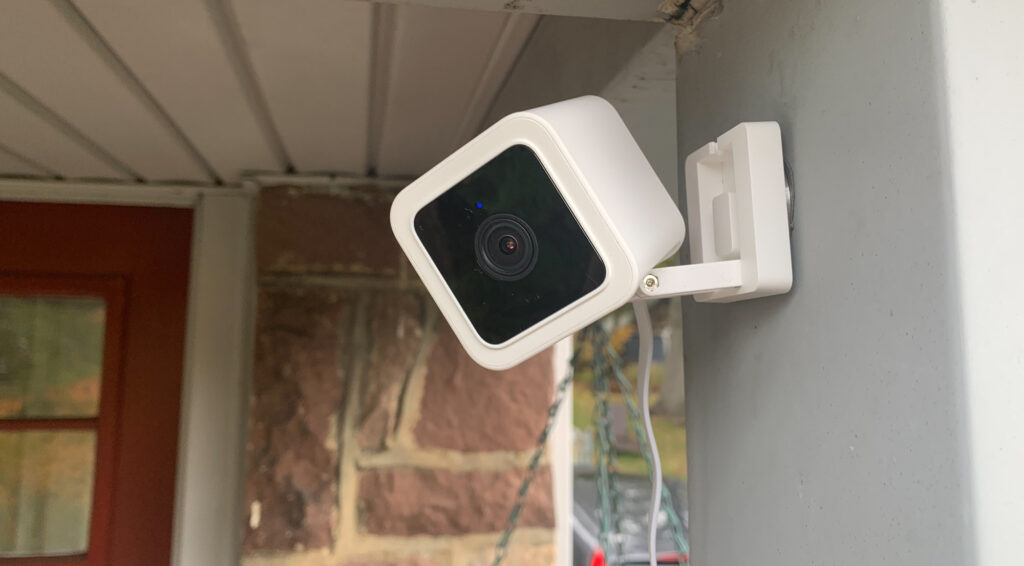
A Wyze camera subscription is optional, but it changes how long recordings stay available and how much detail alerts provide.
- A camera can still be useful without a paid plan.
- Cloud recording and smarter detection are the main subscription benefits.
- The right plan depends on camera count and monitoring habits.
- A subscription is most useful when missed events would matter.
- I would compare storage, alerts, and price before subscribing.
Does Wyze Require a Subscription?
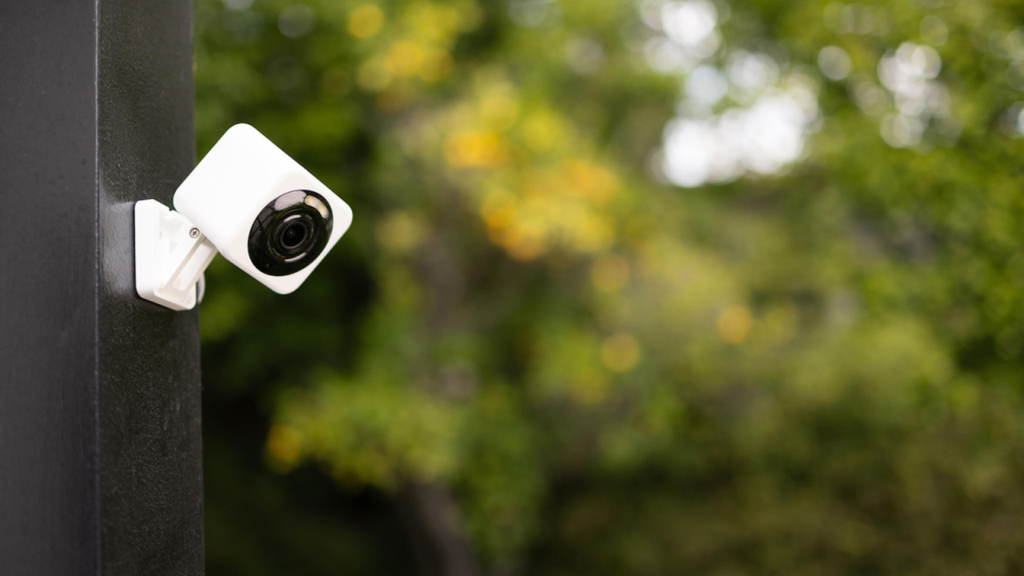
No, I do not require a subscription to benefit from the use of a compatible camera, as I can still access live view and the features available without a paid subscription.
The real question is whether the free features provide enough history and notification detail for my needs. If avoiding recurring fees is important, it is also worth looking at smart security devices without a subscription before choosing a camera system.
According to the Wyze Service Plans page, subscription services are forms of self-monitoring and provide features like real-time notifications and cloud video recordings.
This way, the subscription package is seen as something that expands rather than pays for my ability to use the package. In case I mostly want to monitor a particular room only on occasion, the free package might suffice; otherwise, the difference is more apparent.
However, I have to distinguish between two aspects of a camera – its utility in the day-to-day use and the ability to store information for archival purposes.
The live view might be sufficient for a quick check while the recorded events can come in handy if I am unable to notice an alert in time or when I am away from the camera.
What Features Do You Get With a Wyze Subscription?
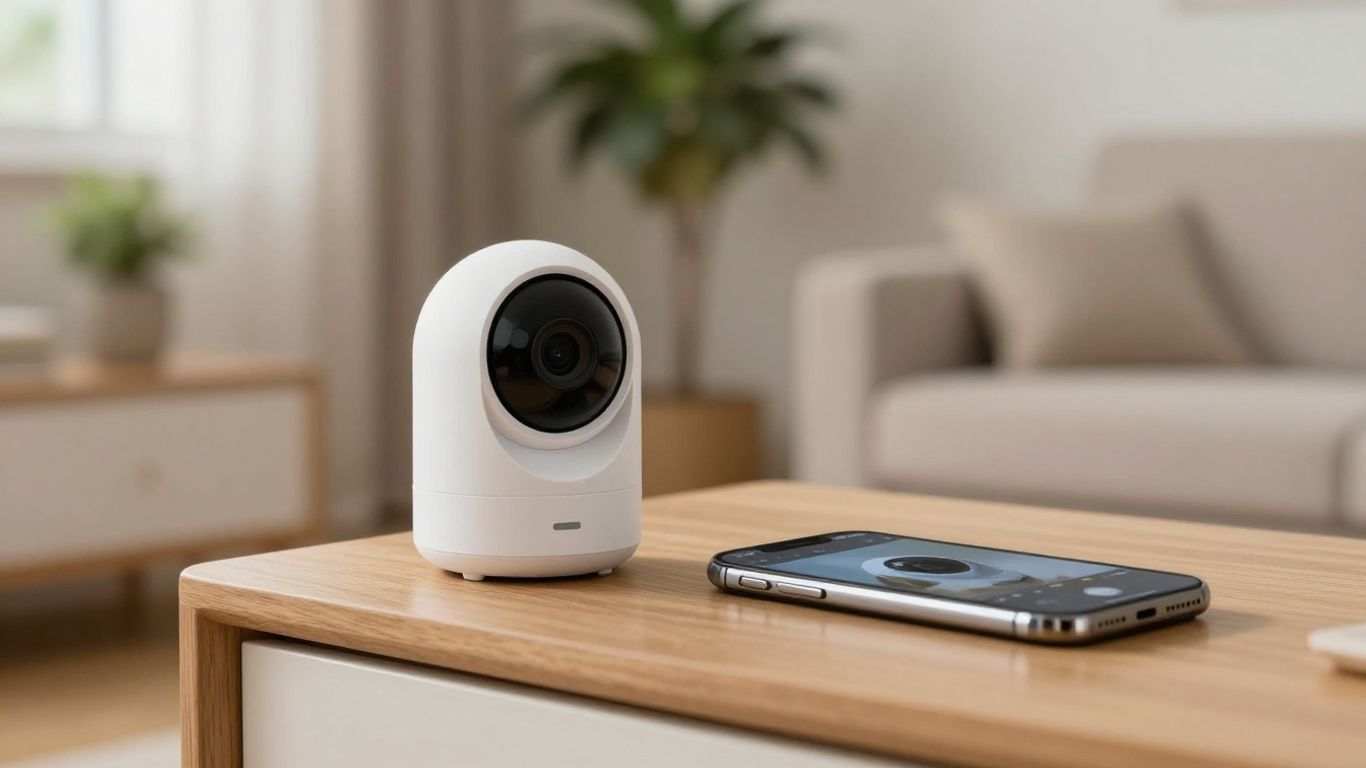
Subscription mainly enhances the camera through the addition of tools that record, detect, and notify. The precise tools will depend on the plan purchased; the more expensive plans have more advanced detection and better methods of searching and understanding the events.
My approach to the choice of the plan would be based on the monitoring ability needed rather than additional storage.
The most beneficial updates usually come up if I need my camera to classify events rather than give me a general motion alert. Cloud event history, different detection categories, and notifications can help to cut down on the number of videos I need to review manually.
These features will be especially important if the camera is positioned near an entrance or in a frequently used area.
Video Recording and Cloud Storage
Using Cam Plus, videos recorded during the event are stored in the cloud for 14 days, per the information provided about the plan. It means that I have some time to revisit the event after the event is completed, and not just see the event in real-time.
The advantage is in the fact that I have time to review the video even when I am not monitoring the camera at the right time.
The cloud storage does not mean having all videos recorded and stored for eternity. I would still have to check what events will be stored and for how long. Many families find reviewing the video more useful than having just a notification of the event occurring.
Person and Smart Detection
Subscriptions include detecting and sending alerts for humans, vehicles, packages, and animals. The service information available includes alerts for broken glass, crying, and barking.
This is in addition to being more descriptive of the events being notified compared to a generic movement alert, though I will always expect some false alerts and do my own review of the significant events.
The feature is most helpful where there are continuous movements in the background of the camera. An alert for a human event could be more effective than an alert for any kind of movement caused by changes in light or movements going past the camera.
Longer Event History
The subscription plans allow for a longer availability of the videos of the events. The information about higher level of service states that there is an opportunity to record videos up to 60 days for the events. The possibility of storing more records of the events will give me more time in case I travel or fail to be aware of the events.
But I won’t subscribe to the longest retention period immediately. In case I control the events regularly and do not have a need to see the events earlier, the shorter retention period may suit me better.
Advanced Notifications
Certain plans include animation for notifications, whereas other service plans have descriptive notifications that give more details about the events taking place in the alert.
This kind of upgrade is relatively easy to evaluate since one only has to imagine how the alert would be and whether more details would help him or her decide about checking the application right away. If this is the case, then the feature has an obvious everyday use.
A good notification has to assist rather than substitute one’s decision-making process. One may use the alert in order to know which event needs checking first, yet he or she must not confuse automation with confirmation of the event.
For a busy home, I would look for a plan that helps me act quickly in a few specific situations:
- identifying people or vehicles among ordinary movement;
- recognizing package or pet activity when those events matter;
- receiving richer alerts for sounds such as glass break, crying, or barking;
- reviewing an animated alert before opening the full event.
These features are most valuable when they reduce interruptions without hiding useful context. If my camera watches a quiet area with little activity, the improvement may be less dramatic.
Additional Wyze Features
The package information also includes some additional services that go beyond mere detection notifications, such as My Day insights, multi-camera timeline access, Smart Arm/Disarm features, detections of Friendly Faces, unknown faces notifications, AI Video Search, and 24/7 Emergency Dispatch, which are available at the top-tier plan only.
Since I would not presume that all these features are available for all plans and/or cameras, I would check their compatibility before subscribing to the package. As a security setup grows, cameras can also become part of a wider smart-home system alongside devices such as a smart lock, allowing homeowners to combine different security devices.
These services become relevant when the setup is expanded. With multiple cameras, it can be handy to have access to a multi-camera timeline, as well as search options, in case I remember about an event but do not recall the exact date of its occurrence. While cloud storage is a fairly non-critical service, emergency dispatch can be quite an important one.
Wyze Subscription Plans Compared
The listed self-monitoring plans differ mainly in camera coverage, retention, and advanced tools. The following snapshot helps me see the tradeoff without assuming that the most expensive option is automatically the best fit.
| Plan | Listed price | Coverage or notable features |
|---|---|---|
| Cam Plus | $2.99/month | One camera, 14-day event videos, detection and alerts |
| Cam Unlimited | $9.99/month | All cameras, multi-camera timeline, Smart Arm/Disarm |
| Cam Unlimited Pro | $19.99/month | All cameras, descriptive alerts, AI Video Search, up to 60-day event recording, Emergency Dispatch |
The cost comparison of subscriptions will be beneficial if I have to choose between getting one camera or getting a bigger package.
Prices and packages may vary, so I will double-check the prices before purchasing. For me personally, the amount of cameras and long-term history will be more important than numerous features.
Wyze Camera Without a Subscription vs. With a Subscription
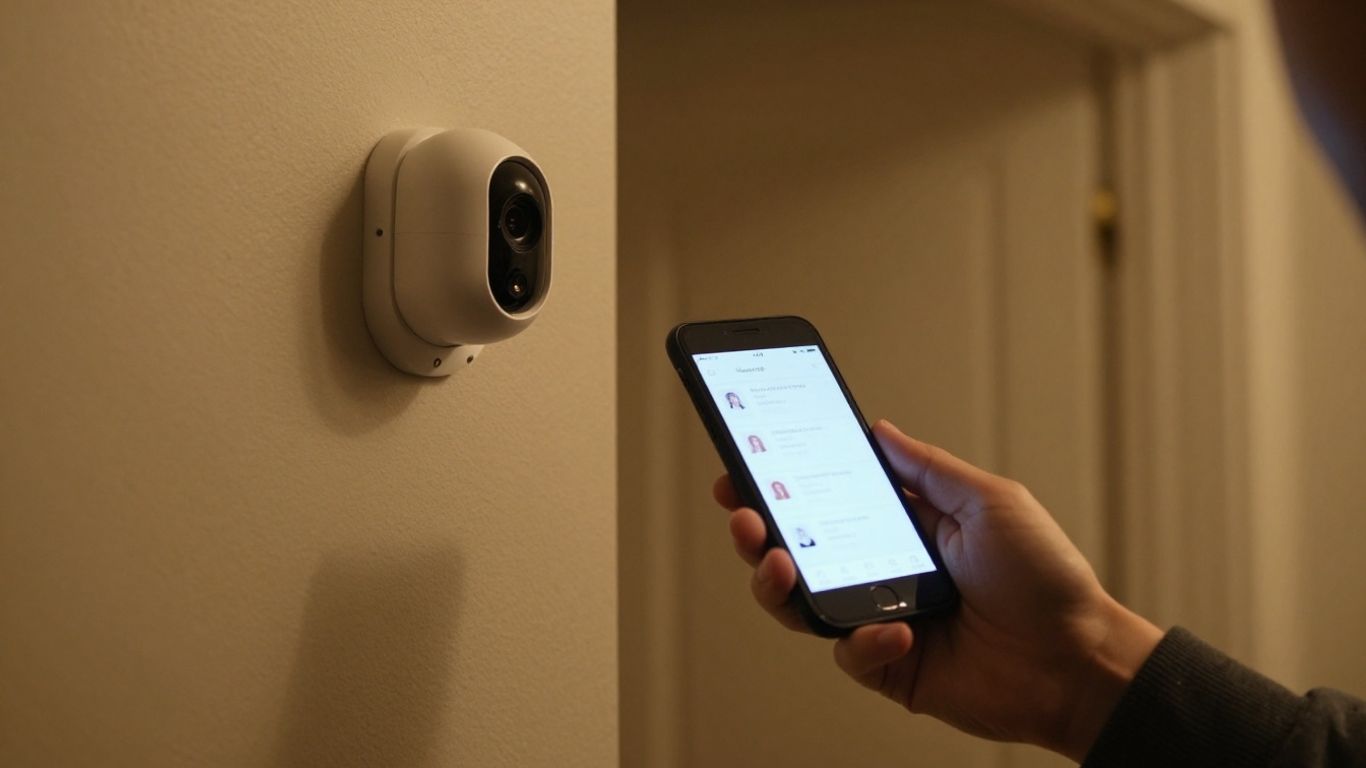
Without the subscription, I still have access to a compatible camera for viewing purposes as well as using the free functions of the specific model.
This approach is similar to what users may find with other popular security-camera systems, where the basic camera can remain useful without paying for every available cloud feature. For comparison, you can also see how subscription-based doorbell cameras work when evaluating whether a paid plan is necessary.
On the other hand, having the subscription makes the process much more valuable from the point of viewing the past events. The ability to have cloud recordings, detection types, and enhanced alerts allow me to analyze the activities without watching live video constantly.
From my perspective, this feature provides more comfort and visualization but does not imply that all events will be detected.
It all depends on the degree of responsibilities which I delegate to the system of the cameras. If I can monitor the live video and I do not mind about the limited event history, I would prefer not to have a subscription and make everything much easier. Otherwise, I would consider the payment for the extended features to be justified.
Is a Wyze Camera Subscription Worth It?
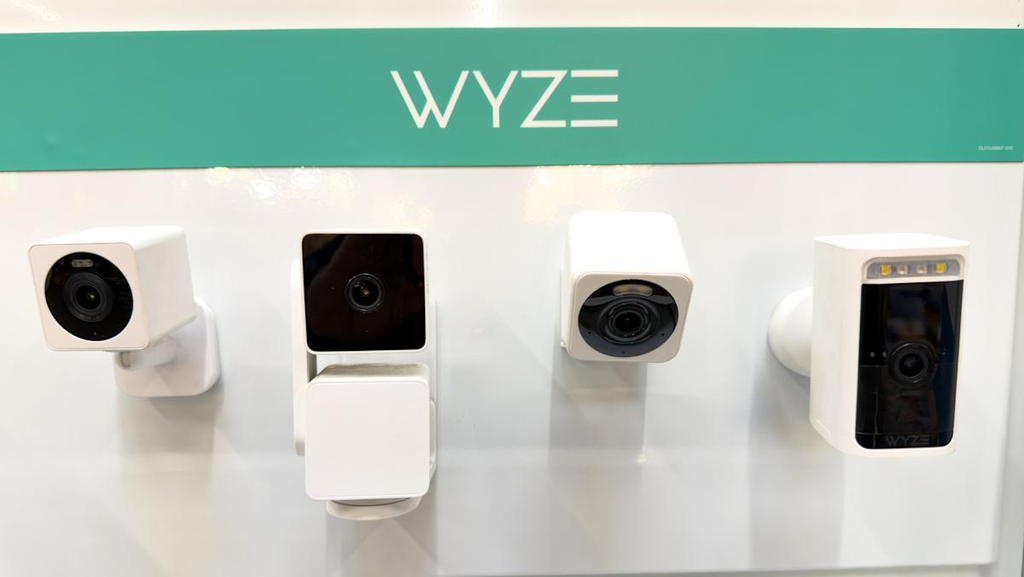
A Wyze camera subscription is a reasonable idea for me if it offers recorded events and better notifications to fix my existing issue. In my case, I am more likely to buy a subscription for a camera that monitors an entrance, a place where packages are delivered, and so on, but less likely if it is just used for rare live monitoring.
The number of cameras affects the decision as well. It might be reasonable to get a subscription for a single camera if it fits my needs but an all-cameras one could be better if I have several devices which I already use regularly. Besides, I have to take into account if I will really use recorded events, because otherwise it remains another cost for me.
If I am still comparing security-camera options, it can also make sense to look at alternatives before committing to a subscription. For example, the Aqara G4 Doorbell is another option worth considering when comparing smart-home security systems.
How Much Does a Wyze Camera Subscription Cost?
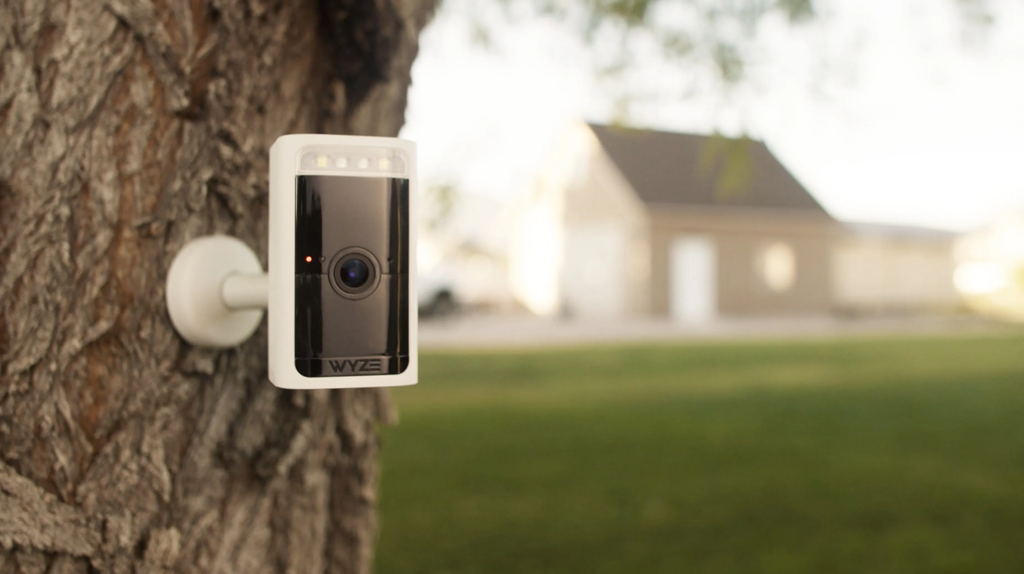
Cam Plus will cost $2.99 per month, Cam Unlimited is priced at $9.99 per month, while Cam Unlimited Pro will go for $19.99 per month.
The cost of Cam Plus is for one camera, while Unlimited versions have all cameras covered. The aforementioned prices serve as a good starting point, but I should confirm the amount of the checkout bill first.
When I require the recording history and the detection features for just one camera, then the cheapest package might be the one that suits me well.
With several cameras, the choice of an all-cameras version is simpler than calculating a number of payments for a single camera. However, it is useless to pay for all the versions if one camera needs to be used.
Occasionally there may be free trials or promotional offers available, but as mentioned by the plan details, a 30-day trial is provided for new Cam Plus customers.
One should always verify their eligibility, renewals, and cancellation before assuming that they are eligible for a free trial which will automatically come to an end. The small monthly cost is bearable only if I recall it every month.
Conclusion
If subscription costs are a major concern, comparing individual camera systems can also help. For example, our Eufy E340 review looks at another popular smart-camera option and its overall feature set. I would pay only when those features match a specific need, then choose the least expensive plan that handles it well.
Explore the complete Smart Home Security guide for reviews, subscriptions, setup help, and troubleshooting.
Related smart security guides
- Compare Wyze with Blink subscription pricing
- Compare Wyze with Ring Protect plans
- See how the Blink Outdoor 4 performs
Frequently Asked Questions
Do security cameras work without a subscription?
Many cameras continue to offer live viewing and basic functions without a paid plan, though recording, storage, and alert features may be limited.
What does a camera subscription usually include?
Common additions include cloud event storage, longer retention, smarter detection categories, and more detailed notifications.
Is cloud storage necessary for every camera?
No. It is most useful when I need to review events after they occur or access recordings while away from the camera.
Are paid detection alerts always accurate?
No automated detection is perfect. Alerts can help prioritize events, but I should review important footage rather than treating a notification as certain proof.
Should I pay monthly or annually?
Monthly billing offers flexibility, while annual billing may cost less in some cases. I would compare the current total and cancellation terms before choosing.
How many days of video history do I need?
I would choose a retention period based on how quickly I normally check alerts. Frequent daily review requires less history than occasional monitoring or long trips.
Can a subscription replace a complete security system?
Not necessarily. A camera plan can improve recording and alerts, but a complete security setup may involve additional devices, monitoring arrangements, and emergency procedures.


