
Ring Camera Subscription Cost: How Much Does Ring Protect Cost?

Key Takeaways
The ring camera subscription cost depends on whether you cover one device, several devices at one location, or want the most advanced plan. I can compare the tiers by price, recording features, and what still works without a subscription.
- Basic coverage is intended for one device.
- Multi coverage applies to devices at one location.
- Pro includes the features available in Multi plus advanced intelligent features.
- Without a plan, core functions such as Live View and motion alerts can still be available.
- Wi-Fi is necessary for connected camera features, including remote viewing.
How Much Does a Ring Camera Subscription Cost?
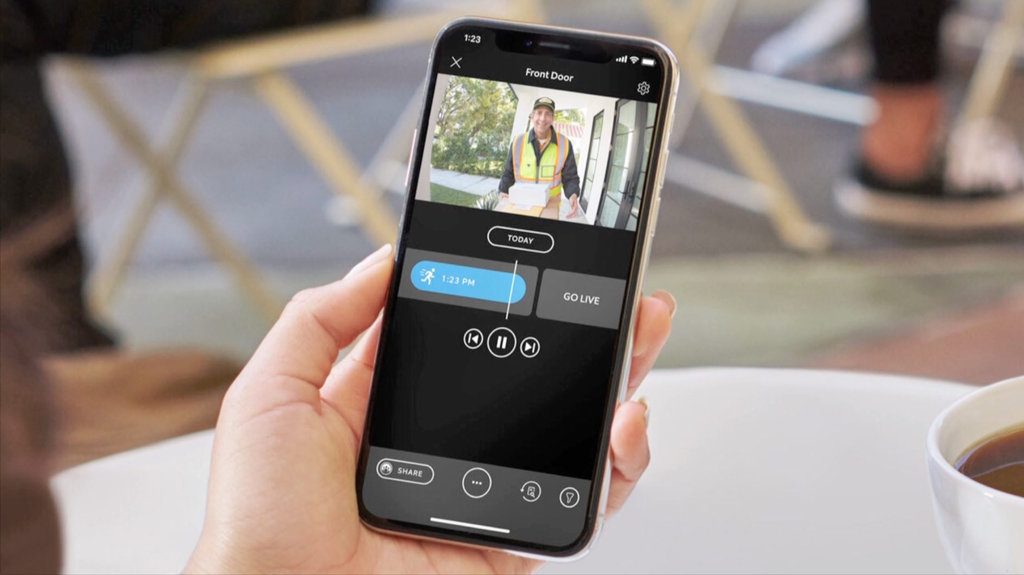
Ring camera subscription cost starts at $4.99 per month for the basic package. The middle-level package is priced at $9.99 per month, while the high-end package costs $19.99 per month. Annual billing options are also available at $49.99, $99.99, and $199.99, respectively.
Before choosing a plan, however, it is important to understand whether a Ring doorbell requires a subscription and which features remain available without one.
When subscribing, I would look at how many devices I will be using the package on, as opposed to going for the monthly package alone.
The basic package is suited for use on one device, the mid-range is meant for one location, and the high-end package is meant for households seeking advanced features in addition to videos.
The packages auto-renew until canceled, but taxes can apply. The Ring Home Plans information page is quite handy when checking the plan details.
Ring Subscription Plans and Pricing

Each level becomes clearer if I separate coverage and features out into different categories. At each level, either fewer or more devices become available, as well as different levels of additional capabilities. Thus, the best choice would depend not only on the price but also on the size of the setup.
Ring Protect Basic
Ring Protect Basic is a $4.99 monthly ($49.99 yearly) subscription that covers one device only. It features video recording, smart notifications, and up to 180 days of recorded video events. For one camera or doorbell, it is the most straightforward subscription to choose from.
Ring Protect Multi
Ring Protect Multi is priced at $9.99 per month or $99.99 annually and provides protection for devices in a single location with video recording, smart notifications, and 180 days of stored video events in the included configuration. The tier makes more sense for me when I have many devices monitoring my single home.
It does not cost much more than the Basic tier, but the model of coverage makes a bigger difference than the cost does. Here is my comparison table to help decide between the two tiers:
| Plan | Monthly Price | Annual Price | Coverage or Focus |
|---|---|---|---|
| Basic | $4.99 | $49.99 | One device |
| Multi | $9.99 | $99.99 | Devices at one location |
| Pro | $19.99 | $199.99 | Multi features plus advanced intelligent features |
After looking at the table, I would also check the device count and location rules before checkout. A cheaper plan can become less useful if it does not cover the devices I actually want included.
Ring Protect Pro
The Ring Protect Pro plan is priced at $19.99 per month and $199.99 annually. This plan includes all the services available in the Multi plan, but also adds advanced intelligent capabilities, video descriptions, and single event alert services. The Ring Protect Pro is meant for those users who require additional information from their eligible cameras.
What Do You Get With a Ring Subscription?

A subscription will add recorded events and additional features related to notifications and reviewing alerts. Value in terms of subscription is conditional on my willingness to look back and check the events that I might have missed, to filter notifications, or to manage several devices in one place.
A subscription will add recorded events and additional features related to notifications and reviewing alerts. Value in terms of subscription is conditional on my willingness to look back and check the events that I might have missed, to filter notifications, or to manage several devices in one place.
If I am considering a specific Ring model, I can also look at a Ring Video Doorbell 4 review to understand the device itself before deciding whether the subscription features are worthwhile.
Video Recording and Cloud Storage
The paid service offers the ability to record video and store videos with motion events in the cloud with 180 days of video event history. In this case, I will have a longer time frame for revisiting the event after it occurs, unlike a real-time picture at the moment of the occurrence.
The ability to revisit the events will be very useful when I am absent, busy, or just fail to notice the notifications instantly.
Person and Motion Alerts
The subscription package has intelligent alerts that are able to detect people, parcels, and vehicles. This means that the notifications do not treat all movements the same way since they give more information regarding what caused the alert.
There is a need for me to check the settings of the alert and the position of the camera because having the subscription package does not mean that we don’t have to have smart motion zones.
Video Review and Event History
The option of video review allows me to go back in time and revisit recorded events and their history. This differs from just looking at the feed since I will have an opportunity to review what happened when I wasn’t watching.
A more extended event history can actually make the subscription worth it for a family that requires reliable recordings as opposed to just checking occasionally. I will take into account how often I would need to go back in time with regard to my expenses.
Snapshot Capture and Other Features
Some additional features of her plans include device modes and extended live view. Video descriptions and single event alert features are included for the Pro plan, depending on eligibility and availability.
A concise way of thinking about the additional features is by deciding which of the following tasks is most important to me:
- Looking at past activities
- Getting more precise alerts on people, packages or vehicles
- Looking at a more comprehensive event timeline
- Managing my devices via available device modes
This makes the choice based on practicality rather than valuing all features equally. If I only need to check live views infrequently, then perhaps the additional cost of a paid plan might be too much.
Ring Camera Without a Subscription vs. With a Subscription
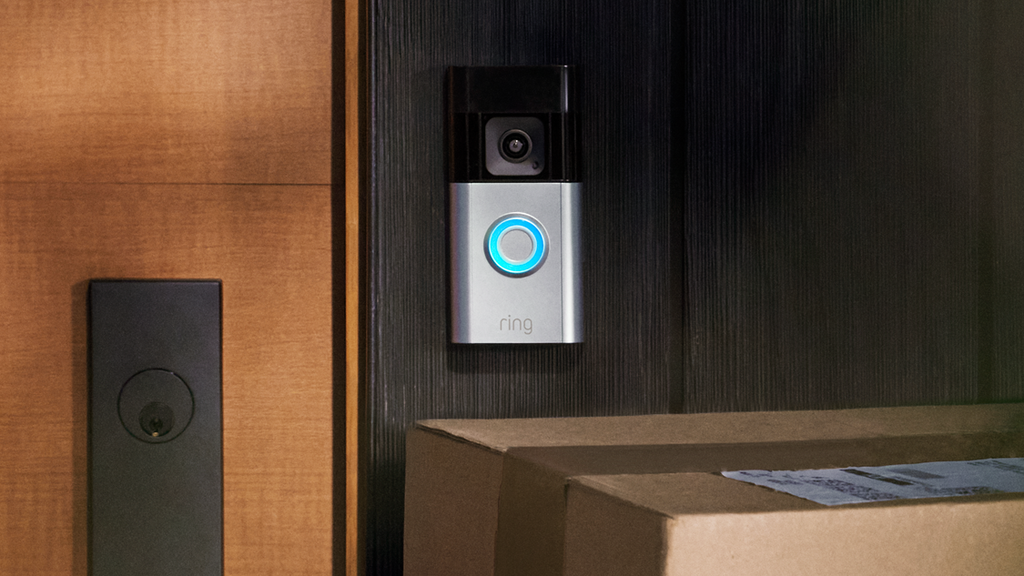
Even without any subscription, there are some basic connected features provided by the camera. The list of such features includes Live View, real-time motion alerts, Two-Way Talk, custom Motion Zones, and even Alexa capabilities based on the available specifications of the product.
If subscription-free operation is your priority, you can also compare smart doorbells without a subscription to see what other options are available.
It all depends on what I am going to do next. With a subscription, there is going to be added video recording, cloud storage, extended event history, and also smart alerts that are able to recognize people, packages, and vehicles. Without it, I have to remember that I won’t be able to use my device in this way.
This decision is going to be based on how I act when receiving any alerts. People who are going to check the live feed anyway are likely to be fine with not using the subscription.
Can You Use Ring Cameras Without Wi-Fi
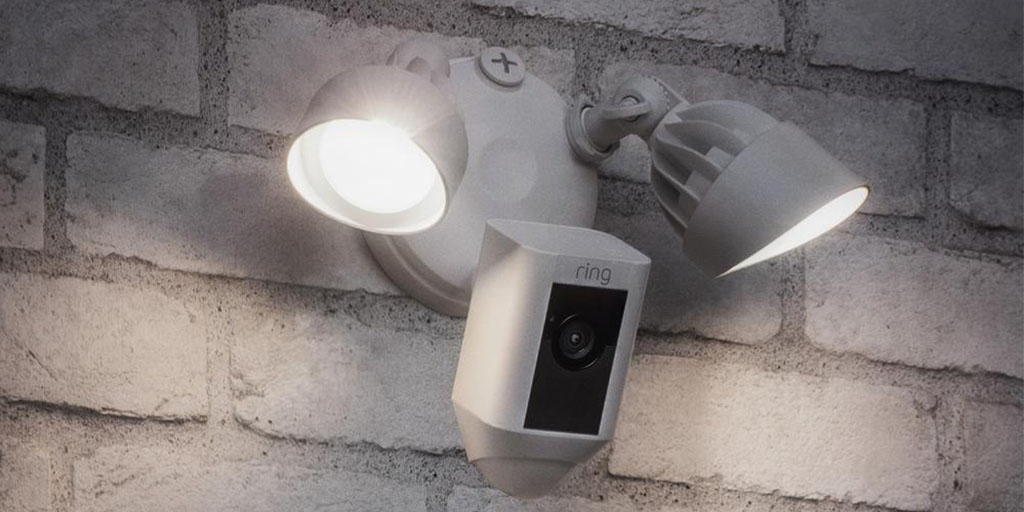
A connected camera requires a Wi-Fi connection to connect to the app and deliver features like Live View and phone alerts.
In case there is no internet connection, I will have to expect that the connected camera features will not work until the camera establishes another connection. Power and Wi-Fi connections are two different issues concerning a connected camera.
The quality of the Wi-Fi connection will determine how well the camera works on a daily basis. Poor signal strength, poor network quality, and an interruption in the internet connection may lead to delayed live view and alerts despite having power for the camera.
Before purchasing a camera or subscribing to it, I would ensure that its installation place has internet access. For users installing a compatible doorbell themselves, a guide on how to install a smart doorbell can also help explain the basic setup considerations.
How Does Ring Compare With Other Camera Subscriptions?
Ring is not the only security camera brand that offers optional subscription plans. If I am comparing recurring costs, I can also look at the Eufy camera subscription and Wyze camera subscription options to see how cloud storage, recording history, and subscription features differ between brands. Comparing these plans can help me decide whether Ring’s monthly cost provides enough value for my particular setup.
Explore the complete Smart Home Security guide for reviews, subscriptions, setup help, and troubleshooting.
Related smart security guides
- See what Ring offers without a subscription
- Compare Ring and Blink subscription costs
- See whether Eufy requires a subscription
- Compare Ring with Wyze plans
Frequently Asked Questions
What is the typical monthly cost of a camera subscription?
Camera subscriptions commonly use tiered monthly pricing, with lower tiers for one device and higher tiers for multiple devices or advanced features. The exact price varies by provider and plan.
Is a camera subscription required for live viewing?
Not always. Some cameras provide live viewing, motion notifications, and two-way communication without a subscription, while recorded video and extended history may require paid coverage.
What does cloud storage add?
Cloud storage lets you save and review recorded events after they occur. The length of time those recordings remain available depends on the selected plan.
Can one plan cover multiple cameras?
Some plans cover only one device, while others cover multiple devices at a single location. I would check the coverage rules before adding cameras to an existing plan.
Are annual plans cheaper than monthly plans?
An annual plan may cost less over a full year than paying twelve monthly charges, but the savings depend on the provider’s listed rates. I would compare both totals before choosing a billing schedule.
Does a camera work if the internet goes down?
A camera may continue to have power, but internet-dependent functions such as remote viewing and phone alerts can stop working until the connection returns. Local behavior varies by device.
How should I decide whether a subscription is worthwhile?
I would consider how often I need to review past events, how many devices I want covered, and whether more detailed alerts would be useful. If those features rarely matter, the recurring cost may not be necessary.


