
Eufy Camera Subscription: Do You Really Need One?

Key Takeaways
A subscription can be useful for cloud video history, but it is not automatically necessary for every camera setup.
- Local storage can avoid recurring cloud fees.
- Cloud plans may be charged per camera or across multiple cameras.
- SmartDrop cloud backup pricing includes monthly and annual options.
- Live view, camera access, and notifications may remain available without cloud storage.
- The right choice depends on storage needs, camera count, and comfort with managing local footage.
Do Eufy Cameras Require a Subscription?
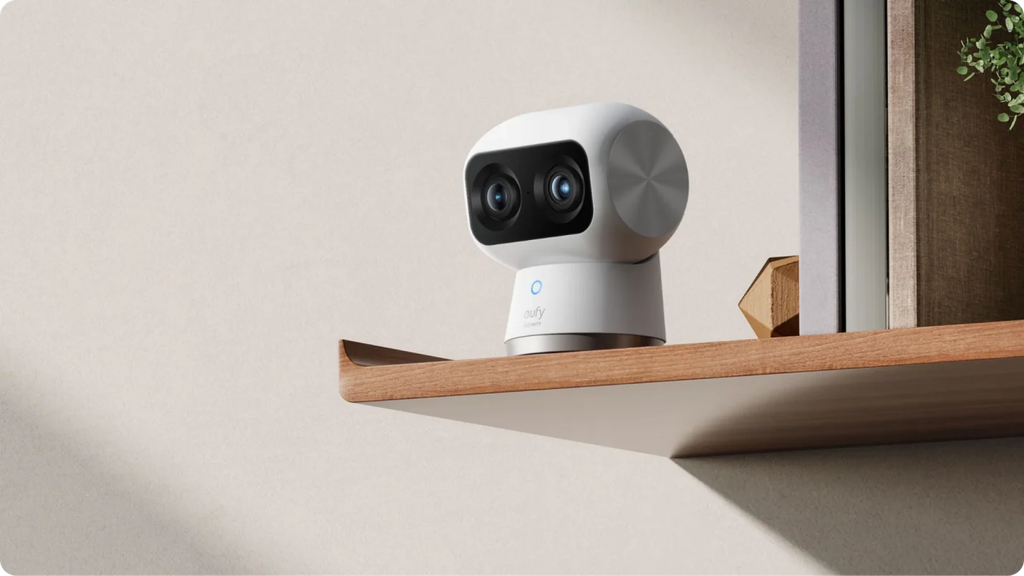
Subscription? No, there is no automatic subscription needed to use a camera. First of all, it is necessary to look into the way of storing records, since one type uses local storage, another provides an option of optional cloud storage.
Payment is important if I require recording to be stored in the cloud or don’t want to use my storage space. However, if I only require a live stream and notifications, subscription might be a useless addition. There will be a number of options available without subscription anyway, depending on the camera model.
The camera service fee should also be separated from other plans and devices. Thus, the cloud backup plan deals with video storage, while a professional monitoring service is another product. The most secure way of not paying for something that I do not need would be reading the terms of storage of my camera.
How Much Does a Eufy Camera Subscription Cost?
It all depends on the type of camera and the storage plans. An example that stands out is SmartDrop cloud backup, where there is a Basic plan for a single camera and a Premier plan for ten cameras, and both have a rolling 30-day video history. However, while the prices are good reference points, I would not assume that all cameras follow such a pattern.
In addition to this, the information regarding the eufy local security solutions makes the “no monthly fee” pricing plan quite attractive especially since the footage does not go to the cloud. In this case, I would evaluate the recurring fees against the cost of providing my own storage.
Eufy Cloud Storage Plans
In terms of published SmartDrop cloud backup options, the Basic plan is priced at $2.99 per camera each month or $29.99 per camera per year. The Premier plan will cost $9.99 per month or $99.99 per year for up to 10 cameras, and both plans provide rolling 30-day video history.
Monthly vs. Annual Subscription Options
With monthly billing, I will have an ability to test the service or to use it temporarily. The annual billing will cost less compared to paying every month, yet, it requires a longer time commitment. I will decide in accordance with how long I plan to use cloud backup.
What You Get With Each Plan
As mentioned above, the published plans provide cloud backup and rolling 30-day video history. The only difference between them is that Basic is priced on a per camera basis, whereas Premier allows backing up up to 10 cameras on a single plan.
| Plan | Billing option | Camera coverage | Video history |
|---|---|---|---|
| Basic | $2.99 monthly | 1 camera | Rolling 30 days |
| Basic | $29.99 annually | 1 camera | Rolling 30 days |
| Premier | $9.99 monthly | Up to 10 cameras | Rolling 30 days |
| Premier | $99.99 annually | Up to 10 cameras | Rolling 30 days |
The table shows why camera count should be part of the calculation. A single-camera household may prefer the Basic option, while a multi-camera household may find the Premier limit easier to understand. I would still confirm current pricing and eligibility before subscribing.
What Do You Get Without a Eufy Subscription?
In the absence of cloud storage, the use of the camera can still be possible in ways that are not reliant on having clips stored in the cloud. What matters here is how the particular model allows for local recording and which functionalities are available without a paid plan.
If avoiding recurring fees is your main priority, you can also compare other smart doorbells without a subscription to see how local storage and free features differ between brands.
Local Video Storage
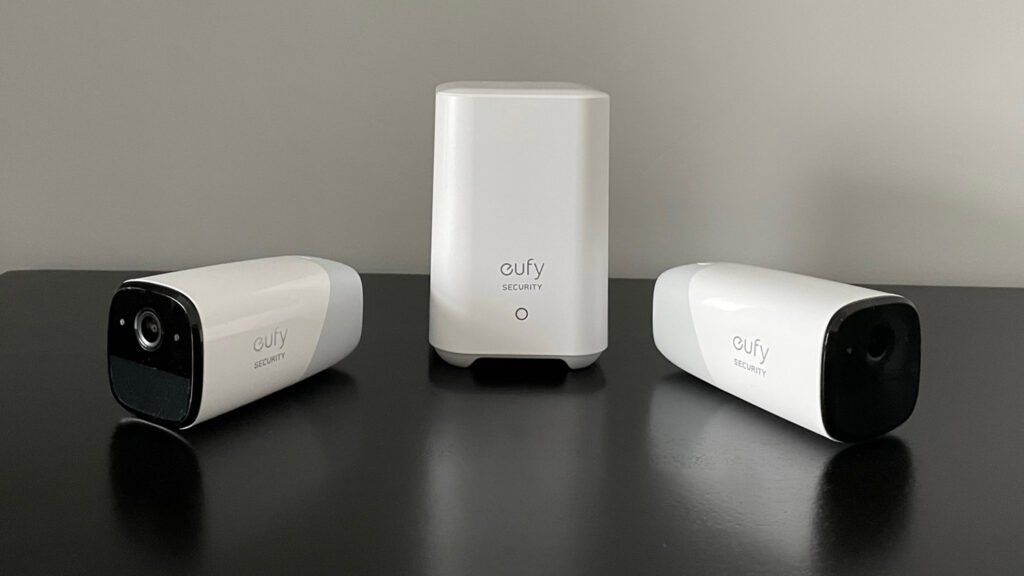
Local storage implies that the videos are stored either on the security device itself or transferred to HomeBase where the process of encryption and storage takes place.
This way, there is no need for me to pay for the cloud storage every month, and the video is kept inside the local environment. Nevertheless, this means that the quality and capacity of the storage medium become my issue.
Live View and Camera Access
Live view will still be possible even if I do not pay for the cloud storage. However, whether this feature works will depend on the particular device and its terms of service. In accordance with the SmartDrop support information, the app does not require me to pay any money for the package retrieval and live view.
Motion Detection and Notifications
Analysis and alert services can take place in the local process without uploading all videos to the cloud. In particular, the local security service mentions immediate notifications and on-demand video review as part of the local process.
As a result, it looks like there is no need for a subscription for alert services since I will have to check what features of detection are included in the model that I am going to use.
Other Features Available Without Cloud Storage
Encryption of video data storage and access from the Eufy Security application can also be included in the local process according to the product description.
Video storage capabilities are also one of the important features for me. According to the source, the capacity of up to 16 TB with a storage drive can be achieved.
Does Eufy Offer Free Cloud Storage?
A free cloud storage may be provided for a certain product or deal, however, I would not consider this storage to be a long-term free service.
According to the SmartDrop support material, there is an offer of a free 30-day trial of cloud back-up along with the opportunity to switch to Basic and Premier plans that have to be paid. This is a trial period, not an unlimited storage plan.
What I have to do is to pay attention to the end of this period and make the choice of further storage before this moment. If I do not do anything, I will have to either lose cloud continuity or choose one of the paid options, depending on the conditions of the product.
Free access to some app functionality does not mean free cloud recordings. Again, according to the SmartDrop material, there are two different services, namely, no-cost package download and live view, along with optional cloud back-up.
How Does Eufy Local Storage Work?
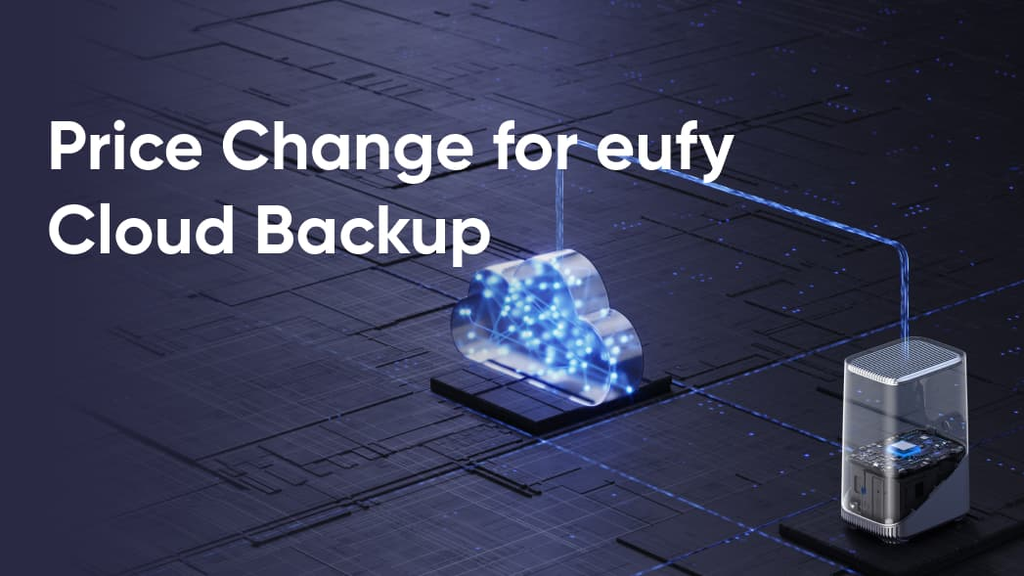
The locally stored data may either be recorded in the security device or transferred to HomeBase for encryption and storage. In the local-security description, it is stated that the data is immediately encrypted once it has been recorded, and the data processing and storage will be localized.
I understand that this is a compromise, as it means lower costs but greater responsibility on the part of the hardware storing the footage.
Such approach allows using on-device processing and alerts rather than cloud-based only. Thus, one may review the recordings via the application while additional storage will increase the storage limit to 16 TB by adding a storage drive.
At that, capacity, drive compatibility, and retention still need to be carefully evaluated before setting the device.
If you are still setting up your first smart-doorbell system, the physical installation is another consideration alongside storage and subscription costs. Our guide on how to install a smart doorbell covers the basic installation process.
When I assess the local option, I consider four key questions:
- Where are recordings stored by default?
- How much footage can the included storage hold?
- What happens if the storage device fails or loses power?
- How easily can I view or export an important clip?
Eufy Subscription vs. Other Security Camera Subscriptions
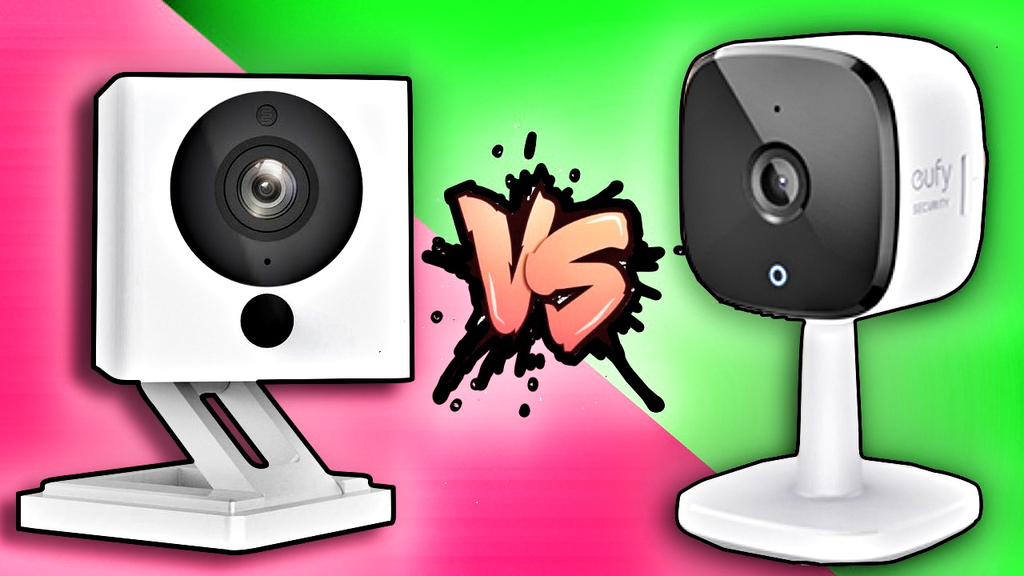
I will compare subscriptions based on what they offer rather than looking at price alone. While a cloud storage subscription provides remote preservation and retrieval of videos, local storage transfers more responsibility to the homeowner.
This is also why it is useful to compare Eufy’s approach with other major brands and understand whether a Ring doorbell requires a subscription before choosing a security camera system.
In the case of SmartDrop, the comparison is clear: Basic subscription charges per camera, while Premier subscription takes care of up to 10 cameras, both providing 30 days video history.
In one case, one might prefer to have more options, but in other cases, one may be more concerned about the maximum number of cameras supported. I would also compare the annual commitment, retention period, and cancellation policy.
A straightforward decision process ensures that:
- Count the cameras that need recorded history.
- Decide whether remote cloud access is essential.
- Price the plan against local storage equipment.
- Confirm which alerts, live views, and playback features work without a subscription.
If I am also considering alternatives outside the Eufy ecosystem, reviewing individual products can help put these differences into context. For example, the Aqara G4 review provides another point of comparison when evaluating smart-doorbell features.
Conclusion
I need Eufy camera subscription if I am seeking for video storage on cloud and less involvement in managing my storage. However, it is not necessary by default since local storage can do all the things: recording, playing back and alerting without additional monthly payments. Trial periods for certain products and plans should be considered before their expiration date.
Explore the complete Smart Home Security guide for reviews, subscriptions, setup help, and troubleshooting.
Related smart security guides
- Read our hands-on Eufy E340 review
- Compare Eufy with Blink subscription costs
- Compare Eufy with Ring Protect pricing
Frequently Asked Questions
Is a camera subscription always required?
No. Some cameras can record locally and provide core access without a recurring cloud-storage plan, though available features vary by model.
What does a camera subscription usually pay for?
It commonly pays for cloud video storage, a defined retention period, remote access to saved clips, or related service features.
Can I use live view without cloud storage?
Often, yes, but live-view terms are product-specific. Check the device documentation to confirm which access features remain available without a plan.
Is free cloud storage permanent?
Usually not. A free period may be a limited trial, after which recordings may require a paid plan or a switch to local storage.
Is local storage safer than cloud storage?
Neither option is automatically best for everyone. Local storage keeps footage closer to home, while cloud storage can simplify remote access and reduce hardware management.
How long should security footage be kept?
That depends on the property, risk level, and how often footage is reviewed. A shorter retention period may be enough for routine monitoring, while higher-risk locations may need longer history.
How can I avoid paying for unnecessary features?
List the features you actually need, such as live view, alerts, or saved clips, then verify which ones work without a subscription before choosing a plan.


