
Budget-Friendly Gaming PC: Best Options for Affordable Gaming

Key Takeaways
I use the term budget friendly gaming pc for a machine that makes sensible trade-offs without making every game feel like a compromise.
- A $500 PC can work well for 1080p gaming when expectations are realistic.
- Spending closer to $600 often creates a more balanced mix of CPU, GPU, memory, and storage.
- A $650–$700 build usually gives me the most comfortable room for upgrades.
- Prebuilt systems save time, while custom builds offer more control over each component.
- I would prioritize the graphics card, 16GB of RAM, an SSD, and a reliable power supply.
What Is a Budget-Friendly Gaming PC?
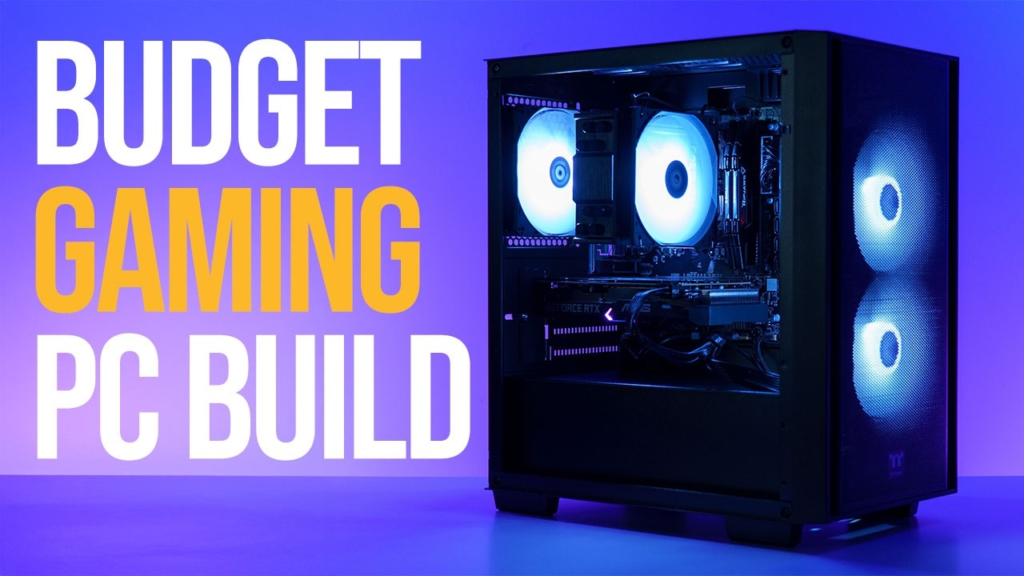
A budget-friendly gaming PC is built around value rather than maximum performance. For me, that usually means targeting smooth 1080p play, accepting that the newest demanding games may need reduced settings, and avoiding components that inflate the price without improving the experience. It is not necessarily the cheapest computer on the shelf; it is the one that spends money where gaming benefits most.
The best low cost gaming PC for one person may not suit another. If you are working with a much smaller budget and considering a laptop instead, see our guide to cheap laptops under $100
I also leave room for practical details such as Wi-Fi, case size, upgrade access, warranty coverage, and the overall hardware you get for the price. Before buying, I compare current prices and read several buyer experiences; readers who want a wider set of independent comparisons can also browse the 2026 PC guide before settling on a machine.
Prebuilt vs. Custom Budget Gaming PC
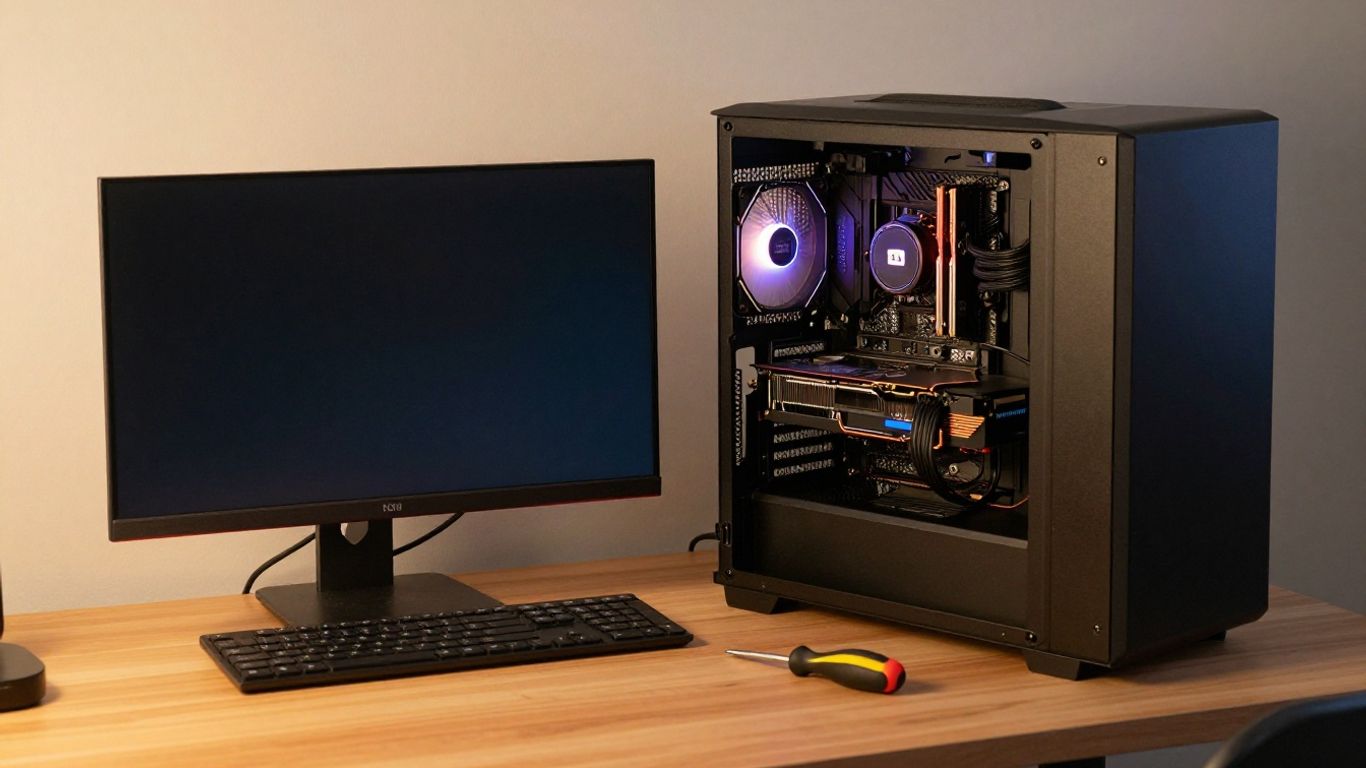
A prebuilt is the simpler route. I can have a working computer delivered with the operating system installed, and I do not need to troubleshoot whether every cable, cooler, and front-panel connector is in the right place. That convenience has real value, especially for a first-time PC buyer or anyone who would rather start playing than assemble a system over a weekend.
A custom build gives me more say over the parts. I can choose a larger SSD, a quieter case, or a power supply from a model I trust instead of accepting whatever happens to be bundled. The trade-off is time: I have to compare compatibility, assemble the machine, install software, and handle the troubleshooting if something does not start immediately.
Prefer something portable? See our tested picks for the best gaming laptops under $500, several match this desktop’s performance per dollar.
The sensible choice depends on the gap between the two prices. A prebuilt can be the better bargain when a sale includes a capable graphics card, while a custom machine can be more rewarding when I already own peripherals or have access to discounted components. I would compare the complete cost, not just the headline price, including Windows, extra storage, shipping, and any upgrades I would make right away.

| Feature | Prebuilt PC | Custom Build |
|---|---|---|
| Setup Effort | Plug in and play | Full assembly required |
| Operating System | Pre-installed | Bought and installed separately |
| Component Choice | Fixed bundle, no substitutions | Fully customizable |
| Compatibility Risk | None, pre-tested | Must verify part compatibility |
| Troubleshooting | Not required | On you if something won’t boot |
| Storage/Cooling Options | Whatever is bundled | Pick your own SSD, case, cooler |
| Time Investment | Minimal | A weekend or more |
| Best Value Scenario | Sale includes a strong GPU | Already own peripherals or found discounted parts |
| True Cost Factors | Headline price usually all-in | Add Windows, storage, shipping, day-one upgrades |
| Best For | First-time buyers who want to start playing immediately | Buyers who want control over parts and are willing to spend the time |
Best Budget Gaming PC Under $500
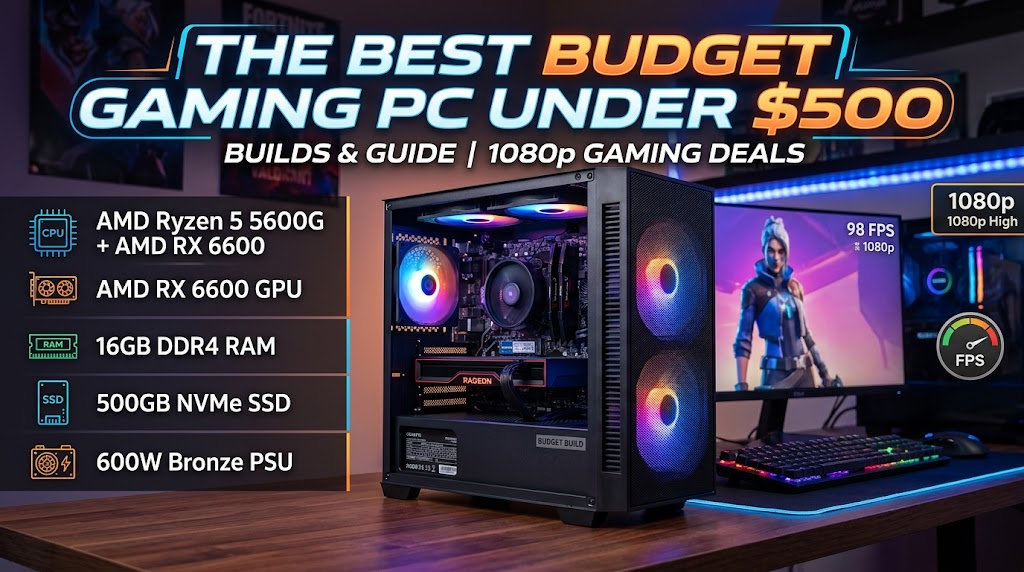
At this price, I would treat the OKAMUS PC as an entry-level desktop for everyday use and light gaming rather than a dedicated 1080p gaming powerhouse. It comes with an Intel Core i5 processor, 8GB of RAM, and a 256GB M.2 SSD, which gives me a reasonable starting point for browsing, work, streaming, and less demanding games. The integrated graphics can handle basic gaming, but the lack of a dedicated GPU limits its performance in newer and more demanding titles.
The OKAMUS pre-built PC can make sense for buyers looking for an affordable starting system, but I would check the exact configuration before treating it as one of the best cheap gaming PCs. The 8GB of RAM and 256GB of storage are both relatively limited for a modern gaming setup, while the 400W power supply also needs to be considered if I plan to add a dedicated graphics card later. For any budget gaming PC list, the ability to upgrade the RAM, storage, and GPU is important with a system like this.
Under $500, I would prioritize a dedicated graphics card and at least 16GB of RAM whenever the budget allows. With this OKAMUS configuration, I would accept the basic case and smaller SSD, but I would plan for a RAM and storage upgrade if I intend to install several games. This tier is better suited to casual gaming, esports titles, everyday computing, and users who want an inexpensive PC that can be upgraded over time.
Pros
- Affordable entry-level PC: The combination of an Intel Core i5 processor, 8GB RAM, and 256GB M.2 SSD provides a basic foundation for everyday computing and light gaming.
- Fast SSD performance: The M.2 SSD helps provide quicker boot times and more responsive everyday use compared with traditional hard drives.
- Easy setup: Windows 11 Home comes pre-installed, allowing the PC to be used shortly after setup.
- Good upgrade potential: The system can serve as a starting point for future upgrades to RAM, storage, and graphics.
- Built-in Wi-Fi 6 and Bluetooth 5.3: Modern wireless connectivity makes it convenient for everyday use and gaming peripherals.
- RGB cooling design: Multiple RGB fans and the vertical CPU cooler give the system an attractive gaming-style appearance.
Cons
- No dedicated graphics card: The integrated graphics are the biggest limitation for demanding gaming and graphics-intensive applications.
- Only 8GB of RAM: This can be limiting for modern games, multitasking, and content creation.
- Limited 256GB storage: The SSD may fill up quickly after installing Windows, applications, and several large games.
- 400W power supply: The relatively modest PSU may restrict which dedicated graphics cards can be added later.
- Mixed user experience: One reviewer reported significant Windows, driver, and software compatibility problems after purchase.
- Not ideal for demanding gaming out of the box: Buyers looking for high FPS or modern AAA gaming should consider a system with a dedicated GPU and more RAM.
Final Verdict
This OKAMUS budget PC is best viewed as an affordable starter desktop rather than a complete gaming machine. The Intel Core i5 processor, M.2 SSD, Wi-Fi 6, and pre-installed Windows 11 make it suitable for everyday work, browsing, streaming, and lighter gaming, while the upgradeable design gives buyers room to improve the system later.
However, the integrated graphics, 8GB of RAM, and 256GB of storage are significant limitations for modern gaming. Adding a dedicated GPU and increasing the RAM would make it much more capable, but buyers should also consider whether the 400W power supply is appropriate for their planned GPU upgrade.
Overall, I would recommend this PC mainly to budget-conscious beginners who want an inexpensive everyday computer with light gaming capability and a path for future upgrades. If gaming is the primary goal, spending more upfront on a PC with a dedicated graphics card and 16GB of RAM would likely provide a better experience.
Best Gaming PC Under $600
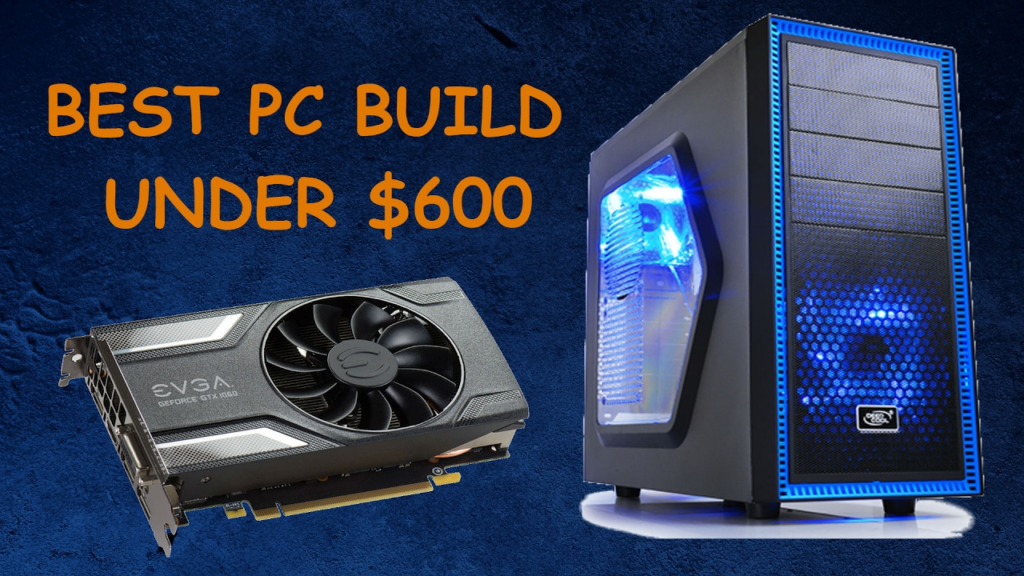
Moving toward $600 makes the purchase less restrictive. I can usually search for a better-balanced combination of processor and graphics card, while still keeping 16GB of RAM and solid-state storage in the plan. This is the point where I would compare deals carefully instead of automatically choosing the cheapest listing.
The following is the rough balance I want to see when comparing budget gaming PC deals. It is not a promise of a particular frame rate, because performance changes with the game, settings, resolution, and exact parts, but it helps me identify where a listing is cutting corners.
| Component Area | What I Would Look For | Why It Matters |
|---|---|---|
| Graphics | Dedicated entry-level GPU | Most direct effect on gaming settings |
| Memory | 16GB dual-channel RAM | A practical baseline for current games |
| Storage | At least a 500GB SSD | Faster loading and room for several games |
| Processor | Recent 4- to 6-core CPU | Helps avoid an obvious system bottleneck |
After checking that balance, I inspect the motherboard, power supply, cooling, and upgrade paths. A system that looks attractive because of one impressive component may be less appealing if the supporting parts are difficult to replace. For readers specifically comparing prebuilt options in this range, a sub-$600 gaming PC selection can provide another useful point of comparison.
I would call this range the practical middle ground. It can suit someone who wants a best bargain gaming pc without building from scratch, provided the machine has the right graphics hardware and does not hide a very small SSD or weak power supply behind a flashy case.
Pros
- Strong value for a starter PC: Reviewers found it offers a good balance of everyday performance, gaming potential, and upgradeability for the price.
- Good everyday performance: The Ryzen 5 5600GT handles work, browsing, multitasking, and professional use smoothly.
- 16GB RAM and 1TB SSD: The combination provides plenty of memory for multitasking and enough storage for multiple games and applications.
- Fast and easy setup: Windows comes pre-installed, and reviewers praised the quick boot times and simple setup process.
- Good upgrade potential: The system provides a solid foundation for adding a dedicated graphics card or making other upgrades later.
- Good cooling and connectivity: The seven RGB fans, Wi-Fi 6, and multiple USB ports make it practical for a modern gaming and work setup.
Cons
- Integrated graphics limit gaming performance: Without a dedicated GPU, demanding AAA and FPS games can suffer from low frame rates and noticeable lag.
- GPU upgrade may be necessary: Serious gamers may need to spend an additional $200–$400 on a dedicated graphics card for better performance.
- Not ideal for high-settings gaming: The system is better suited to casual and lighter games unless upgraded with a dedicated GPU.
- Gaming performance varies by title: Games such as Fortnite and FiveM can be playable, but more demanding games may require significant reductions in graphics settings.
- Some users may want additional upgrades: Although the 16GB RAM and 1TB SSD are good starting points, buyers looking for long-term gaming performance may eventually upgrade other components.
- Minor software/setup issues: One reviewer reported difficulty logging into Epic Games, although the issue was eventually resolved.
Final Verdict
The LXZ Ryzen 5 5600GT is a strong budget-friendly starter PC for everyday work, casual gaming, and users who plan to upgrade later. Its 6-core processor, 16GB of RAM, and 1TB NVMe SSD provide a much more balanced foundation than many entry-level systems, while the fast boot times, Wi-Fi 6, and easy setup add to its overall value.
The main limitation is the integrated graphics. While it can handle lighter games and some popular titles at lower settings, buyers looking for demanding AAA or competitive gaming at high FPS should plan to add a dedicated graphics card. That upgrade can significantly increase the total cost of the system.
Overall, I would consider this a good choice for someone looking for an affordable PC that works well for both gaming and professional use today while leaving room for future upgrades. If your priority is serious 1080p gaming straight out of the box, however, a similarly priced PC with a dedicated GPU would be the better choice.
Best Budget-Friendly Gaming PC Under $700
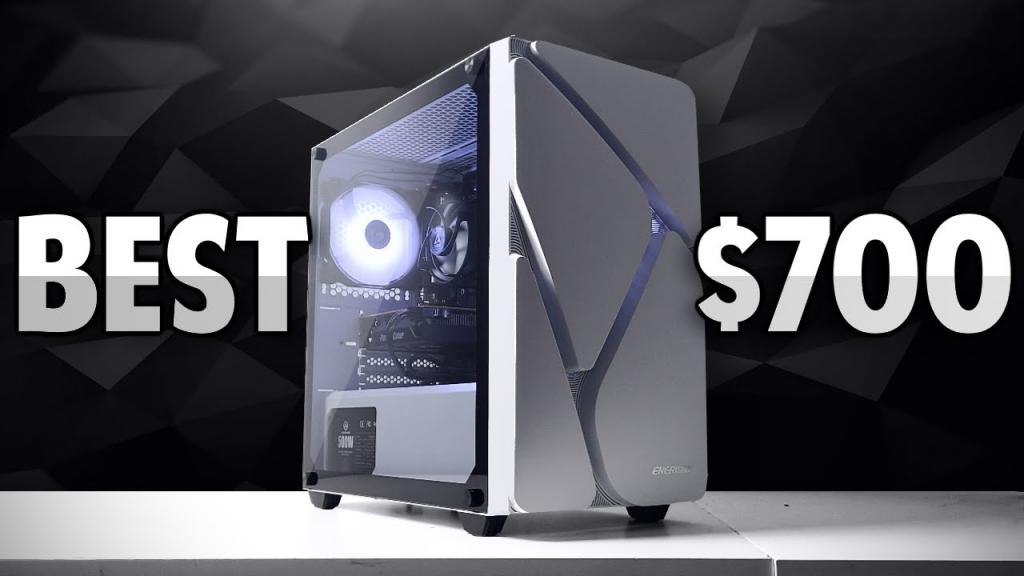
At $700, I would look for a dedicated graphics card rather than relying on integrated graphics, and this WIWB system fits that approach with a Radeon RX 6500 XT 4GB. The Ryzen 5 4500 and 16GB of DDR4 memory also give me a practical foundation for 1080p gaming, multitasking, and everyday use. The 512GB NVMe SSD keeps the system responsive, although I would consider additional storage if I plan to maintain a large game library.
I would spend this budget with gaming performance in mind:
- Choose the dedicated RX 6500 XT when 1080p gaming is the priority.
- Keep 16GB of RAM as a practical baseline for gaming and multitasking.
- Use the 512GB NVMe SSD for fast boot times and game loading, while planning for more storage if needed.
- Check the available upgrade options before buying, especially if I expect to play more demanding games later.
This configuration is also useful beyond gaming. The reviews suggest that it can handle multitasking, dual-monitor setups, office applications, browsing, video calls, and other everyday workloads without significant slowdowns. The prebuilt design also makes it convenient for buyers who want a system that works immediately without building a PC from individual components.
Pros
- Dedicated 1080p gaming GPU: The RX 6500 XT provides a dedicated graphics solution for smoother gaming than integrated graphics.
- Good multitasking performance: 16GB of DDR4 RAM and the Ryzen 5 4500 allow users to run multiple applications without major slowdowns.
- Fast NVMe storage: The 512GB NVMe SSD provides quick startup times and responsive application and game loading.
- Easy setup: The PC arrives assembled and ready to use, making it suitable for beginners.
- Good value and upgradeability: Reviewers praised its price-to-performance balance and noted that the components can be upgraded.
- Quiet operation and attractive design: The cooling system and RGB fans provide effective cooling while giving the PC a modern gaming appearance.
Cons
- RX 6500 XT has limited VRAM: The 4GB graphics memory can become a limitation in newer and more demanding games.
- Not ideal for high-end gaming: Some reviewers noted that demanding games may require reduced graphics settings.
- 512GB storage can fill quickly: A large game library may require an additional SSD or storage drive.
- Bluetooth may not be included: One reviewer reported that Bluetooth was initially missing from their system.
- Ryzen 5 4500 is an entry-level processor: It provides solid performance but may not offer the same long-term headroom as newer CPUs.
- Gaming performance depends on the title: While suitable for 1080p gaming, more demanding games may require compromises in visual settings.
Final Verdict
This WIWB gaming PC is a solid budget-friendly option for 1080p gaming, everyday work, and multitasking. The combination of a Ryzen 5 4500, dedicated RX 6500 XT graphics card, 16GB RAM, and 512GB NVMe SSD gives it a more gaming-focused configuration than entry-level systems that rely solely on integrated graphics.
The main limitation is the RX 6500 XT’s 4GB VRAM, which can restrict performance in newer, graphics-heavy games. The 512GB SSD may also feel small for users who install a large number of modern games. However, the system’s upgradeability gives buyers a way to improve storage and other components over time.
Overall, this is a good choice for someone who wants an affordable prebuilt gaming PC that can handle 1080p gaming and everyday workloads without requiring a custom build. It is particularly appealing to beginners who value easy setup, dedicated graphics, multitasking performance, and the ability to upgrade later.
My Pick for the Best Budget-Friendly Gaming PC
My pick is a balanced custom-style configuration in the $650–$700 range. I would rather distribute the budget across the core components than buy a computer with one exciting specification and several parts that need immediate replacement. The goal is an easy-to-live-with system that handles everyday use as well as gaming.
Recommended $650–$700 Build
I would aim for a recent midrange CPU, a dedicated graphics card designed for 1080p, 16GB of RAM, a 1TB SSD, and a dependable power supply. The case does not need to be large, but it should have sensible airflow and enough room for routine upgrades. This kind of configuration is the center of my search when I compare the best budget friendly pc for gaming options.
Recommended CPU
I would choose a current 4- to 6-core processor with enough performance for games and ordinary multitasking. The CPU should not consume money that would be better spent on the graphics card, especially in a build aimed mainly at 1080p play. I also check the included cooler and motherboard socket so a future upgrade does not require replacing half the system.
Recommended GPU
The graphics card gets the largest share of my attention because it has the clearest effect on resolution, texture quality, and visual settings. I would favor a dedicated card with enough memory for the games I actually play, then compare real prices rather than selecting by brand reputation alone. A sensible GPU choice is what separates a capable gaming machine from a general desktop with gaming aspirations.
16GB vs. 32GB RAM
I would start with 16GB because it keeps the build within budget and is a practical baseline for gaming. Thirty-two gigabytes can be worthwhile if I stream, edit video, run several applications while playing, or want more breathing room over time. If I choose 16GB, I would make sure the motherboard has open slots and that the installed modules are arranged for dual-channel operation.
Recommended SSD Storage
A 1TB SSD is my preferred target for this budget. It gives me useful space for the operating system and a small library without forcing me to uninstall games every week. A 500GB drive can still work in a cheaper configuration, but I would treat it as a starting point and confirm that an additional drive can be added later.
Power Supply and Cooling
I would not treat the power supply as an afterthought. A correctly sized unit from a reputable model line, combined with a case that has unobstructed airflow, helps the computer remain dependable under sustained gaming loads. I also check whether the cooler and fans are included, because a low advertised price can become less attractive once basic cooling needs are added.
Estimated Total Cost
For the tower alone, I would reserve roughly $650–$700, with the final total changing according to sales, operating-system costs, and the exact GPU. I would keep a small buffer for shipping or an extra fan instead of spending every dollar on the initial parts list. That approach makes the purchase less stressful and leaves me with a machine I can use immediately.
Final Verdict: What Is the Best Budget-Friendly Gaming PC?
The best budget-friendly gaming PC is the one that keeps its compromises visible and reasonable. Under $500 can be enough for focused 1080p gaming, while $600 offers a more balanced starting point. If I can spend $650–$700, I would choose the stronger overall configuration and keep an upgrade path open.
The HP Victus 15L and Skytech Archangel 4 are examples of product names appearing in budget PC buying coverage, but I would verify the exact configuration before buying either one. That is the broader lesson: model names are not enough, and a good deal depends on the components inside the specific listing.
I would compare the graphics card first, then confirm the RAM, SSD, power supply, cooling, and warranty. With those checks in place, I can find a low-cost system that feels like a thoughtful purchase rather than a temporary stopgap.
Choose With Confidence
I put together practical gear research so you can spend less time sorting through specifications and more time choosing equipment that fits your needs. When you are ready to compare more technology, browse the full verdicts and use the same careful approach across every category.
Conclusion
A good budget gaming PC does not need to be extravagant. I would focus on a dedicated graphics card, 16GB of RAM, SSD storage, sensible cooling, and a realistic 1080p target, then choose between a prebuilt and custom build according to how much time I want to spend assembling and troubleshooting. That balance is what makes an affordable machine enjoyable for longer.
Frequently Asked Questions
Is $500 enough for a gaming PC?
Yes, but I would keep expectations centered on 1080p gaming and be ready to adjust quality settings in demanding releases. Used parts, sales, or a smaller SSD may be necessary to keep the complete tower within that amount.
Is $600 a good budget for a gaming PC?
$600 is a practical target because it can allow for a more balanced processor, dedicated graphics card, 16GB of RAM, and SSD storage. The exact value still depends on the current price and the quality of the supporting components.
Is a prebuilt or custom PC better for a low budget?
Neither is always better. A prebuilt saves assembly time and may be discounted as a complete package, while a custom PC gives you more control over the parts and future upgrades.
How much RAM does a budget gaming PC need?
I recommend starting with 16GB for a budget gaming system. Moving to 32GB makes more sense when you also stream, edit, multitask heavily, or want additional headroom for future games.
Is an SSD necessary for budget gaming?
An SSD is strongly preferred because it makes system startup and game loading feel much faster than a traditional hard drive. A 500GB SSD is workable, while 1TB is more comfortable for a growing library.
What matters most in an affordable gaming PC?
The graphics card usually deserves the most attention because it has the largest effect on gaming image quality and frame rates. After that, check the processor, RAM configuration, SSD, power supply, cooling, and upgrade options.
Can a budget gaming PC run new games?
It can run many new games, but the experience depends on the exact hardware and the settings you choose. A realistic 1080p target, adjustable quality presets, and a dedicated graphics card make the result much more predictable.