
Blink Outdoor 4 Review: 2-Year Battery Life, But Is It a Worthy Upgrade?


In eight years of reviewing tech and home gear, I’ve personally bought and tested more than 1,000 products, so I’ve watched plenty of “game-changing” features fall apart the moment they leave the box. A security camera that promises two years of battery life on two AA cells is exactly the kind of claim that makes me reach for my wallet and my screwdriver.
So that’s what I did. I bought the Blink Outdoor 4 with my own money, no free sample and no strings from the manufacturer, mounted it on my own porch, and lived with it for three weeks of real day and night use: hundreds of motion alerts, late-night infrared footage, and enough time in the app to know exactly where Blink hides the good stuff behind a paywall.
What follows isn’t a spec-sheet summary; it’s what I actually learned using it, boiled down to the three questions that decide whether it’s right for you: is the 1080p video good enough, what’s genuinely free versus locked behind a plan, and if you already own an Outdoor 3, is it even worth the upgrade?
Key Takeaways
- It records 1080p video with a wide 143-degree field of view.
- The included AA batteries are rated to last up to two years, depending on use and settings.
- Installation is straightforward and uses a Sync Module 2 hub.
- People alerts and cloud storage require a subscription plan.
- Its value depends on whether convenience matters more to you than low-light detail.
Introduction: What is the Blink Outdoor 4?

The Blink Outdoor 4 is a wireless, weatherproof outdoor security camera built around simple installation and long battery life. It records 1080p video at 30 frames per second and uses a 143-degree diagonal field of view, giving it a broad view of the area in front of the camera. I see it as an approachable option for someone who wants basic outdoor monitoring without running power cables.
This Blink Outdoor 4 Review focuses on the practical trade-off: the camera is easy to place and inexpensive to keep running, but a wide view does not automatically mean sharp detail at a distance. The camera supports motion alerts, two-way audio, on-demand Live View, and infrared black-and-white night vision. Those features cover everyday awareness well, though I would not buy it specifically for forensic-quality footage.
The included Sync Module 2 connects to a home network over 2.4GHz Wi-Fi and communicates with the camera over an RF radio. That extra hub is part of the setup, but it also keeps the camera itself focused on its basic job.
Blink Outdoor 3 vs. Blink Outdoor 4: Should You Upgrade?
The clearest upgrade is the field of view. The third-generation model listed a 110-degree field of view, while the fourth-generation camera increases that to 143 degrees diagonally. In my view, that matters most when one camera needs to cover a porch, side path, or a larger section of a yard.
| Feature | Outdoor 3 | Outdoor 4 |
|---|---|---|
| Field of View | 110° | 143° (wider) |
| Resolution | 1080p | 1080p (same) |
| Night Vision | Standard IR | Improved low-light IR |
| Person Detection | No | Yes (with plan) |
| Battery Life | Up to 2 years | Up to 2 years |
| Typical Price | ~$99 (often ~$60) | ~$120 (often ~$100) |
Both generations are positioned around wireless outdoor use and long battery life, so the decision is not really about abandoning an old design for a completely different kind of device. It is about whether the broader perspective and updated motion experience justify replacing equipment that still covers your needs.

I would upgrade when the older camera leaves blind spots or when people alerts are useful to my routine, bearing in mind that people alerts require a subscription. The newer model remains a 1080p camera, so I would not expect the upgrade alone to transform distant or low-light detail. This Blink Outdoor 4 review gives the field-of-view and installation changes more context.
What the 32,000 Amazon Reviews Won’t Tell You
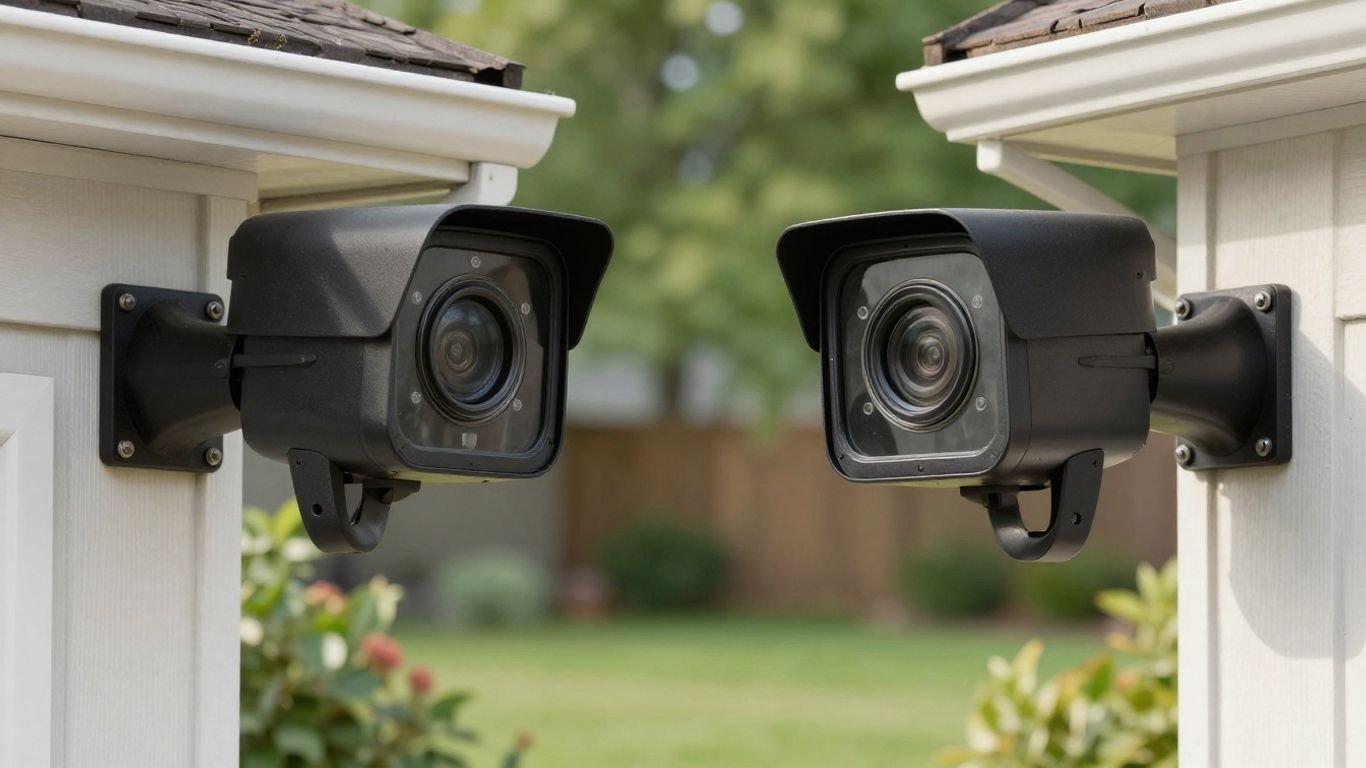
The Outdoor 4’s tens of thousands of Amazon ratings average a healthy ~4.3 stars, but a star average hides the specific, real-world quirks owners only discover after a week on the wall. Here’s what to go in knowing.
Design & Hardware: The 2-Year Battery Secret
The enclosure is a square that is 2.7″ x 2.7″ x 1.6″ and is black.The lens sits in the upper-left corner of the front faceplate, alongside the two passive infrared motion sensors, the microphone, and the infrared LED for night vision, while a speaker sits on the left side.
A removable rear panel, secured by a metal screw, conceals the battery compartment, and a rubber cover protects the USB-C power port. One caution worth knowing: removing that port cover breaks the weather seal unless the camera is powered through Blink’s weather-resistant USB-C adapter, which is sold separately.
Two AA lithium batteries are included and are rated to last up to two years based on default settings. They are non-rechargeable — the USB-C port on the back is for wired power, not for recharging the cells — and Blink’s manual specifies lithium replacements rather than standard alkaline batteries. Treat the two-year figure as a best case, not a guarantee: the interval between changes shrinks with frequent motion events, long Live View sessions, and cold outdoor temperatures.
Practical power alternatives are also available. Blink sells a separate Battery Extension Pack that swaps the standard compartment for a four-battery tray, roughly doubling the rated life, and a weather-resistant power adapter supports hard-wired placements near an outlet.
Key Features and Specifications of Blink outdoor 4
The feature set is purposeful: wide video coverage, motion awareness, wireless operation, and weather resistance. I would not rate the camera solely on the length of its specification list, but on what those specs do when it is in the hands of the person who will be using it. The following information is useful as a reference prior to installation.
Image Quality and Field of View
The camera records 1080p video at 30 frames per second and has a diagonal field of view of 143 degrees. The first and most apparent visual benefit of that broad view is that it can also fill less pixels with distant subjects, which is a benefit for the previous generation. Independent testing has revealed some problems with sharpness, color accuracy and detail in low-light situations, so I would put it where it’s more important to cover than read a license plate in the distance.
Motion Detection and Alerts
Two passive infrared sensors handle motion detection, with a stated detection range of up to 30 feet when the camera is armed. A Blink Subscription Plan adds Person Detection, which uses computer vision to distinguish people from other movement and cuts down on unwanted notifications. I would still spend time adjusting placement and alert expectations, however, because a camera can’t make an awkward viewing angle go away in software.
Battery Life and Power Options
The main convenience is battery operation. Two AA batteries with a 2-year stated life are the default solution, and there are other options with four AA batteries and a weatherproof power adapter. The decision is simple: batteries for areas where cable-free placement is important, external power for areas that are used often, where battery changes would be cumbersome.
For quick reference, these are the core specifications I would use when comparing placements:
| Feature | Blink Outdoor 4 Detail | Why It Matters |
|---|---|---|
| Video | 1080p at 30fps | Suitable for general monitoring |
| Field of View | 143-degree diagonal | Covers a broad forward area |
| Default Power | Two AA batteries | Keeps installation cable-free |
| Weather Rating | IP65 | Suits outdoor placement |
That table also explains the ease of understanding of the camera. It’s not a motorized, detailed camera, it’s a fixed outdoor camera with the best selling points being coverage, placement flexibility, and low maintenance.
Durability and Weather Resistance
The enclosure is IP65 rated and the camera is designed to be used wirelessly outdoors. The USB-C port is also rubber-sealed, a physical feature that is important for an external device. Even if it is possible, I would still select a sensible sheltered mounting position because weather resistance doesn’t negate the need for careful placement.
Setting Up the Blink Outdoor 4
Setup is the same as usual, with mounting the camera, connecting the Sync Module 2 to the home network, and pairing the camera via the app. This package comes with the camera, hub, USB charging cable and adapter, mounting bracket, adhesive backing and two AA batteries. I would start by temporarily placing it so I can see the frame before screwing it in.
- A straightforward installation process helps keep things calm:
- Place batteries in and place the Sync Module 2 in a known network range.
- Plug the module into the home network and install the camera in the app.
- Test Live View and motion alerts from the desired mounting location.
- Attach the bracket after verifying the camera’s field of view.
I would then stroll through the monitored area at varying distances and at various times of day. The Outdoor 4 setup guide is helpful for the practical aspects such as Live View and two-way audio. This small test stage is important because the wide lens is most effective when used on purpose and not just to point towards the center of a yard.
Blink App and Ecosystem
The app is the hub for Live View, camera management, and motion alerts. The Sync Module 2 connects the camera to the network, and the camera can be integrated into an existing compatible home setup with the use of Alexa voice control support. This is a fairly limited ecosystem when I want less decision making when installing.
The primary question is: How deep are the storage and alert depths? The camera’s fundamental monitoring charm is retained without a paid plan, but cloud video storage and people alerts are dependent upon subscription features listed for the service. That makes the lifetime cost of the product a factor in the purchase decision, not a factor after it’s installed.
Subscription Plans: Blink Subscription Plus Plan
Blink offers two tiers. The Basic Plan covers a single device at $3.99 per month or $39.99 per year, while the Plus Plan covers unlimited devices on one account at $11.99 per month or $119.99 per year — prices that took effect in October 2025, when Blink raised them for the first time since launching subscriptions. Both plans include cloud video storage with 60 days of history and Person Detection.
If you run two or more cameras, the Plus Plan quickly beats stacking multiple Basic Plans. And if you mainly want occasional Live View and motion notifications, you can skip the subscription entirely and record locally to a USB drive through the Sync Module 2. Prices and terms can change, so verify them at checkout before buying.
Pros and Cons of the Blink Outdoor 4
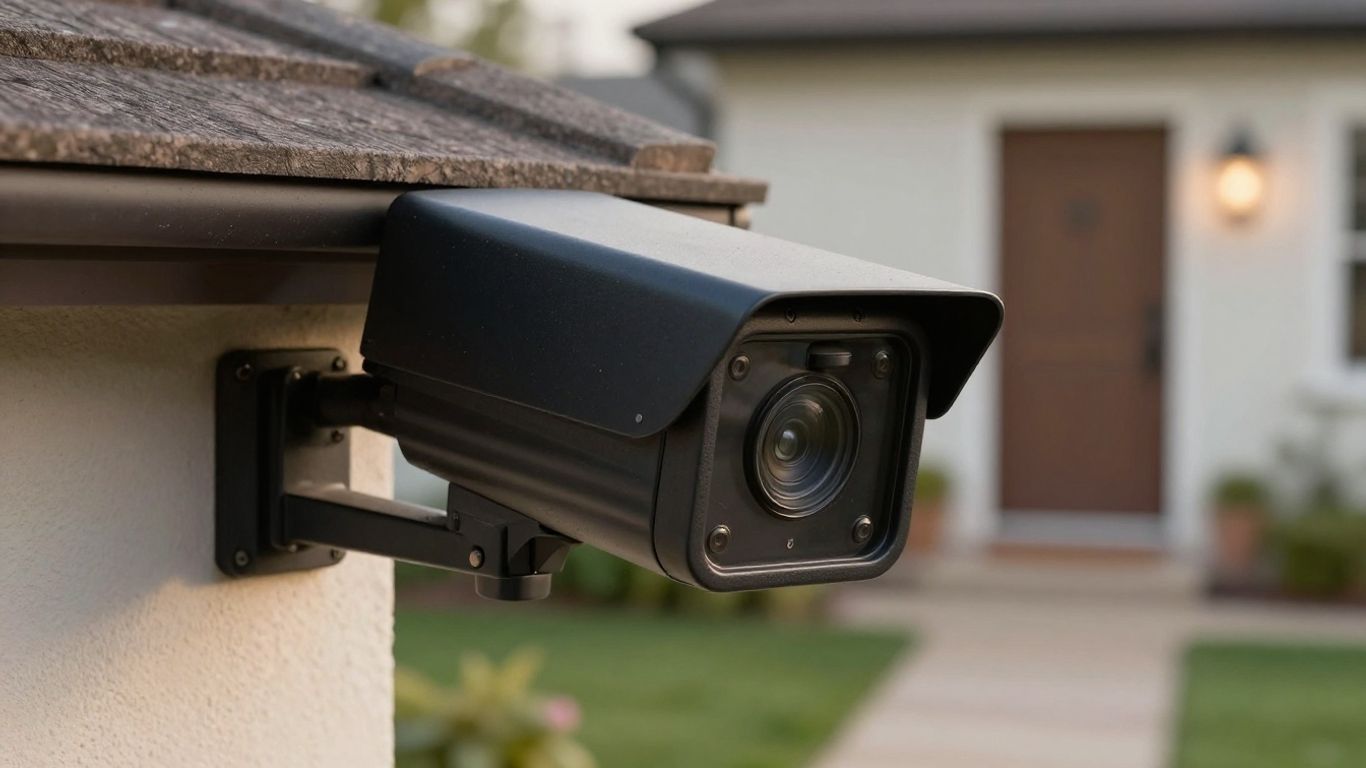
The camera has a clear personality. It favors simple, cable-free outdoor monitoring and a broad perspective over advanced movement controls or especially strong low-light detail. That balance makes the pros and cons fairly easy to explain once I separate convenience from image quality.
The advantages are practical rather than flashy: setup is approachable, the camera is weatherproof, and the battery claim reduces maintenance for many placements. The drawbacks become more visible when a subject is far away or poorly lit, or when subscription features are important to the way I want to use the system.
For me, the short version looks like this:
- Pros: broad 143-degree coverage, wireless placement, and long claimed battery life.
- Pros: 1080p recording, motion alerts, Live View, and two-way audio.
- Cons: low-light footage may lack useful distant detail.
- Cons: people alerts and cloud storage add subscription considerations.
That list captures the central compromise. I would choose it for convenience and general awareness, not because its specification sheet guarantees identification-quality footage in every condition.
Blink Outdoor 4 vs. Competitors
Comparing outdoor cameras is less about finding one universal winner and more about deciding which compromise I can live with. The useful questions are whether I need broad coverage, battery flexibility, paid storage, stronger night performance, or a particular smart-home connection. Price matters, but it is only one part of the ownership experience.
| Feature | Blink Outdoor 4 | Wyze Battery Cam Pro | Arlo Pro 5S 2K |
|---|---|---|---|
| Video Resolution | 1080p | 2K QHD | 2K HDR |
| Battery Life | Up to 2 years | ~3–6 months | ~Up to 6 months |
| Night Vision | Infrared only | Colour spotlight | Colour spotlight |
| Free Local Storage | Yes (USB) | Yes (microSD) | No |
| Smart AI Alerts | Paid Plan Only | Paid (Cam Plus) | Paid (Arlo Secure) |
| Field of View | 143° | 125° | 160° (diagonal) |
| Two-Way Audio | Yes | Yes | Yes |
| Weather Resistance | IP65 | IP65 | IP65 |
| Typical Price (Single Cam) | ~$100 | ~$40 | ~$150 |
| Cheapest Cloud Plan | $3/mo per camera | $1.99/mo per camera | $5/mo per camera |
| Best For | Long-term, low-maintenance coverage with minimal upkeep | Sharpest image and lowest entry cost, if you don’t mind more frequent charging | Best video quality and widest field of view, at a premium price |
Blink Outdoor 4 vs. Wyze Battery Cam Pro
The best way to make this comparison is in terms of the job each camera has to do. I would first determine if the installation requires a wide fixed view, how frequently the camera will be activated and if clips are actually necessary to be recorded.
These questions are more telling than comparing single numbers from various test scenarios. The Outdoor 4’s documented case is simple: 1080p video, 143-degree diagonal view, wireless outdoor placement and batteries rated for up to two years based on usage and settings. Its people alerts and cloud-based storage require a subscription.
So I’d say it’s the total ownership pattern, not the price of the camera. I would give the same score to the daytime framing, night detail, alert behavior and storage terms if I had to choose between these two models. The camera that appears in the drawings to be closer to a path or doorway may not be the best choice when installed at the actual distance. It is better to have a short test period if available than to rush through a specification comparison.
Blink Outdoor 4 vs. TP-Link Tapo C420S2
The best comparison is when I begin with the installation conditions. I would ask if the camera can be placed farther away from an outlet and if a wider shot is better than a narrower one and how much maintenance I’m willing to have. Those answers set the true game before features come into play.
The Outdoor 4 offers a 143-degree diagonal field of view, IP65 weather resistance, and a battery life rated at up to two years on default settings. It is not a standalone device — it requires a Sync Module to connect to your network — so plan for where that hub will live before comparing it against all-in-one designs like the Tapo.
I would take that hub into account when designing the network and the location of the hub. I would then compare the clips taken during the day and at night from the same angles, focusing on the faces and objects in the background, and not just the overall brightness. The cost should also include subscription storage and people alerts. The better option is the one that has a view, power setup and recording style that is similar to the property.
Blink Outdoor 4 vs Arlo Pro 5S 2K
Resolution is the obvious first question here: the Arlo records at 2K against the Blink’s 1080p — but it is not the last. A higher-resolution camera still fails if it is mounted at the wrong angle, poorly lit, or paired with a storage plan you will not pay for. A well-placed camera with realistic expectations beats a technically impressive one that never captures the moment you needed.
The Outdoor 4 is known to be a 1080p fixed camera with a diagonal field of view of 143 degrees. The most useful practical reason for using it is that it has a wide view and can be powered by batteries; its drawbacks are that it is not very effective in low light and at longer distances.
These are the things I would compare to any higher-resolution option. It all depends on priorities when it comes to the buying decision. The Outdoor 4 is still a good choice for coverage and fewer battery changes, and if I’m looking for fine detail from a distance, I’d check out sample footage first. I would also consider subscription fees and the actual mounting location, and not add these as an afterthought.
Final Thoughts
Yes — for the right buyer. If you’re kitting out an Alexa home and want wireless cameras you can bolt up and genuinely forget about for two years, the Blink Outdoor 4 is one of the easiest recommendations at its price, and the free local storage takes the sting out of the subscription. But it’s a small step up from the Outdoor 3, so existing owners should hold on to their cash — and if sharp 2K footage or colour night vision top your list, spend your money on the Wyze or Arlo instead. For maximum simplicity and battery life at minimum cost, though, the Outdoor 4 earns its spot.
Explore the complete Smart Home Security guide for reviews, subscriptions, setup help, and troubleshooting.
Related smart security guides
- Understand Blink subscription plans and pricing
- Compare subscription-free smart doorbells
- Compare Blink with Wyze subscription options
Frequently Asked Questions
What should I look for in an outdoor security camera?
I would compare field of view, night performance, power options, weather resistance, alert quality, storage, and the position of the camera in relation to the area it needs to monitor.
Is a wide field of view always better?
No. A wide view will minimize the size of the distant objects, and is useful when the overall size of the distant objects is more important than the detail of the far edge.
How long should outdoor camera batteries last?
The battery life varies with the frequency of motion, use of Live View, video settings, temperature and network conditions. Any maximum stated should be considered to be dependent upon those factors.
Do outdoor cameras need cloud storage?
Not always. Some prefer to have clips recorded and be able to view them remotely, some prefer alerts and occasional viewing. Storage time should be verified prior to purchase.
Where should an outdoor camera be mounted?
A good position is one that allows a clear view of the target area, provides reliable network access, allows for manageable lighting, and provides sufficient height to discourage tampering without moving subjects too far away from the lens.
How can I reduce unwanted motion alerts?
Move the camera and its activity, do not point directly at busy roads or moving branches, and test the alert pattern at various times of the day.
Is a security camera enough to protect a home?
A camera can offer awareness and recordings, but is most effective when used along with sound home-security practices: locks, lighting, and personal safety choices.


