
What Is a Smart Lock? How It Works, Types, Benefits & Complete Buying Guide 2026

So this weekend, I finally got around to working out the kinks in figuring out what this whole smart lock thing is. I’ve seen a few of them, and, well, they appear quite neat.
I don’t want to be fumbling for keys while I have my shopping hands, do I? I have dug around and discovered a whole lot more than a smartly designed entry system for your door.
Not only how they actually work, but what they come in, I’m going to tell you all about them so we can see if they’re worth the hype.
Key Takeaways
- A smart lock is a connected device that upgrades or replaces your current door lock, offering keyless entry and remote control via smartphone or other devices.
- These locks work using a combination of a motor, a locking mechanism, and communication tech (like Bluetooth or Wi-Fi) to respond to your commands.
- There are various types of smart locks available, including keypad, Bluetooth, Wi-Fi, biometric (fingerprint), and retrofit models that work with your existing deadbolt.
- The main benefits include increased convenience, better security through activity logs and remote access control, and the elimination of lost or copied keys.
- While generally secure with encryption, it’s important to choose reputable brands, keep firmware updated, and use strong passwords to prevent potential hacking or battery issues.
What Is a Smart Lock?
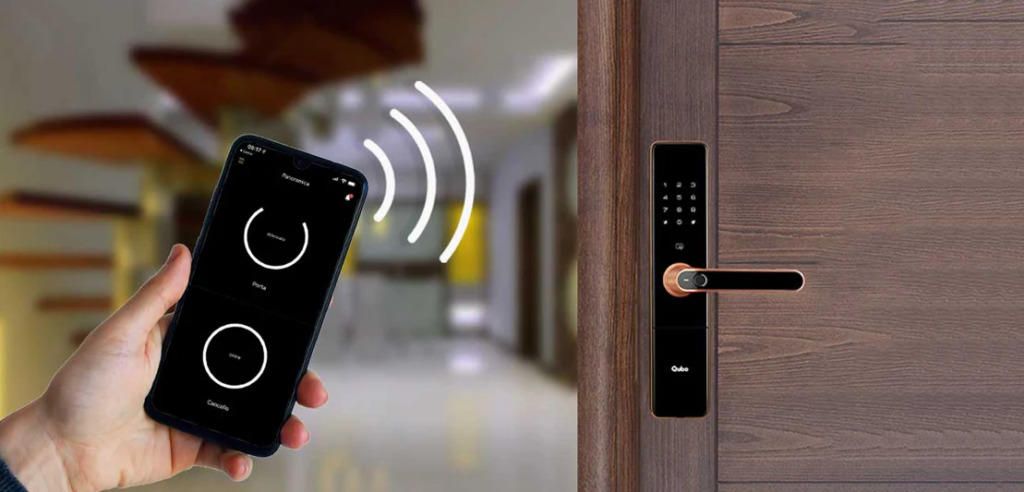
So, what exactly is a good smart lock? It is essentially a lock for your door, linked with the internet or your smart phone that can be controlled to allow someone entry or block it as you wish, without the need of a physical key.
It’s like replacing that old-fashioned, basic, wooden deadbolt with a slightly newer, slightly smarter, and oh-so-elegant deadbolt. I have some research into these myself and they’re quite fascinating as to how they’ve become so prevalent.
They’re everywhere these days, in hotels and apartment buildings and now in our homes. They’re quite popular, and that’s what I’m told by the volume of the market. They add an additional level of security and convenience in addition to your existing lock.
Technical it’s not only about fancy tech, it’s about making life a little easier, say, when you’re carrying groceries, you’d like to get into your house as well. They provide keyless access through various methods such as a smartphone app, keypad entry, or even fingerprint scanning. Many homeowners also pair smart locks with devices like smart video doorbells to create a more complete home security setup.
Traditional keys and locks, while familiar, can actually be quite vulnerable to modern break-in methods. Smart locks offer a way to bolster your home’s defenses against these kinds of threats.
When I began my research, I was amazed at the number of methods to unlock a smart lock. Some have a keypad that you dial a number on, some will use Bluetooth to wirelessly link to your phone and some even use your fingerprint.
It’s far from simply fiddling around with keys in your pocket. The aim is to provide you with more choice and control over your home’s security. If you are in the mood to upgrade your home security, there’s no doubt that you should take a look at a smart lock.
It’s better than the past, and it’s useful and comforting! If you’re wondering how these locks operate, you can read more about their communication methods for a better understanding.
How Does a Smart Lock Work?
The 3 Main Components Inside Every Smart Lock
The smart lock is, of course, very simple in nature. I have discovered that the vast majority of them have three components that work together. There’s the brains, the electronic part, which is typically a small circuit board with a processor.
That’s what your command from your phone or keypad does and it decides what to do. Then of course there’s the power source which is almost always batteries. These will need to be monitored but tend to have a good shelf-life. Lastly, a small motor, the muscle.
Once the electronic brain receives permission to do so, it instructs this motor to turn the deadbolt either to lock or unlock. This is a nice little system alternative to mechanical turning of a key.
Step by Step – What Happens When You Unlock a Smart Lock
So, if I want to enter my residence using my phone, what exactly is taking place? Slightly tricky but quick. I open the app in my phone and press the unlock button.
This communicates with the lock, typically by Bluetooth or Wi-Fi. This is the signal that is transmitted to the lock’s electronics.
When it detects the correct command and the correct phone, it activates the internal motor and it gets busy! This motor then physically actuates the deadbolt mechanism, pulling it back so the door is free to open.
This is pretty cool to think of, as this is all I’d have to do is tap on my screen. For most of these locks, the entire process is essentially the same, whether it involves a keypad, a fob or unlocking the phone.
How Smart Locks Communicate – Bluetooth vs Wi-Fi vs Zigbee
This is a significant aspect of how these locks function: they communicate with our phones and the internet. For short-range, it’s super common, Bluetooth. One of the things it’s very good for is if I am standing at the door and need to unlock it using my mobile phone.
It’s rather straightforward, and less power consuming. Wi-Fi is different, though, because it enables me to connect the lock directly to my home’s internet connection.
This is similar to how devices like a Ring Video Doorbell 4 or other smart home cameras stay connected for remote monitoring and notifications.
There’s Zigbee, which is a little more team player. It is not a direct connection to my phone but to a smart home hub which is the central hub for all my smart devices. The hub then communicates with my router and the internet. This is good for creating a whole smart home system.
| Communication Method | Range | Direct Control | Smart Home Integration |
|---|---|---|---|
| Bluetooth | Short | Yes (with phone nearby) | Limited (via hub) |
| Wi-Fi | Long (Internet dependent) | Yes (from anywhere) | High (direct to router) |
| Zigbee | Medium (mesh network) | No (requires hub) | High (via hub) |
How Encryption Keeps Smart Locks Secure
We’ve talked about what they do, and what they say, but what about their security? Enter encryption, and it’s a big deal. Consider encryption as a secret code.
If I receive the unlock command from my phone, then it’s not being sent in plain text. Instead, it’s scrambled using a complex algorithm. The key can be used to unscramble the lock.
This is very hard for anyone to decipher if they are trying to intercept. Most good smart locks will use strong encryption, such as AES-128 or AES-256, these are the same encryption methods that banks use to keep money safe.
This is a primary reason those locks are generally far more protected than previous fashion key locks that are capable of being duplicated or picked.
The security of a smart lock relies heavily on its communication methods and how well it’s protected against unauthorized access. Encryption plays a vital role in scrambling data, making it unreadable to anyone without the correct decryption key. This protects against signal interception and unauthorized commands, adding a significant layer of safety to the lock’s operation.
I’ve found that choosing a lock from a reputable brand that regularly updates its firmware is also key to staying secure. They’re always working to patch up any potential weaknesses that might pop up over time smart door locks.
Types of Smart Locks Available in 2026
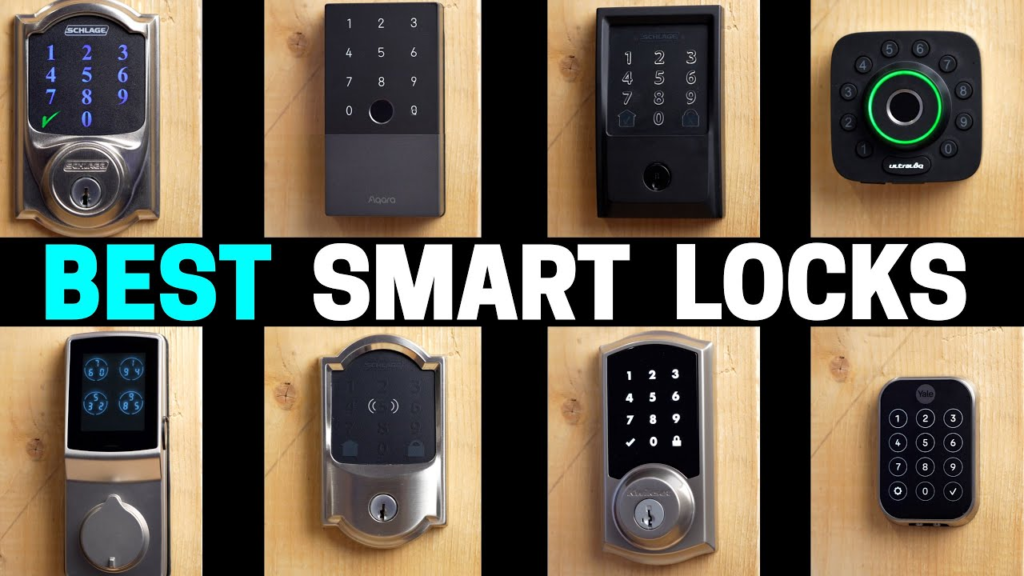
When I started looking into smart locks, I was surprised by how many different kinds there are. It’s not just one-size-fits-all anymore. Each type has its own way of working and its own set of benefits, so figuring out which one is right for my home took some digging.
Keypad Smart Locks – Enter a PIN Code
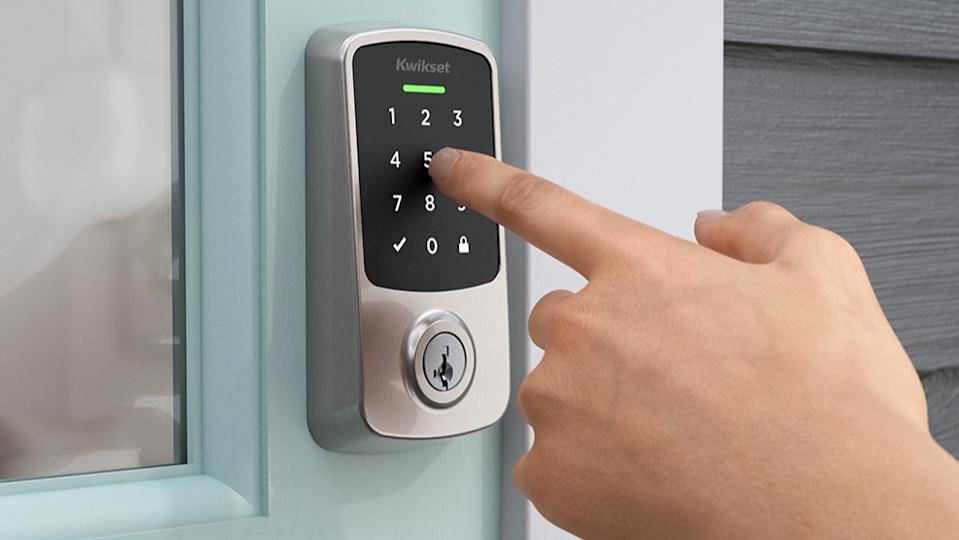
These are very simple ones, in fact. You receive a keypad directly on the lock, and punch a code into the keypad to gain access. It’s better than a traditional key, particularly when you don’t want to have anything with you.
Some will allow you to create temporary codes for guests, so it is convenient. The convenience is awesome but I did always have to worry about someone seeing my code. If you don’t have that kind of fancy for smartphones, it’s a good choice.
Bluetooth Smart Locks – Unlock With Your Phone
This is where it begins to get “smart. The locks ensure that your smartphone becomes your key. Once you’re close to the door, the lock recognizes you by Bluetooth, and opens.
It’s neat and great not to have to dig my keys out of my pocket. It’s typically possible to configure it to allow several individuals in a residence to use it by means of their mobile devices as well. It is convenient but be sure to keep your phone charged!
Wi-Fi Smart Locks – Control From Anywhere in the World
These are the ones that enable you to unlock your door from practically anywhere. Many homeowners combine these locks with smart cameras and doorbells, but before choosing a system it’s also important to understand whether Ring doorbells require a subscription for cloud storage and advanced monitoring features.
This allowed me to verify I had left the door shut after I’d gone to work, or to open it for a friend who dropped by for an unplanned visit, from my cell phone.
A great improvement in control and tranquility. These are among the things that are well known to brands such as August, and they can be connected to other smart home devices.
Biometric Smart Locks – Fingerprint and Palm Vein
This is a high-tech approach to it. Biometric locks are based on your own personal physical characteristics to provide access.
The most popular are fingerprint scanners – I’ve seen dozens of fingerprint scanners that can store dozens of prints. Some newer, more sophisticated, even have facial recognition or palm vein scanning. It’s very safe as nobody else has your fingerprint. Really, it is like out of a spy movie.
Z-Wave and Zigbee Smart Locks – Smart Home Hub Controlled
These locks typically don’t communicate directly with the phone. Rather, they communicate with each other via a smart home center, such as Samsung SmartThings or Amazon Echo.
It’s a nice addition for those already creating a connected house. The hub serves as a translator, and you can manage the lock remotely via the hub’s app. It provides an additional layer of security and is compatible with other devices on the network.
Retrofit Smart Locks – Upgrade Your Existing Lock
This one was a fascinating one that I found myself in. If you’re satisfied with your existing deadbolt, or you don’t want to change out the entire lockset, then a retrofit lock will work best.
It’s basically sewn on the inside of the door and functions with your existing deadbolt. It is generally straightforward to install and can be an excellent method to get smart features without a wholesale replacement. This is a good option if you don’t want to replace your door hardware.
Video Smart Locks – Built-In Camera and Doorbell
Think of a smart lock that’s integrated with a video doorbell. If you’re planning to build a complete smart entry system, you may also want to learn how to install a smart doorbell or explore devices like the Aqara G4 Doorbell and Eufy E340 smart doorbell for additional security features.
Larger unit, requires the correct security entryway, but the concept of one in combination is very appealing. It’s definitely one of the newer trends that I’ve seen that have come around.
When I was looking at all these options, I realized that the best lock for me wasn’t just about the tech, but how it fit into my daily routine and my existing home setup. It’s easy to get caught up in the fancy features, but sometimes the simplest solution is the most effective.
Here’s a quick look at some common entry methods:
| Lock Type | Primary Entry Method(s) | Connectivity Options |
|---|---|---|
| Keypad | PIN Code | Bluetooth, Wi-Fi, Z-Wave |
| Bluetooth | Smartphone App, Proximity | Bluetooth |
| Wi-Fi | Smartphone App, Voice | Wi-Fi |
| Biometric | Fingerprint, Face, Palm Vein | Bluetooth, Wi-Fi, Z-Wave |
| Z-Wave/Zigbee | Hub App, Smartphone App | Z-Wave, Zigbee |
| Retrofit | Smartphone App, Existing Key | Bluetooth, Wi-Fi |
| Video | Smartphone App, Camera Feed | Wi-Fi, Bluetooth |
Benefits of Smart Locks
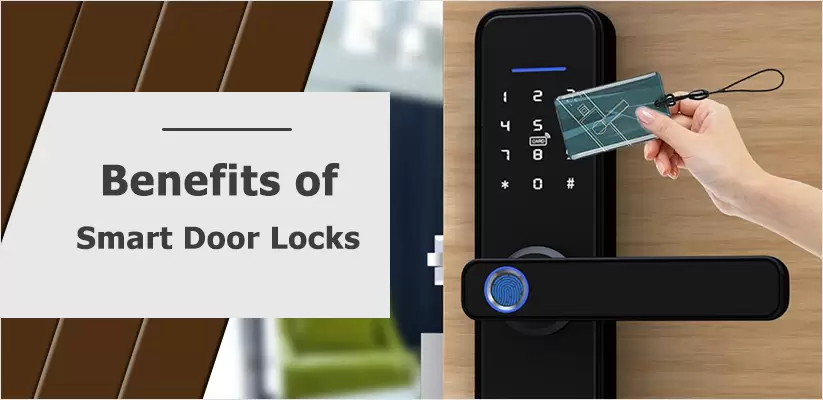
I originally started researching about smart locks and didn’t know if they were the real thing. Well, I have had my old deadbolt for years and it has never failed, right? However, with a little digging, I learned that there’s a lot more to the gadgets than meets the eye.
No more fumbling for keys when I’m carrying groceries or trying to unlock the door with my hands full. Many smart locks even work alongside digital access tools like a key fob system for quicker and more convenient entry.
There’s security, too. It was always a little awkward for me to know that I was able to have my keys duplicated without my awareness.
A smart lock means that I have a digital record of who enters or exits, and I can give temporary keys to people such as dog walkers or repair people without having to give a physical key.
I can disable the user’s access code at a moment’s notice. It is more tamed. Besides, it eliminates that fear of lock bumping, which I was told is a surprisingly common procedure for people to break into a home with a traditional lock. Smart locks provide improved home security.
The ability to manage access remotely and track entry logs provides a level of oversight that traditional locks simply can’t match. This peace of mind, combined with the everyday ease of use, really changes how I think about home security.
Practicality is a major issue, particularly when you have a rental apartment or several people in your home: keys can be a hassle. Smart locks take care of all of that.
No more locksmith visits for re-keying the locks when tenants move or a key is lost. Everything can be controlled from an application, which is convenient and will save time and money. Defensive for the home and life simplifier, it’s pretty solid. This technology offers increased security.
Are Smart Locks Safe and Secure?
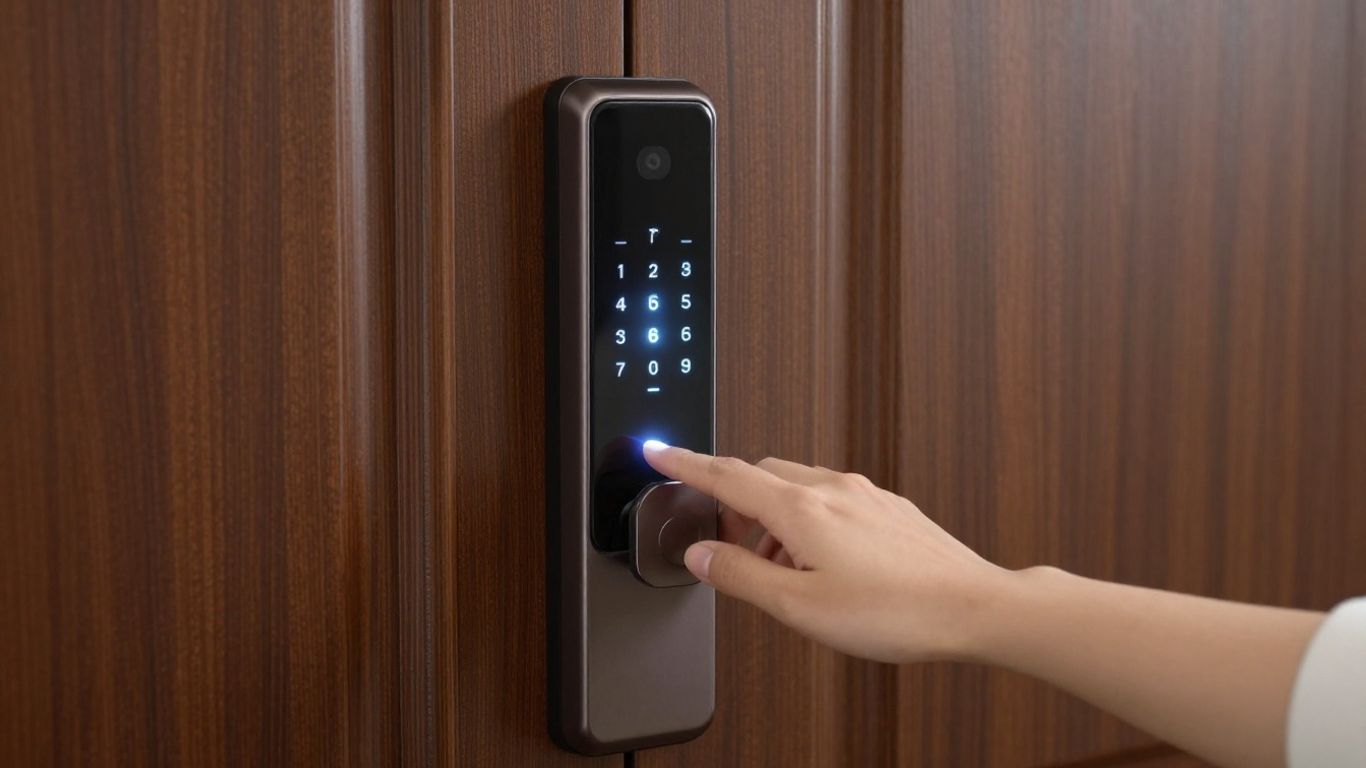
I have been reading a lot about smart locks these past few days and I think the number one question on everyone’s mind is how safe are these locks? Although it’s easy to fall in love with the cool tech, it’s important to remember security must come first, right?
The first thing I discovered when I began my research is that there are some significant drawbacks to mechanical locks, the ones that have a physical key.
Lock bumping is a relatively common trick that can open your door in a matter of seconds with a special key. It seems that almost all deadbolts are susceptible to this.
Smart locks eliminate the pin-tumbler system altogether or replace it with an alternative, thus removing that issue from the equation. Well, that’s a pretty good bonus in my book!
However, like any other technology, smart locks are prone to flaws and can also pose some form of vulnerability since they are connected to the internet.
Nonetheless, this risk is known by the manufacturers of such smart locks. They incorporate top-notch encryptions for communication between the phone and the lock just as banks do to their online services.
It is not simply a matter of picking a lock; hacking into one smart lock will require more effort and expertise than hacking an average lock.
The reputable companies also offer frequent updates to counter the possible loopholes discovered hence the need to update the software regularly. Getting smart locks from reputable companies is crucial, and they usually possess advanced encryption and security systems for home protection.
The reality is, most break-ins are crimes of opportunity. If your doors are unlocked or a window is left open, that’s usually an easier target than trying to hack into a secured smart lock. Making sure your smart lock is properly installed and that you’re using strong passwords for its app is a big part of keeping things safe.
Also, it should be mentioned that most of these types of locks have an additional backup option in case of battery failure. So, you do not find yourself trapped outside your door.
Although, it may sound a little bit scary that someone could potentially hack your lock, but there is a very low probability of it happening in case you choose a reliable model and adhere to certain safety measures.
Personally, I see no harm in using these locks, given their higher level of protection from old-school types of break-in.
Where Are Smart Locks Used?
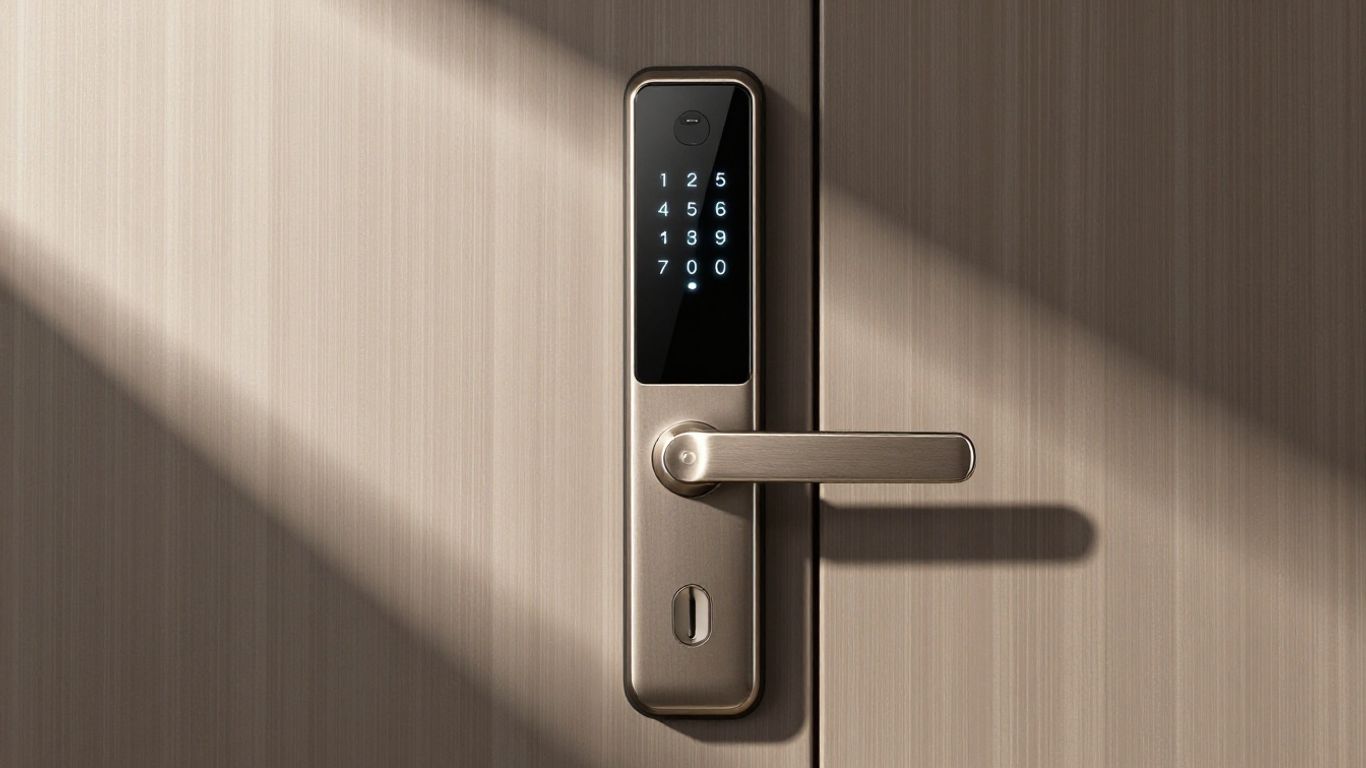
Initially, when I was thinking of installing smart locks on my apartment, I primarily envisioned the front door. This would make sense, because that is what most people usually go for. However, after researching further into smart locks, I was pleasantly surprised at how versatile their installation locations are.
Of course, installing these locks at the front and rear entrances would be a logical thing to do. Many homeowners also install smart doorbells alongside them, and understanding how to wire a doorbell or how to wire a Ring doorbell can make the installation process much easier.
Nevertheless, I have also read many articles about weather protection for outdoor usage of locks. After all, you definitely wouldn’t want your smart lock becoming faulty due to weathering caused by exposure to rain or snow. Fortunately, the latest models are fully reversible, although you might want to check just in case.
And finally, there are garage doors. Modern garage door openers are very impressive indeed, as many of them will even be able to detect that you are coming their way and open themselves automatically. They are not just from sci-fi anymore, and they can sometimes be attached to the old models, which is very convenient for many consumers.
However, what was most surprising for me were their applications within the house itself. Here we speak about interior doors.
Imagine such a place as your bedroom, or perhaps an office space within the house, or a room belonging to one of the kids. Fitting these doors with a smart lock system provides an additional level of security and privacy to your home.
It seems like smart locks are moving beyond just the main entry points. People are finding creative ways to use them for privacy and security in all sorts of areas around their homes and even in places like apartments or small businesses.
It seems that hotels and apartment rentals have already been utilizing such innovations for some time now. Considering the practicality of controlling guest and employee entry without literally dealing with tons of keys, the idea seems quite obvious.
From the point of view of the house owners, being able to manage who can get into their home from their phone is very important.
In addition to providing security for the homeowner, such an innovation allows the owners to provide temporary access to the visitors and manage this access remotely via their phones.
It is a rather drastic change from a simple lock mechanism and, therefore, I can understand why this kind of technology is becoming more widespread in everyday use for multiple purposes. There are multiple kinds of smart locks available for purchase.
With the rise of smart locks, security in homes has never been better. From the front door to back door and even inside to safeguard rooms or cabinet spaces, smart locks will serve your needs well if you’re a busy family, constant traveler, or just want an easier way to get in and out of your home. Looking for the best smart locks? Check out our website!
So, What’s the Verdict?
So, that was all about the topic of smart locks. We covered everything starting from working principle to different types of locks and the benefits from using a smart device at all.
Personally, I am sure that they are amazing, and they have many advantages both for homeowners and for renters. It is much easier for you to get access to your house when you carry a lot of things in your arms, and the security level increases significantly.
You don’t need to worry about spending too much on a new high-tech lock because there are lots of models available at any price point. You only need to choose what features you would like to have and buy the model from a reliable manufacturer.
Frequently Asked Questions
How safe are these smart locks, really?
I’ve found that smart locks from big names like Yale and Schlage are pretty dependable security tools, as long as I use them the right way. Just like leaving a key under the mat doesn’t make a regular lock safe, using ‘1-2-3-4’ as a PIN for a smart lock won’t keep you secure either. That said, they can actually be safer than old-school locks because losing your keys is much easier than losing your fingers if you’re using a fingerprint lock.
Do smart locks still use regular keys?
Yes, they do! Most smart locks either have a spot for a traditional key, just like your old lock, or they have a special slot for an emergency key. This means I can still get into my house even if the smart features have a glitch or the battery dies.
Why do smart locks cost so much?
It’s true, smart locks aren’t the cheapest gadgets. Think about it: they have all the regular parts of a lock, plus the smart tech like computer chips and wireless radios. Then there’s the software and security features, like encryption, to keep things safe. So, when I see one for under $100 these days, I consider that a pretty good deal considering everything that goes into making it.
Can someone hack into my smart lock?
It’s possible, just like any device that connects to the internet. However, if I choose a lock from a well-known company, the connection between the lock and my phone or home network is usually encrypted, making it really hard to break into. Plus, most break-ins happen because it’s easy, like an unlocked window, not because someone hacked a smart lock.
Are there any risks with using smart locks?
While hacking isn’t a huge worry thanks to encryption, there are still a couple of things I keep in mind. Battery-powered locks can be a pain if I forget to charge them. And even though hacking a smart home device is unlikely, I can reduce the risk by using strong passwords and setting up extra security steps like two-factor authentication.
Is it difficult to install a smart lock myself?
For many smart locks, I’ve found that installation is surprisingly straightforward. Many are designed to replace your existing deadbolt without needing any special tools or complicated wiring. Some just fit over your current deadbolt. I usually find that I can get them up and running in about 30 minutes to an hour by following the instructions.
Ready to Choose the Right Smart Doorbell?
Now that you know how to install a smart doorbell, the real question is — which one is actually worth your money? Don’t guess. We’ve tested the top options so you can pick the best one for your setup.
👉 Pro tip: If you want zero monthly fees, start with Eufy. If you prefer Alexa integration, Ring might suit you better.