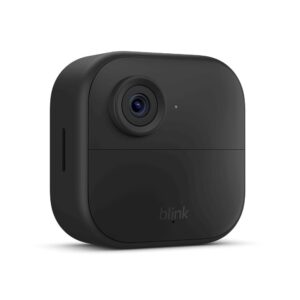
Blink Camera Subscription: Plans, Pricing, and Whether You Actually Need

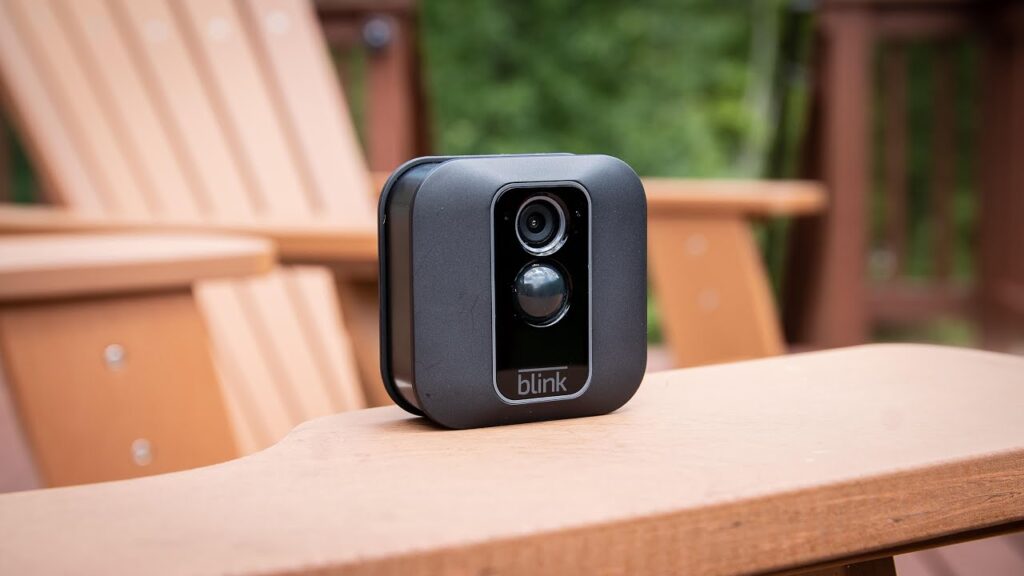
I’ve been looking into the Blink camera subscription lately, trying to figure out if it’s really worth the money. Blink cameras themselves are pretty affordable, which is a big draw. But then you get to the subscription part, and it can get a little confusing with all the different plans.
I wanted to break down what you get, what you miss out on if you don’t subscribe, and ultimately, if I think it’s a good deal for most people.
Key Takeaways
- Without a Blink camera subscription, you can still use live view and get motion alerts, but you won’t get cloud storage for recordings.
- The Basic plan costs $3/month per camera and offers cloud storage for 60 days, along with person and vehicle detection.
- The Plus plan is $10/month for unlimited cameras, including everything in Basic, plus an extended warranty and a discount on Blink products.
- AI-powered smart detection features, like distinguishing between people and other motion, are available with the AI versions of the Basic and Plus plans.
- While Blink offers local storage via a USB drive with the Sync Module 2, cloud storage with a subscription provides more convenience and features like video sharing.
Do You Actually Need a Blink Subscription?
So, the big question: do Blink cameras require a subscription? The short answer is no, you don’t have to have one to use your Blink cameras. But if you’re specifically trying to avoid monthly fees, it’s worth checking out the best smart cameras and doorbells without a subscription before choosing a system.
You can still get live views and motion alerts right on your phone through the app, which is pretty neat. It means you can see what’s happening around your house without paying extra monthly fees.
However, there are some pretty significant things you miss out on if you skip the subscription. Think about what you want from a security camera. For me, I want to be able to review footage later if something happens. Without a subscription, you can’t save video clips to the cloud. That’s why some users prefer alternatives like the Eufy E340 smart doorbell, which offers local storage without ongoing subscription costs.
Here’s what you can do without a subscription:
- See a live video feed from your cameras anytime.
- Get instant notifications on your phone when motion is detected.
- Use two-way audio to talk through the camera.
But if you want to record and store video, you’ll need to consider a plan. You can use a USB drive with a Sync Module 2 for local storage, but cloud storage is where the subscription really shines.
It makes accessing and sharing footage much easier. Plus, the subscription plans offer features like AI-powered detection, which can tell the difference between a person, a package, or just a car driving by. This really cuts down on those annoying false alarms.
Important Consideration
While Blink cameras work without a subscription, their most valuable feature—recording and reviewing video footage—is significantly limited. If you want a complete security experience with cloud video history and event playback, a Blink Subscription Plan is well worth considering.
If you’re just looking for a quick peek at what’s going on, the free features might be enough. But for actual security monitoring, where you might need to look back at events, do you need a subscription for Blink cameras? I’d say it’s highly recommended.
Blink does offer a free trial of their Plus plan, which is a good way to test out the features before committing. You can check out the Blink Plus trial details to see if it’s right for you.
What Blink Cameras Do For Free
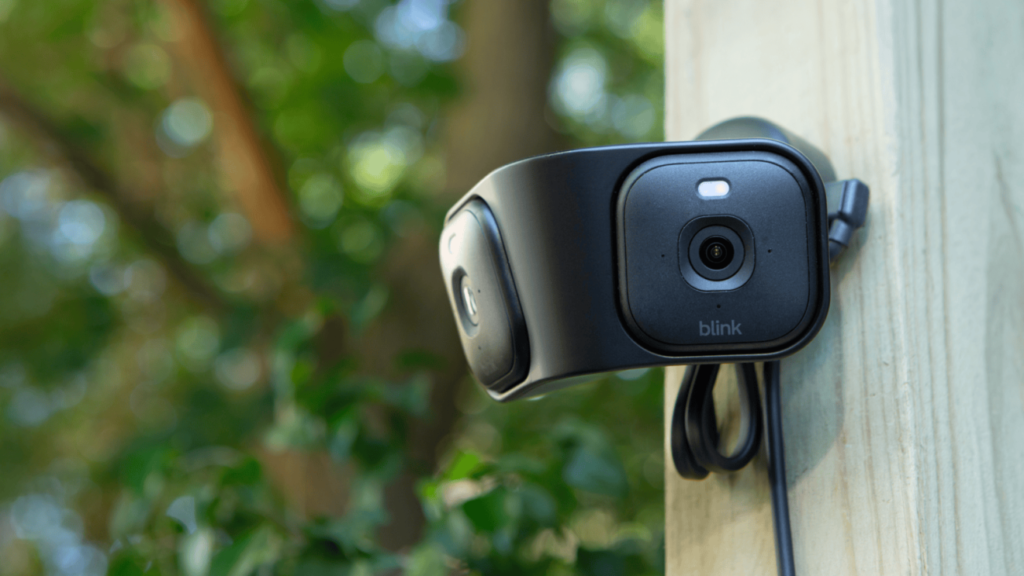
Even without paying for a Blink camera subscription, these devices still offer a decent set of features for basic home monitoring. I’ve found that for everyday use, what Blink provides for free is often enough.
You can still get motion alerts sent straight to your phone, which is pretty handy. Similar basic features are also available in systems like Ring though their full functionality depends on plans, as explained in this guide on whether a Ring doorbell requires a subscription.
Here’s what I can do with my Blink camera without any extra monthly fees:
- Receive motion alerts: When the camera detects movement, I get a notification on my phone. It’s a good way to know if something’s happening.
- Watch live video: I can pull up the app anytime and see what’s going on in real-time. This is great for checking on pets or just seeing if the kids got home from school.
- Use local storage: If I have a Sync Module 2, I can save video clips directly to a USB drive. This means I don’t have to rely on the cloud for storing footage, which is a big plus for me. In fact, devices like the Aqara G4 smart doorbell also focus heavily on local storage and privacy-first features, which is a big plus for me. This is a key feature for anyone looking at a blink camera without subscription.
Good to Know
Blink previously included free cloud storage with its cameras, but that benefit is no longer available for most new users. If you want your motion events and clips stored in the cloud for later viewing, you’ll need one of the Blink Subscription Plans. Otherwise, you’ll be limited to live viewing or local storage on compatible devices.
So, while you can definitely use a Blink camera without a subscription, understanding how much is a Blink camera subscription can help you decide if the paid features are worth it for your specific needs. For me, the free features cover the basics, but I’m still considering the blink camera subscription cost for added convenience.
What You Lose Without a Blink Subscription
So, what happens if I decide not to sign up for a Blink subscription? It’s a fair question, and honestly, you can still get some use out of your cameras. You’ll still have access to live view, which is handy for checking in on things anytime.
Plus, you’ll get motion notifications sent straight to your phone, so you know if something’s up. And the two-way audio? Yep, that still works, letting you talk to whoever’s there.
But here’s where things get a bit more limited. Without a subscription, you lose out on cloud video storage. This means you can’t save recordings of motion events or live view sessions to the cloud.
If you want to keep a record of what happened, you’re out of luck unless you have a specific camera model that supports local storage.
All Four Blink Subscription Plans Explained
Blink offers a few different subscription tiers, and they’re designed to cover different needs. It’s not just one-size-fits-all, which is good. You’ve got options ranging from covering just a single camera to managing an unlimited number of cameras across your home.
Basic — $3/month per camera, what it includes
The Basic plan is pretty straightforward. For a few bucks a month, you get cloud storage for one camera. This means you can save video clips for up to 60 days. It’s a decent option if you only have one or two cameras and don’t need all the bells and whistles.
Basic ai — AI-powered text descriptions and smart detection
This tier builds on the Basic plan by adding some smarts. It includes AI-powered features that can help identify what’s happening in your videos. Think of it as getting smarter alerts that can tell you if it’s a person, a package, or just a car driving by. This can cut down on a lot of those annoying false alarms.
Plus — $10/month for unlimited cameras, what it includes
If you’ve got a bunch of Blink cameras around your house, the Plus plan is likely the way to go. For a flat monthly fee, you can cover all your cameras. This plan also includes the 60-day cloud storage for all of them, plus a few extra perks like a discount on new Blink gear and an extended warranty on your devices. It’s a good deal if you’re heavily invested in the Blink ecosystem.
Plus ai — the top tier with full AI features and extended warranty
This is the top-of-the-line option. It bundles everything from the Plus plan – unlimited cameras, cloud storage, discounts, and the extended warranty – and adds the full suite of AI features.
This means you get the smartest detection capabilities and the most comprehensive protection for your cameras. It’s the most expensive, but it gives you the most functionality.

“If long-term cost is your priority, Wyze offers the best overall value. Blink is a close second for most homeowners, while Ring is worth considering if you prioritize its ecosystem over the higher subscription cost.”
Blink Subscription vs Ring vs Wyze — Which Is Cheapest Over 3 Years?
When I started looking into home security cameras, the costs really added up in my head. It’s not just the cameras themselves, but what you need to actually use them properly. I decided to do a deep dive into how Blink stacks up against Ring and Wyze over a three-year period, focusing on the total cost, including subscriptions.
Here’s a breakdown of what I found:
Blink: Blink’s subscription plans are pretty competitive. The Basic plan is about $4 a month per camera, or $40 a year. The Plus plan, which covers unlimited cameras, is $12 a month or $120 a year. Over three years, if you have just one camera and stick with the Basic plan, you’re looking at roughly $120 for the subscription. If you have multiple cameras and opt for the Plus plan, it’s around $360 for three years. This is generally on the lower end compared to some other brands.
Ring: Ring’s subscription costs are a bit higher. If you’re considering switching, this Ring Video Doorbell 4 review gives a clear picture of features, pricing, and overall value. The Protect Plus plan, which covers unlimited cameras, is $10 a month or $100 a year. So, for one camera on the Basic plan over three years, it’s about $150. For unlimited cameras on the Plus plan, it’s around $300 for three years. It’s a bit more expensive than Blink’s Plus plan, but cheaper for a single camera if you compare their top tiers.
Wyze: Wyze is known for being super budget-friendly. Their Cam Plus subscription is about $2 a month per camera, or $20 a year. This is significantly cheaper than both Blink and Ring. Over three years, a single camera on Wyze’s plan would only cost about $60 for the subscription. Even if you have several cameras, the cost remains quite low compared to the others.
“If long-term cost is your priority, Wyze offers the best overall value. Blink is a close second for most homeowners, while Ring is worth considering if you prioritize its ecosystem over the higher subscription cost.”
It’s important to remember that these figures are just for the subscriptions. The initial cost of the cameras themselves also plays a big role in the overall investment. However, for ongoing cloud storage and advanced features, Wyze offers the most budget-friendly option I found. You can find some really affordable home security cameras if you do your homework.
Is the Blink Subscription Worth It? Our Verdict
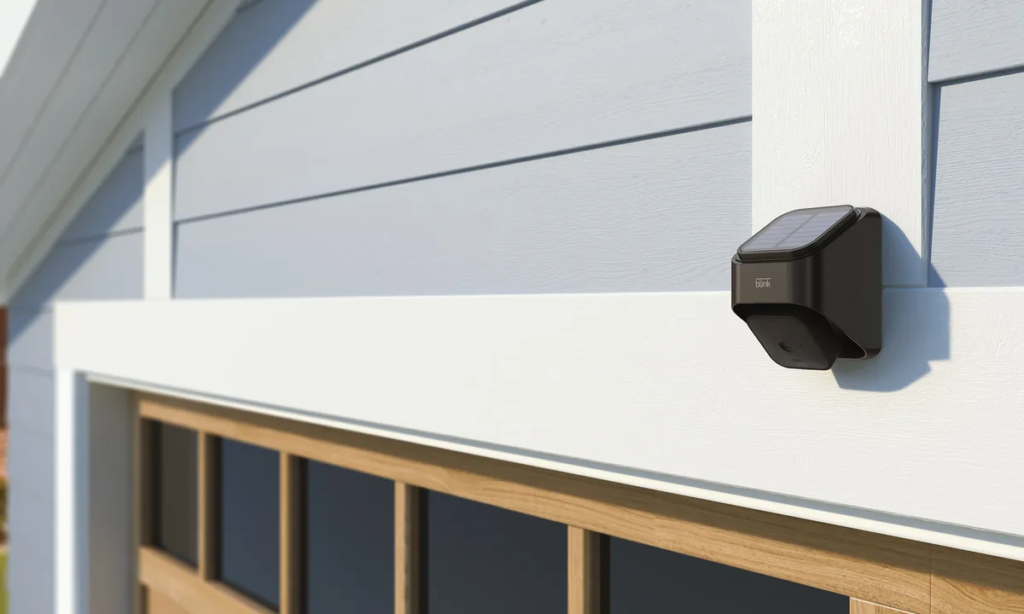
So, after looking at all the plans and what you get (and don’t get) without one, I have to say, it really depends on what you’re trying to do with your Blink cameras.
If you just want to peek in on your pets or get a quick alert when someone walks by, you can probably get by without a subscription. The live view and motion alerts still work, which is something.
But if you want to actually record what happens, or have smarter alerts that don’t go off every time a leaf blows by, then yeah, you’re probably going to want a subscription.
It’s not outrageously expensive, especially if you have a few cameras. The Basic plan at $3 a month per camera isn’t too bad, and it gives you cloud storage for 60 days. That’s pretty decent, honestly.
Here’s what I found myself wanting:
- Cloud recording: This is the big one for me. Without it, you can’t save any video clips. If something actually happens, you’ve got nothing to show for it.
- Smarter detection: The AI features, like person detection, really cut down on those annoying false alarms. I don’t want to get a notification every time a car drives by or a branch falls.
- Video sharing: Being able to easily share clips with family or, heaven forbid, the police, is a pretty big deal.
“If you have more than two Blink cameras, I’d recommend the Plus Plan. Unlimited camera support, an extended warranty, and a 10% discount on future Blink purchases make it the better long-term value.”
Ultimately, Blink cameras are a budget-friendly option, and their subscription plans are priced to match. While you can use them without paying monthly, you’re missing out on the core features that make them truly useful for security.
I think for most people, the cost is justified for the peace of mind and the ability to actually save and review footage. It’s a small price to pay for added security compared to not having any recording capabilities at all.
So, is the Blink subscription really worth your money? We’ve looked into it and have a clear answer for you. If you’re wondering whether Blink’s extra features are a good deal, check out our full verdict on their subscription plans. Visit our website to find out if Blink is the right choice for your home security needs.
So, Do You Actually Need a Blink Subscription?
After looking at everything, I think the Blink subscription is a pretty good deal, especially if you want to save your video clips. The Basic plan is really affordable, costing less than a cup of coffee each month, and it gives you cloud storage for 60 days, which is more than most others offer.
Plus, features like person detection really cut down on annoying false alarms. If you have more than one camera, or you want that extra discount on new Blink gear and a longer warranty, the Plus plan makes sense.
But honestly, if you just need to check in live or get motion alerts, you can skip the subscription and still get a lot out of the cameras. It really comes down to what you need your cameras to do for you.
Frequently Asked Questions
Do I really need to pay for a Blink subscription?
Not necessarily! You can still use your Blink cameras to see live video and get alerts when motion is detected, even without a subscription. However, if you want to save your video recordings to the cloud, share them with others, or get smart AI features like person detection, then a subscription is a good idea. I found that the AI features really cut down on annoying false alarms.
What cool stuff can I do with Blink cameras for free?
Even without paying for a subscription, Blink cameras let you watch live video anytime through the app. You’ll also get notifications on your phone if the camera detects movement. It’s pretty handy for keeping an eye on things around your house without spending extra cash.
What important features do I miss out on if I don’t get a Blink subscription?
Without a subscription, you won’t be able to save video clips to the cloud. This means if something happens, you won’t have a recording of it. You also miss out on advanced features like person detection, which helps the camera tell the difference between a person and a pet or a car, and the ability to share video clips easily.
What are the different Blink subscription plans?
Blink offers two main plans. The ‘Basic’ plan is for a single camera and costs about $3 a month. The ‘Plus’ plan is for unlimited cameras in your home and costs about $10 a month. There are also ‘Plus AI’ and ‘Basic AI’ versions that add smart detection features.
How much do Blink subscriptions cost?
The Basic plan costs around $3 per month or $40 per year for one camera. The Plus plan, which covers all your cameras, is about $10 per month or $120 per year. They also offer AI-enhanced versions of these plans for a bit more money.
Is the Blink subscription worth the money for me?
That really depends on what you need. If you just want to check in on your home live or get basic motion alerts, you might be fine without it. But if you want to save recordings, share videos, or have smarter detection that tells you if it’s a person or just the wind, then I think the subscription is definitely worth considering, especially the Plus plan if you have multiple cameras.