7 Best Gaming Laptops Under $500 in 2026: Budget Picks for Light Gaming, Students & Cloud Gaming

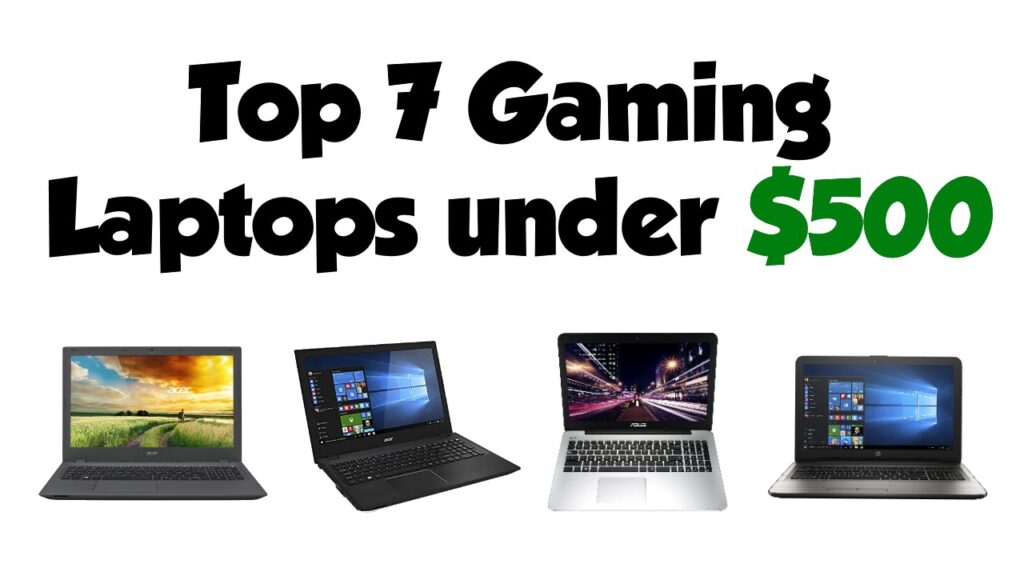
Finding the best gaming laptop under $500 in 2026 is possible, but it requires realistic expectations. At this price, most new laptops are better for light gaming, esports, indie games, older titles, or cloud gaming instead of high-end AAA gaming.
In this guide, I compare budget Windows laptops, Chromebooks, and sale/refurbished gaming models that offer the best value for students, casual gamers, and everyday users.
I’ll also explain what specs to check before buying so you don’t waste money on a laptop that looks like a gaming machine but performs like a basic office laptop.
Key Takeaways
Here are the most important things to know before buying a gaming laptop under or around $500.
Expect Compromises
Under $500, expect light gaming, esports, indie games, older AAA titles, or cloud gaming instead of ultra settings.
Sales Matter
The strongest picks are often renewed, refurbished, open-box, or older-generation gaming laptops.
Dedicated GPU Is Rare
If you find RTX 3050, RTX 2050, or GTX 1650 near $500, check the seller, condition, and warranty carefully.
Cloud Gaming Helps
Chromebooks and basic laptops can stream demanding games if your internet connection is strong and stable.
Verify Specs First
Always check CPU, GPU, RAM, SSD, display, condition, warranty, and return policy before buying.
Quick Picks: Best Gaming Laptops Under or Around $500
Use this quick table to match each laptop with the right buyer, gaming type, and buying condition.
| Laptop | Best For | Gaming Type | Main Buying Note | Best Buyer |
|---|---|---|---|---|
| ASUS TUF Gaming A15 | Best renewed/sale pick | Local gaming if dedicated GPU model | Usually not under $500 new; look for renewed or open-box deals. | Budget gamers who want a real gaming chassis. |
| Acer Aspire Go 15 | Best everyday laptop | Integrated graphics + cloud gaming | Not a true gaming laptop; check RAM and SSD carefully. | Students and casual users. |
| Lenovo IdeaPad Gaming 3 | Best student gaming pick | Local gaming on older dedicated GPU models | Great if found with GTX or RTX graphics near $500. | Students who need school plus gaming. |
| HP Victus 15 | Best real gaming deal | Local 1080p gaming on sale configs | Often above $500 unless discounted. | Gamers who want the strongest value deal. |
| Acer Nitro V 15 | Best 1080p sale pick | Local 1080p gaming | Great gaming line, but normally above $500 new. | Gamers who can stretch budget or buy open-box. |
| DERE 14 Inch Laptop | Cheapest option | Very light, browser, or retro games only | Do not treat it as a serious gaming laptop. | Absolute budget buyers. |
| Acer Chromebook Plus 514 | Best cloud gaming pick | Cloud gaming, Android, and web games | Not for installing most Windows PC games locally. | Students and cloud gamers. |
Can You Really Game on a Laptop Under $500 in 2026?
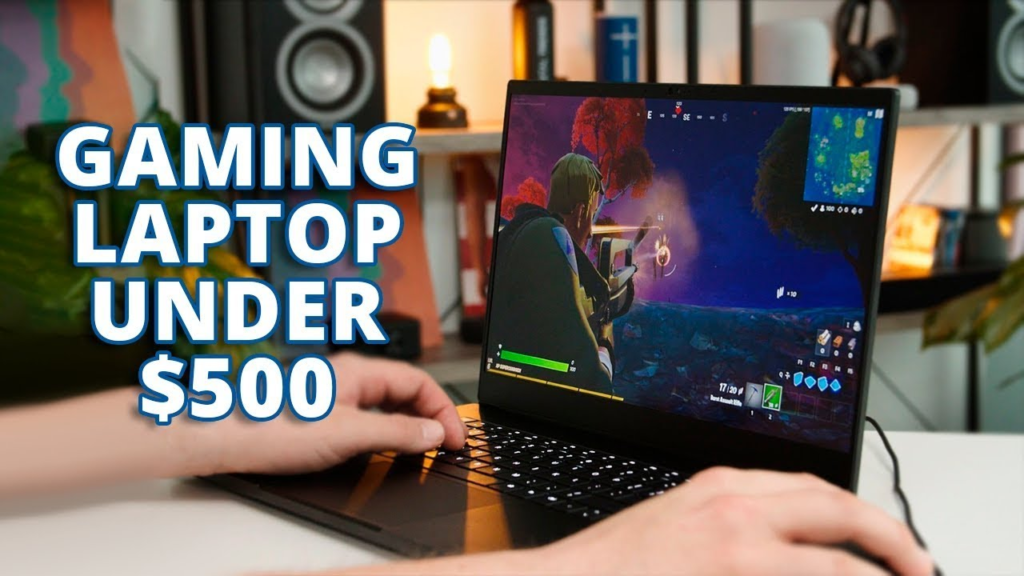
Yes, but the answer depends on what kind of gaming you expect. A laptop under $500 is usually not built for the newest AAA games at high or ultra settings. Modern games need stronger CPUs, dedicated GPUs, better cooling, and more RAM, which usually pushes pricing beyond the budget category.
That does not mean a cheap laptop is useless for gaming. If you play games like Minecraft, Roblox, Valorant, League of Legends, Stardew Valley, older Steam titles, or indie games, a well-chosen budget laptop can still be enjoyable. You may need to use low or medium settings, lower resolution scaling, or cloud gaming to get the smoothest experience.
The safest mindset is simple: under $500 is a light-gaming and value-shopping category. If you want true local gaming performance, search for sale, renewed, or refurbished models with a dedicated GPU. If you want a brand-new laptop, expect integrated graphics and lighter gaming performance.
There are some decent units with Windows OS, however, it is important to scrutinize their specs carefully to ensure you don’t end up with anything slow.
What Specs Matter Most Under $500?
Before buying, check these specs carefully because model names can hide very different configurations.
Dedicated GPU if Possible
The GPU affects gaming performance more than almost anything else. Dedicated graphics are best for local gaming.
8GB Minimum, 16GB Better
More RAM helps with multitasking, browser tabs, Windows performance, and smoother gaming.
SSD Over HDD or eMMC
A 256GB SSD is the minimum, but 512GB is better if you plan to install games.
1080p Should Be Baseline
Full HD is the minimum target. A 120Hz or 144Hz screen is a bonus on gaming configurations.
New, Renewed, or Open-Box
The laptop condition strongly affects price, warranty, risk, and actual value.
Check Return Policy
Budget and renewed laptops vary widely, so confirm seller support before buying.
The biggest trade-off with laptops under $500 is performance. You’re sacrificing the ability to play demanding games at high settings for a much lower price point. It’s about finding the right balance for your needs and understanding the limitations.
7 Best Gaming Laptops Under $500 in 2026
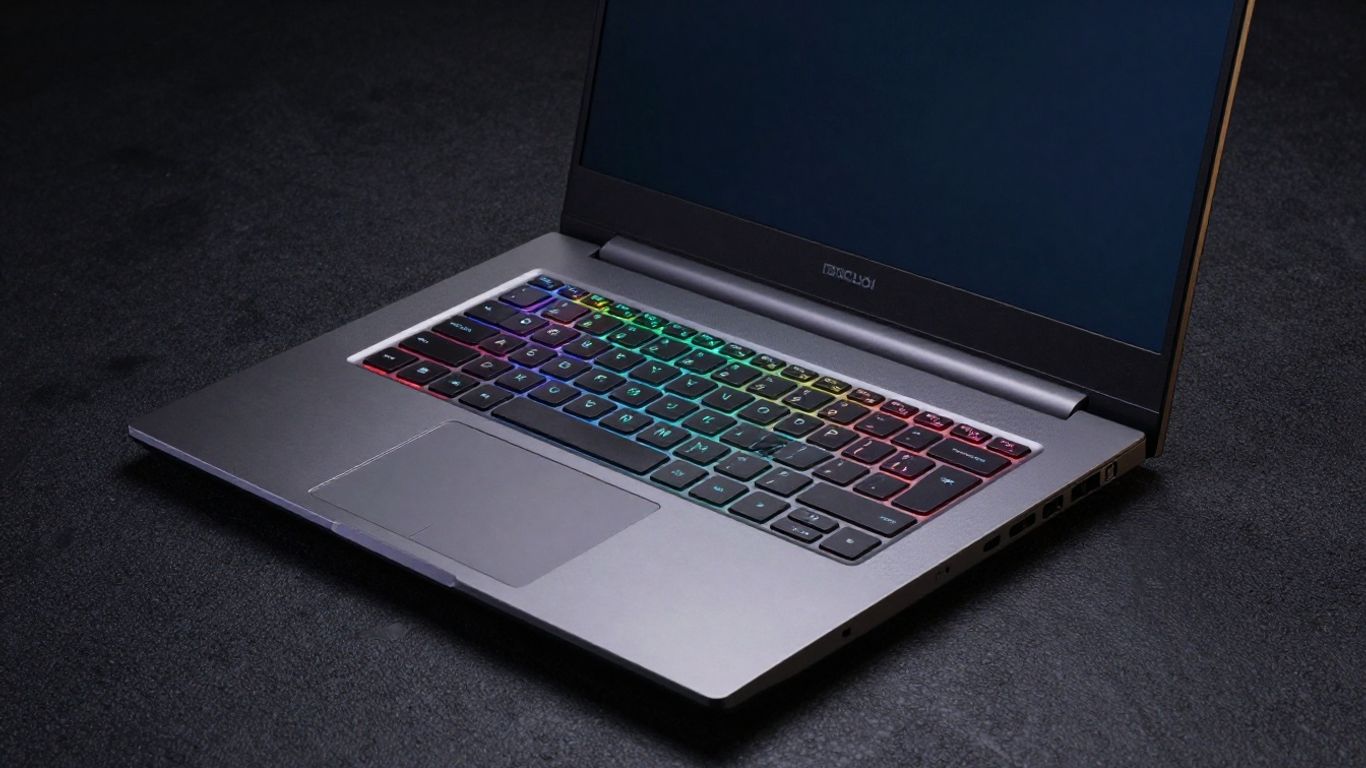
Well then, let us dive in already. It isn’t easy to find a laptop that can run games and still be affordable, especially when we are talking about 2026. All of the gaming computers out there will definitely cost more than $500.
However, after much consideration, I have found some laptops that can do the trick, at least if you are playing some older games or aren’t playing them on the highest settings possible. Here are the best laptops for gaming for less than $500:
1. ASUS TUF Gaming A15 – Best Renewed or Sale Gaming Laptop Under $500
The ASUS TUF Gaming A15 is the strongest type of option to consider if you want a real gaming laptop near the $500 mark. The key point is that it is usually not a normal under-$500 laptop when new, but older, renewed, open-box, or sale configurations can sometimes fall close to this budget.
This is a better pick than most basic laptops because many TUF A15 configurations include dedicated NVIDIA graphics, stronger cooling, a gaming keyboard, and a high-refresh 15.6-inch display. If you find the right Amazon listing, it can handle esports games, older AAA titles, and general productivity much better than integrated-graphics laptops.
Feature Checklist
Important: Same laptop model names can have different Amazon configurations. Confirm the exact CPU, GPU, RAM, storage, display, condition, and seller warranty before publishing or buying.
| Feature to Check | Recommended / Common Listing Detail |
|---|---|
| Processor | Look for AMD Ryzen 5 or Ryzen 7 configurations rather than very low-end CPUs. |
| Graphics | Prefer dedicated NVIDIA GTX 1650, RTX 2050, RTX 3050, or better if available near budget. |
| RAM | 8GB minimum; 16GB preferred for smoother multitasking and gaming. |
| Storage | 512GB SSD preferred; 256GB fills quickly with games. |
| Display | 15.6-inch Full HD; 144Hz is common on gaming configurations but verify listing. |
| Condition | Check whether it is new, renewed, refurbished, or open-box. |
| Warranty | Confirm Amazon Renewed warranty or seller return policy. |
Best For
- Budget gamers who want a real gaming laptop body.
- Students who need one laptop for school, gaming, and streaming.
- Buyers who are comfortable checking sale, renewed, or open-box listings.
Performance Reality
With a dedicated GPU configuration, the TUF A15 can be suitable for esports titles, Minecraft, Roblox, Fortnite on optimized settings, older AAA games, and everyday multitasking. Avoid listings that only mention weak integrated graphics if your main goal is local gaming.
Pros
- Stronger gaming potential than most basic laptops under $500.
- Durable gaming-style build and useful cooling design.
- Good value when found renewed or on sale.
- Better for local PC gaming than Chromebooks or basic productivity laptops.
Cons
- Usually above $500 when new.
- Specs vary heavily by Amazon listing.
- Older models may be heavier and have average battery life.
- Some renewed listings may have shorter warranties.
Final Verdict
Choose the ASUS TUF Gaming A15 if you can find a trusted Amazon renewed, open-box, or sale listing with a dedicated GPU near your budget. It is one of the best choices for real budget gaming, but only if the exact specs are right.
2. Acer Aspire Go 15 – Best Everyday Laptop for Light Gaming
The Acer Aspire Go 15 should not be described as a true gaming laptop. It is better positioned as an affordable everyday laptop that can also handle light games, browser games, older titles, and cloud gaming.
This makes it a practical option for students, home users, and casual buyers who need a low-cost Windows laptop first and light gaming second. The exact Amazon configuration matters a lot because RAM, storage, and processor options vary.
Feature Checklist
Important: Same laptop model names can have different Amazon configurations. Confirm the exact CPU, GPU, RAM, storage, display, condition, and seller warranty before publishing or buying.
| Feature to Check | Recommended / Common Listing Detail |
|---|---|
| Processor | Common options include Intel N-series, Intel Core 3/Core i3-class, AMD Ryzen, or newer low-power chips depending on listing. |
| Graphics | Integrated graphics only; not suitable for demanding AAA gaming. |
| RAM | 8GB is acceptable; 16GB is better if available under budget. |
| Storage | 256GB or 512GB SSD preferred; avoid very small eMMC storage for Windows if possible. |
| Display | 15.6-inch Full HD is preferred; check if the screen is 1080p. |
| Ports | Look for USB-C, USB-A, HDMI, audio jack, and Wi-Fi support. |
| Use Case | Best for school, office tasks, streaming, light gaming, and cloud gaming. |
Best For
- Students who need an affordable Windows laptop.
- Casual users who play light games only.
- Buyers who value screen size and everyday productivity over gaming power.
Performance Reality
Expect good basic performance if you choose a higher RAM and SSD configuration, but do not expect dedicated-GPU gaming. It is best for lightweight titles, older games, browser-based games, and cloud gaming services.
Pros
- Affordable and practical for everyday tasks.
- Often available with useful RAM and SSD configurations.
- Good fit for school, writing, browsing, streaming, and light games.
- Windows compatibility is broader than ChromeOS.
Cons
- Not a real gaming laptop.
- Integrated graphics limit local gaming performance.
- Lower-end configurations can feel slow.
- Display and build quality are usually basic.
Final Verdict
Buy the Acer Aspire Go 15 if your main need is a budget everyday laptop with some light gaming ability. It is not the best choice for serious gamers, but it makes sense for students and casual users.
3. Lenovo IdeaPad Gaming 3 – Best Refurbished Student Gaming Laptop
The Lenovo IdeaPad Gaming 3 is one of the better budget gaming laptop lines to watch if you are open to refurbished or sale pricing. It is often stronger than regular office laptops because many configurations include dedicated graphics and gaming-focused cooling.
For students, it can be a smart middle ground. The design is usually cleaner than aggressive gaming laptops, the keyboard is comfortable for schoolwork, and the gaming performance can be solid when the exact Amazon listing includes a proper GTX or RTX GPU.
Feature Checklist
Important: Same laptop model names can have different Amazon configurations. Confirm the exact CPU, GPU, RAM, storage, display, condition, and seller warranty before publishing or buying.
| Feature to Check | Recommended / Common Listing Detail |
|---|---|
| Processor | Look for AMD Ryzen 5 / Ryzen 7 or Intel Core i5 configurations. |
| Graphics | Prefer NVIDIA GTX 1650, RTX 2050, RTX 3050, or similar dedicated GPU models. |
| RAM | 8GB minimum; upgrade to 16GB if possible. |
| Storage | 512GB SSD preferred; 256GB may fill quickly. |
| Display | 15.6-inch Full HD; some models offer 120Hz or higher refresh rates. |
| Upgrade Options | Check if RAM and SSD are upgradeable on that exact listing. |
| Condition | Renewed or refurbished listings should include clear return and warranty details. |
Best For
- Students who want one laptop for coursework and gaming.
- Budget buyers looking for stronger performance through refurbished deals.
- Casual gamers who play esports and older AAA games.
Performance Reality
With a dedicated GPU model, the IdeaPad Gaming 3 can handle popular esports games, Minecraft, GTA V, older Call of Duty titles, and many indie games at adjusted settings. Base RAM and storage may need upgrading for the best experience.
Pros
- Good balance between school use and gaming.
- Dedicated GPU configurations are much better than integrated graphics.
- Often upgrade-friendly depending on model.
- Clean design works well for classrooms and home offices.
Cons
- Often above $500 new.
- Base 8GB RAM and 256GB storage can be limiting.
- Battery life during gaming is usually weak.
- Display brightness and color can be average on lower models.
Final Verdict
The Lenovo IdeaPad Gaming 3 is a strong pick if you find a trusted refurbished or sale listing with dedicated graphics. It is especially practical for students who need productivity and light-to-moderate gaming in one machine.
4. HP Victus 15 – Best Real Gaming Laptop Deal Near $500
The HP Victus 15 is one of the best models to watch when you want an actual gaming laptop near $500. It has appeared around this price during strong deals or in renewed/open-box condition, but many configurations normally cost more.
The Victus 15 is attractive because it can offer a dedicated NVIDIA GPU, a 15.6-inch Full HD display, a cleaner design, and enough performance for casual 1080p gaming. It is also more workplace-friendly than flashy gaming laptops, making it useful for students and office users.
Feature Checklist
Important: Same laptop model names can have different Amazon configurations. Confirm the exact CPU, GPU, RAM, storage, display, condition, and seller warranty before publishing or buying.
| Feature to Check | Recommended / Common Listing Detail |
|---|---|
| Processor | Look for Intel Core i5/i7 or AMD Ryzen 5/Ryzen 7 configurations. |
| Graphics | Prefer RTX 2050, RTX 3050, RTX 4050, or similar dedicated GPU if within budget. |
| RAM | 8GB minimum; 16GB preferred. |
| Storage | 512GB SSD is a strong starting point. |
| Display | 15.6-inch Full HD; 144Hz is common on many gaming configurations but verify listing. |
| Ports | Check HDMI, USB-C, USB-A, headphone jack, Wi-Fi, and Bluetooth. |
| Price Note | Under $500 is usually deal-specific, renewed, or open-box rather than regular new pricing. |
Best For
- Buyers looking for the strongest real gaming deal.
- Students and casual gamers who want a clean design.
- Users who want productivity, streaming, and gaming in one laptop.
Performance Reality
With RTX-class graphics, the HP Victus 15 can be much stronger than regular sub-$500 laptops. It is suitable for esports, older AAA games, and many newer games at low to medium settings depending on the GPU. Keep expectations realistic for demanding AAA games.
Pros
- One of the best true gaming options when discounted.
- Dedicated GPU models beat integrated graphics laptops.
- Clean design works for school and office use.
- Good 1080p gaming value when specs are right.
Cons
- Usually not under $500 without a deal.
- Battery life is limited during gaming.
- Base RAM may need upgrading.
- Listings vary heavily by CPU/GPU configuration.
Final Verdict
The HP Victus 15 is one of the best choices if you find a legitimate deal near $500 with a dedicated GPU. It is not always available in this budget, but when it is, it can be the strongest local-gaming pick in the list.
5. Acer Nitro V 15 – Best Sale Pick for 1080p Gaming
The Acer Nitro V 15 is a strong budget gaming laptop line, but it should not be labeled as a guaranteed under-$500 laptop. Most good configurations sit above that price when new, while open-box or renewed options may sometimes come closer.
It is still worth including because it offers the kind of specs buyers actually want for gaming: dedicated NVIDIA graphics, a high-refresh Full HD screen, SSD storage, and better cooling than a standard laptop. For 1080p gaming, it can be a great value if the price is right.
Feature Checklist
Important: Same laptop model names can have different Amazon configurations. Confirm the exact CPU, GPU, RAM, storage, display, condition, and seller warranty before publishing or buying.
| Feature to Check | Recommended / Common Listing Detail |
|---|---|
| Processor | Look for Intel Core i5/i7 or equivalent current/older H-series CPU. |
| Graphics | RTX 3050, RTX 4050, RTX 4060/5060-class configurations exist, but price varies widely. |
| RAM | 8GB minimum; 16GB preferred for gaming. |
| Storage | 512GB SSD minimum; 1TB is better for larger game libraries. |
| Display | 15.6-inch Full HD; 144Hz/165Hz depending on configuration. |
| Cooling/Noise | Expect stronger cooling than basic laptops, but fans may be noticeable under load. |
| Price Note | Often above $500 new; consider only if sale/open-box pricing fits the budget. |
Best For
- Gamers who want 1080p performance and can watch for deals.
- Students who can tolerate gaming-laptop weight and fan noise.
- Buyers who may stretch slightly above $500 for better hardware.
Performance Reality
The Nitro V 15 can deliver good 1080p gaming on the right GPU configuration. It is better for actual PC gaming than basic laptops, but display quality, fan noise, and battery life can still be compromises in budget gaming models.
Pros
- Strong gaming performance on dedicated GPU configurations.
- High-refresh Full HD display options.
- Better cooling than ordinary budget laptops.
- Good value when discounted.
Cons
- Not normally a true under-$500 new laptop.
- Fans can get loud while gaming.
- Battery life is limited for gaming sessions.
- Some displays may be fast but not highly color-accurate.
Final Verdict
Choose the Acer Nitro V 15 if you find a trustworthy discount, open-box, or renewed listing that brings it near your budget. It is one of the stronger 1080p gaming choices, but do not force it into a $500 category if the price is much higher.
6. DERE 14 Inch Laptop – Cheapest Basic-Use Option, Not Serious Gaming
The DERE 14 Inch Laptop should be handled carefully in this article. It may appear in searches for cheap gaming laptops, but it is better described as an ultra-budget basic laptop that can run very light games, browser games, streaming, and simple schoolwork.
It is not a good recommendation for serious gaming. Buyers should only consider it if they understand the limitations and need the lowest possible price for everyday basics rather than real gaming performance.
Feature Checklist
Important: Same laptop model names can have different Amazon configurations. Confirm the exact CPU, GPU, RAM, storage, display, condition, and seller warranty before publishing or buying.
| Feature to Check | Recommended / Common Listing Detail |
|---|---|
| Processor | Often low-power Intel Celeron/N-series-style chips; verify the exact CPU on the listing. |
| Graphics | Integrated graphics only; not suitable for demanding gaming. |
| RAM | 8GB or 16GB may be advertised, but performance still depends on CPU and storage type. |
| Storage | Check whether it uses SSD, eMMC, or expandable storage. |
| Display | 14-inch display; verify resolution and panel quality. |
| Battery | Budget laptops can have limited real-world battery life. |
| Warranty | Seller support and return policy are especially important for lesser-known brands. |
Best For
- Absolute budget buyers.
- Basic browsing, YouTube, Netflix, email, and light school tasks.
- Very light browser games or retro games.
Performance Reality
Do not expect smooth modern gaming. This type of laptop is mainly for basic tasks and simple entertainment. If gaming is the priority, a refurbished Lenovo, HP, ASUS, or Acer gaming model is a much better target.
Pros
- Very low price compared with gaming laptops.
- Compact and portable.
- Can handle basic browsing and streaming.
- May work for very light games.
Cons
- Not a true gaming laptop.
- Weak CPU/GPU performance.
- Build quality and long-term reliability can be uncertain.
- Not ideal for multitasking, productivity workloads, or demanding apps.
Final Verdict
Only buy the DERE 14 Inch Laptop if your expectations are very low and your budget is extremely tight. It should not be promoted as a serious gaming pick; it is a basic laptop that can handle very light entertainment.
7. Acer Chromebook Plus 514 – Best Cloud Gaming Chromebook Under $500
The Acer Chromebook Plus 514 is not a traditional gaming laptop, but it can be a smart choice for cloud gaming. Instead of relying on local GPU power, it uses services like Xbox Cloud Gaming, GeForce NOW, or browser-based platforms to stream games from remote servers.
This makes it a good fit for students and casual users who mainly use Google apps, web tools, streaming, documents, and cloud-based gaming. If you want to install Windows PC games locally, this is not the right choice.
Feature Checklist
Important: Same laptop model names can have different Amazon configurations. Confirm the exact CPU, GPU, RAM, storage, display, condition, and seller warranty before publishing or buying.
| Feature to Check | Recommended / Common Listing Detail |
|---|---|
| Operating System | ChromeOS; not Windows. |
| Processor | Look for Chromebook Plus configurations with Intel Core i3-class or similar performance. |
| Graphics | Integrated graphics; gaming depends mostly on cloud services. |
| RAM | 8GB is the Chromebook Plus baseline and is usually sufficient for ChromeOS. |
| Storage | 128GB, 256GB, or 512GB depending on the listing; cloud storage helps. |
| Display | 14-inch Full HD or better; check touch/non-touch variant. |
| Connectivity | Strong Wi-Fi matters more for cloud gaming than local GPU power. |
Best For
- Cloud gaming users with strong internet.
- Students who live in Google Docs, Gmail, Drive, and web apps.
- Buyers who want speed, simplicity, and portability over Windows game installs.
Performance Reality
For cloud gaming, the experience depends heavily on internet speed, latency, and service quality. Locally, the Chromebook Plus 514 is best for web games, Android games, and everyday tasks, not Windows gaming libraries.
Pros
- Fast and simple ChromeOS experience.
- Good value for school and web-based work.
- Strong option for GeForce NOW and Xbox Cloud Gaming users.
- Usually lighter and simpler than Windows gaming laptops.
Cons
- Cannot install most Windows PC games locally.
- Cloud gaming requires strong internet.
- Less flexible for advanced software than Windows.
- Keyboard, display, and storage vary by configuration.
Final Verdict
The Acer Chromebook Plus 514 is the best pick here for cloud gaming, not local gaming. Choose it if you want a low-cost, simple laptop for school, browsing, streaming, and game streaming services.
It’s easy to get caught up in wanting the latest and greatest, but when you’re on a tight budget, compromise is key. These laptops under $500 represent the best balance I could find between cost and gaming capability in 2026. They might not run Cyberpunk 2077 on ultra settings, but they can definitely get you into the game.
Gaming Performance Comparison
Because sub-$500 laptops vary widely by configuration, use realistic performance categories instead of promising exact FPS numbers.
| Laptop | Esports / Lightweight Games | Older AAA Games | New AAA Games | Best Gaming Method |
|---|---|---|---|---|
| ASUS TUF Gaming A15 | Good if dedicated GPU | Playable at low/medium | Limited on older GPUs | Local gaming |
| Acer Aspire Go 15 | Light games only | Limited | Not recommended | Cloud gaming + light local games |
| Lenovo IdeaPad Gaming 3 | Good if GTX/RTX model | Playable at adjusted settings | Limited by GPU/RAM | Local gaming |
| HP Victus 15 | Good | Good at low/medium | Depends on GPU | Local gaming |
| Acer Nitro V 15 | Good to very good | Good | Adjust settings | Local gaming |
| DERE 14 Inch Laptop | Very light only | Not recommended | Not recommended | Browser / retro games |
| Acer Chromebook Plus 514 | Web / Android games | Cloud only | Cloud only | Cloud gaming |
New vs Refurbished Gaming Laptops Under $500
If your budget is strictly under $500, refurbished and renewed laptops often provide better gaming value than brand-new laptops. A new laptop under $500 usually relies on integrated graphics, while a refurbished gaming laptop may include a dedicated GPU, better cooling, and a high-refresh display.
The trade-off is risk. A refurbished laptop may have a shorter warranty, older battery, cosmetic wear, or seller-specific return conditions. That is why it is better to buy from Amazon Renewed, the manufacturer, or a seller with strong ratings and a clear return window.
New vs Refurbished Gaming Laptops Under $500
If your budget is strict, renewed or refurbished laptops can sometimes offer stronger gaming specs than brand-new budget laptops.
New Laptop
- Full new-unit experience.
- Regular warranty and easier returns.
- No previous use or cosmetic wear.
- Usually weaker specs at $500.
Renewed / Refurbished
- Better specs for the money.
- Possible dedicated GPU near budget.
- Condition and warranty can vary.
- Seller quality matters a lot.
Open-Box Laptop
- Can offer near-new condition.
- Lower price than new listings.
- Limited availability.
- Warranty and return terms must be checked.
Best Games to Play on a Budget Gaming Laptop Under $500
The best games for this budget are titles that are well optimized, older, or less demanding. Instead of chasing ultra graphics, focus on games with strong gameplay and lower hardware requirements.
Best Games to Play on a Budget Gaming Laptop Under $500
The best games for this budget are optimized, older, lightweight, or playable through cloud gaming.
Esports Games
Valorant, League of Legends, Rocket League, Counter-Strike 2 on suitable hardware, and similar competitive games.
Indie Games
Stardew Valley, Hades, Celeste, Hollow Knight, Terraria, Dead Cells, and similar lightweight titles.
Older AAA Games
GTA V, Skyrim, Portal 2, Left 4 Dead 2, older Tomb Raider titles, and older racing games at adjusted settings.
Sandbox Games
Minecraft, Roblox, The Sims 4, and many casual Steam games can run well on the right budget laptop.
Cloud Gaming
Modern AAA games can be streamed through GeForce NOW or Xbox Cloud Gaming if your internet is stable.
Cloud Gaming vs Local Gaming Under $500
The right choice depends on whether you want to install games locally or stream demanding titles from the cloud.
Local Gaming
Best for Windows laptops with dedicated GPUs, esports games, indie titles, and older AAA games. Performance depends on CPU, GPU, RAM, storage, and cooling.
Cloud Gaming
Best for Chromebooks and low-spec laptops that cannot run demanding games locally. Requires strong internet and a supported service.
Hybrid Use
Best for most budget buyers: play light games locally and stream demanding games through cloud services when needed.
How to Choose the Best Gaming Laptop Under $500
How to Choose the Best Gaming Laptop Under $500
Use this checklist before buying so you do not waste money on the wrong configuration.
Final Verdict: Which Budget Gaming Laptop Should You Buy?
The best gaming laptop under $500 in 2026 is usually not the newest laptop with the biggest marketing claims. It is usually the laptop that gives you the best balance of GPU power, RAM, SSD storage, display quality, seller reliability, and realistic gaming performance.
If you want the best real gaming performance, look for the HP Victus 15, Lenovo IdeaPad Gaming 3, ASUS TUF Gaming A15, or Acer Nitro V 15 when they appear on sale, renewed, or open-box near $500. These models are more likely to offer dedicated graphics and better cooling than basic laptops.
If you want a brand-new everyday laptop for school and light games, the Acer Aspire Go 15 can make sense, but it should not be treated as a serious gaming machine. If you mainly want cloud gaming, the Acer Chromebook Plus 514 is the smarter pick because it focuses on speed, simplicity, and streaming rather than local GPU power.
For the lowest possible budget, the DERE 14 Inch Laptop is only worth considering for basic tasks and very light games. It should not be your first choice if gaming performance matters. Overall, the best strategy is to buy the strongest verified configuration your budget allows and avoid listings that hide or blur the key specs.
Final Verdict: Which Budget Gaming Laptop Should You Buy?
The best choice depends on whether you want true local gaming, everyday use, cloud gaming, or the lowest possible price.
Best Real Gaming Value
Look for HP Victus 15, ASUS TUF Gaming A15, Lenovo IdeaPad Gaming 3, or Acer Nitro V 15 on sale, renewed, or open-box.
Best Everyday Choice
The Acer Aspire Go 15 makes sense if school, browsing, streaming, and light games matter more than serious gaming.
Best Cloud Gaming Pick
The Acer Chromebook Plus 514 is best if you mainly want Google apps, portability, and game streaming services.
Frequently Asked Questions
Quick answers to common questions about buying a gaming laptop under or around $500.
Can I really play demanding games on a laptop under $500?
You can play some demanding games only if you buy a sale, renewed, or refurbished laptop with a dedicated GPU and adjust the settings. For most brand-new laptops under $500, demanding AAA games are better played through cloud gaming or avoided.
What is the biggest trade-off when buying a cheap gaming laptop?
The biggest trade-off is graphics performance. Most laptops under $500 use integrated graphics, while dedicated-GPU models usually appear through sales, renewed listings, or refurbished deals.
Should I buy a Windows laptop or Chromebook for gaming under $500?
Choose Windows if you want to install PC games locally. Choose a Chromebook if your main plan is cloud gaming, web apps, schoolwork, streaming, and Google services.
Are refurbished gaming laptops worth it?
Yes, refurbished gaming laptops can offer better specs for the money, especially if they include dedicated graphics. Buy from a reputable seller and confirm warranty, return policy, battery condition, and exact specs.
How much RAM do I need for budget gaming?
8GB is the minimum, but 16GB is strongly preferred. If a laptop comes with 8GB, check whether it can be upgraded later.
What games run well on budget laptops under $500?
Esports titles, indie games, older AAA games, Minecraft, Roblox, casual games, and cloud gaming titles are the best choices. New AAA games at high settings are usually unrealistic in this price range.
Is a dedicated GPU necessary?
For serious local gaming, yes, a dedicated GPU makes a major difference. For light games or cloud gaming, integrated graphics can be enough.
What should I check on Amazon before buying?
Check the exact CPU, GPU, RAM, storage, display resolution, refresh rate, operating system, laptop condition, warranty, seller rating, return window, and whether the specs match the title and product images.