Ring Video Doorbell 4 review: Tested Result Pros, Cons and Features

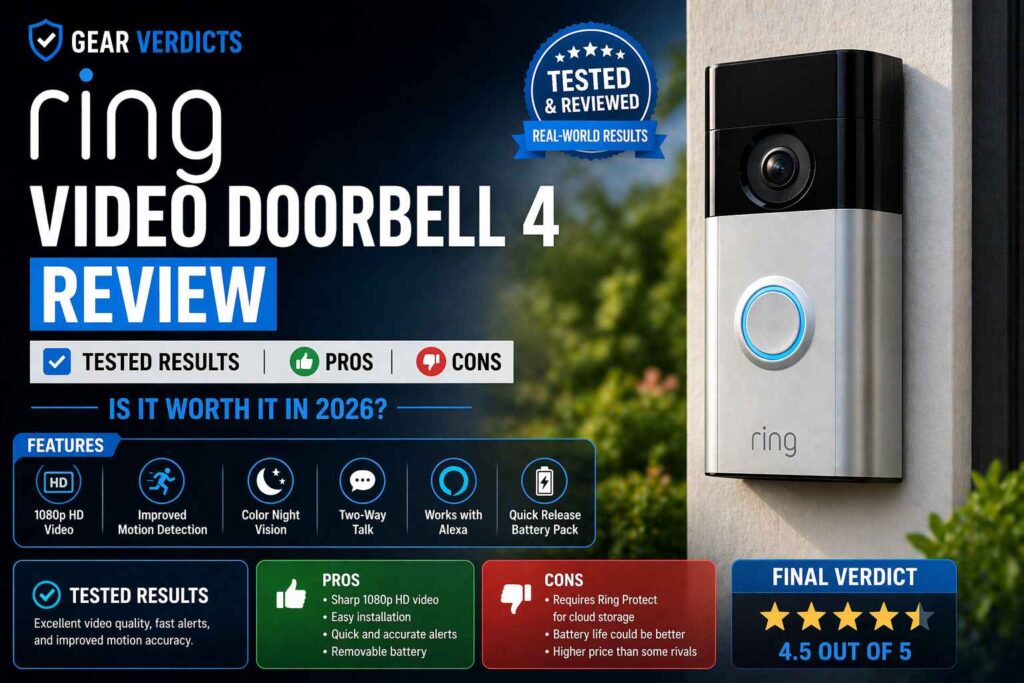
So, I’ve been testing out the Ring Video Doorbell 4 for a bit now, and I wanted to share my thoughts. It’s one of those gadgets that promises to make your home a bit safer and your life a bit easier.
You know, seeing who’s at the door without actually having to get up, or getting alerts when someone walks by. I was curious to see if it actually lived up to the hype, especially with all the new features they’re talking about. Let’s see what this thing is all about.
Key Takeaways
- The Ring Video Doorbell 4 is pretty straightforward to set up, which is a big plus for me. I didn’t need to call in any pros.
- The color pre-roll feature is a neat addition, letting me see a few seconds before an event happens, which is more than just black and white.
- Battery life is decent; 3 to 4 months on moderate charge, but you do have to take it out to recharge it with a microUSB cable.
- Video quality is good for most situations, giving a clear picture day or night, though the color night vision isn’t a game-changer.
- It works well with Alexa, but if you’re an Apple or Google Home user, you might find it a bit limited in smart home integration.
What is the Ring Video Doorbell 4?
So, what exactly is the Ring Video Doorbell 4? I’ve been using it for a bit now, and honestly, it’s pretty much what you’d expect from Ring’s latest battery-powered doorbell. It’s a smart doorbell, meaning it has a camera, a microphone, and a speaker, so you can see, hear, and talk to whoever’s at your door, even when you’re not home. It’s designed to give you a bit more peace of mind, whether that’s keeping an eye on packages or just knowing who’s stopping by.
Ring introduced new 2K and 4K battery doorbells in March 2026. The Ring Video Doorbell 4 reviewed here is now a previous-generation model and may see price reductions. We’ll update this guide with hands-on testing once the new models begin shipping on April 26.
This latest model builds on what Ring has done before. It’s got that familiar look, and you can either use it with the rechargeable battery pack or wire it up if you prefer. The big draw, and what sets it apart from some older models, is the “Color Pre-Roll” feature. This means it records a few seconds of video before it detects motion or someone rings the bell. It’s a neat trick for catching those initial moments.
The Ring Video Doorbell 4 aims to be a convenient security tool for both homeowners and renters, offering a way to monitor your front door from anywhere.
Here’s a quick rundown of what it offers:
- Video Monitoring: See and speak to visitors in 1080p HD video.
- Color Pre-Roll: Captures video footage even before motion is detected.
- Two-Way Talk: Communicate with people at your door.
- Customizable Motion Zones: Set specific areas to monitor for activity.
- Dual-Band Wi-Fi: Connects to either 2.4GHz or 5GHz networks for a more stable connection.
It’s a solid option if you’re looking to upgrade your home security or just want a smarter way to handle visitors. The Ring Doorbell 4’s price puts it in a competitive spot, especially with added features like color pre-roll. You can find out more about its capabilities on the Ring website.
Ring Video Doorbell 4 Design & Build Quality Review
When I first unboxed the Ring Video Doorbell 4, I was struck by how familiar it felt. It’s got that classic Ring look – a sleek, black face with a satin nickel accent around the button. It’s not a huge departure from previous models, which honestly, isn’t a bad thing. It’s a pretty standard size, about 5 inches tall and a couple of inches wide, so it fits nicely on most door frames without looking too bulky.
The build quality feels solid. It’s made of durable plastic that seems like it can handle whatever weather gets thrown at it. The front plate, where the button is, has a nice finish, and the whole unit feels well put together. It doesn’t feel cheap or flimsy at all, which is important for something that’s going to be mounted outside.
Here’s a quick rundown of what you get in the box:
- The Video Doorbell 4 unit
- A rechargeable battery pack
- A mounting bracket and screws
- A security screw and screwdriver
- Wire connectors and a mounting wedge
The battery itself is removable, which is great because you can swap it out for a charged one if needed, or just take it inside to charge. This is a big plus for renters or anyone who doesn’t want to deal with hardwiring.
The design prioritizes ease of use and a familiar aesthetic, making it approachable for most users. While the materials feel robust, the reliance on micro-USB for charging is a minor step back in an otherwise modern device.
Overall, the design is functional and familiar. It’s not trying to reinvent the wheel, but it does a good job of looking like a modern piece of tech that belongs on your front door. It’s built to last and easy enough to handle, even if the charging port feels a little behind the times.
For those looking for a reliable video doorbell, the Ring Battery Doorbell Plus offers a similar aesthetic with some notable internal upgrades.
Ring Video Doorbell 4 Features Breakdown
When I first started looking into the Ring Video Doorbell 4, I was curious about what made it stand out from its predecessors and other options on the market. It turns out, there are some pretty neat Ring 4 doorbell features that make it a compelling choice for home security.
Color Pre-Roll (Main Upgrade)
This is probably the biggest upgrade I noticed. The Color Pre-Roll feature is a game-changer. Unlike older models that only showed black and white footage before an event, the Ring Doorbell 4 captures four seconds of color video before motion is even detected. This means I get a much clearer picture of what happened right before someone arrived or something triggered the alert. It’s like having a little bit of a head start on understanding the situation. This feature was first seen in the Ring Video Doorbell 3 Plus, but it was only in black and white then. Having it in color on the Ring Doorbell 4 makes a big difference in identifying people or events.
Motion Detection & Alerts
Ring has really refined its motion detection over the years. The Ring Video Doorbell 4 comes with customizable motion zones, which is super helpful. I can set specific areas where I want the camera to watch, so I don’t get alerted every time a car drives by on the street.
It uses what they call Integrated Advanced Motion Detection, which is supposed to catch all motion within those zones. When motion is detected, I get instant alerts on my phone.
This is pretty standard for video doorbells, but the combination with the Pre-Roll feature means I often have a good chunk of video to review right from the start of the alert. It’s a solid system for keeping tabs on activity around my front door.
Cloud Storage (Ring Protect Plan)
Like most smart home devices these days, the Ring Video Doorbell 4 relies on a subscription service for full functionality, specifically for cloud storage.
Without a Ring Protect plan, I can see live video and get real-time alerts, but I can’t review recorded events. The plan gives me access to video history for up to 180 days, which is pretty generous. It also unlocks features like package alerts and the ability to save and share videos.
While it’s an added cost, it’s pretty standard for this kind of tech, and it really makes the doorbell much more useful. You can get a free 30-day trial of Ring Protect to see if it’s for you. It’s worth noting that some features, like saving messages left via Quick Replies, are only available if you have the subscription.
The Ring Video Doorbell 4 offers a significant step up with its color pre-roll technology, providing more context for events before they happen. Combined with improved motion detection and the necessary cloud storage subscription, it presents a robust package for home monitoring, though the subscription cost is a factor to consider when looking at Ring Doorbell 4 features.
When comparing Ring Doorbell 4 features to other Ring Doorbell 4 alternatives, the color pre-roll is a standout. It’s a feature that really sets it apart, especially when you consider how much more information it provides compared to older models or even some competitors.
The battery is also rechargeable, which is a big plus for convenience, and it integrates well with Alexa for notifications. You can check out the Ring Battery Doorbell for more on its power options. It’s a solid choice if you’re looking for a feature-rich video doorbell.
Ring Video Doorbell 4 Video Quality & Performance Review
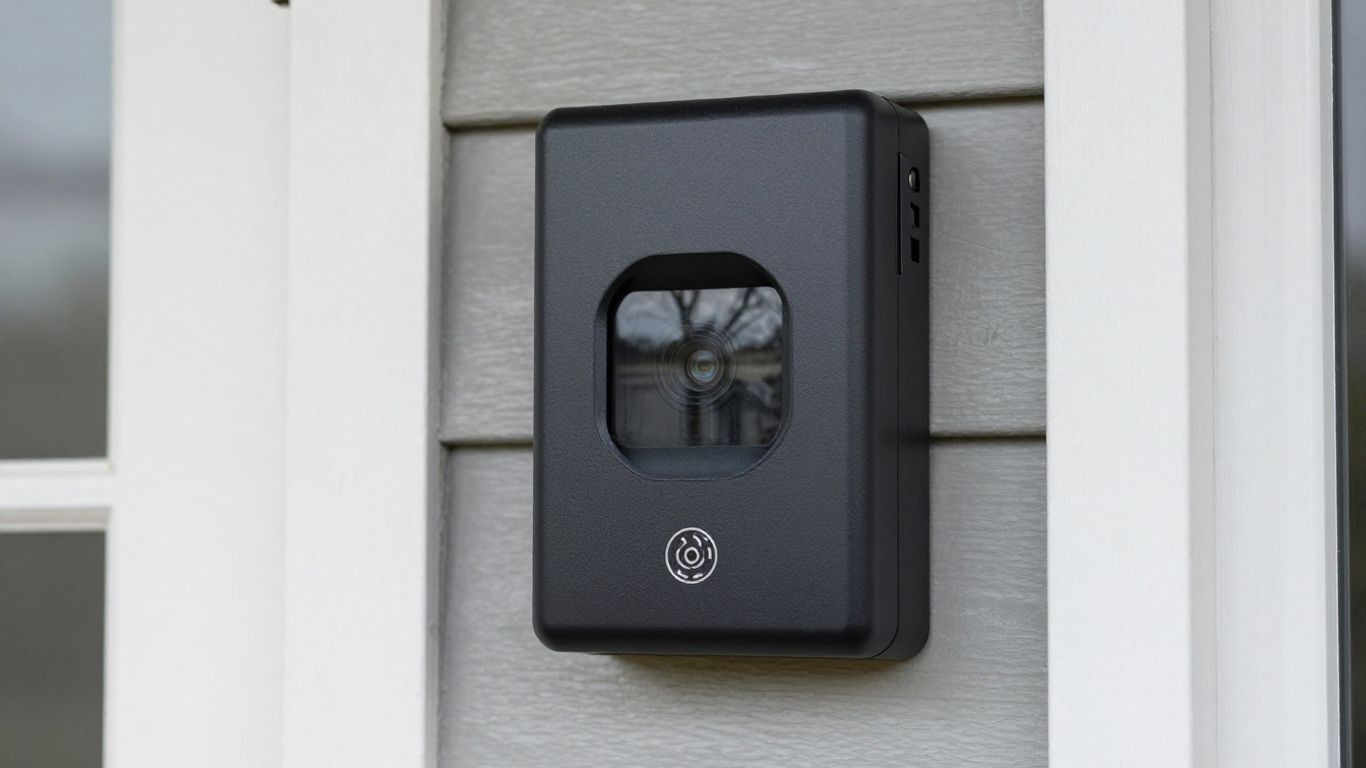
When I first set up the Ring Video Doorbell 4, I was really curious about how well it would actually perform, especially compared to older models. The video quality is pretty solid, offering 1080p HD resolution. This means you get a clear picture of who’s at your door, whether it’s a delivery person or just a neighbor stopping by.
During the day, the colors look natural, and everything is sharp enough to make out details. I found the 1080p HD video quality to be quite good for everyday use, providing a clear view of my porch. It’s definitely a step up from some older cameras I’ve used.
Night vision is also a big part of the Ring Doorbell 4 performance. It switches to black and white automatically when it gets dark, and I was able to see clearly up to about 25 feet away. This is helpful for those late-night package deliveries or just checking if that noise outside was anything to worry about.
The Pre-Roll feature, which captures video even before motion is detected, is a neat addition. The fact that it’s now in color is a nice touch, giving you a bit more context for what happened right before the alert.
Here’s a quick rundown of how I found the performance:
- Daytime Video: Clear, bright, and detailed 1080p HD. I could easily see faces and identify objects.
- Night Vision: Good black-and-white footage, effective up to a decent range.
- Live View: Quick to connect and stream, allowing me to check in anytime.
- Motion Alerts: Generally reliable, with minimal false alarms after some tweaking.
- Color Pre-Roll: A useful feature that captures those initial moments of activity.
I did notice that while the video quality is good, some competitors might offer even higher resolutions, like 4K, if that’s a top priority for you. However, for most people, the 1080p HD video quality is more than sufficient.
The overall Ring Doorbell 4 performance felt responsive, with alerts coming through to my phone almost instantly. It integrates well with Alexa, which made checking the feed via voice command pretty convenient.
The responsiveness of the alerts and the clarity of the video, especially with the added color Pre-Roll, make this doorbell a reliable option for keeping an eye on your front door. It strikes a good balance between features and ease of use.
One thing to keep in mind is that accessing recorded footage requires a Ring Protect Plan subscription. Without it, you can only see live streams. This is pretty standard for most smart doorbells these days, but it’s worth remembering when budgeting.
Overall, I was pleased with the video quality and the general performance of the Ring Video Doorbell 4. It does what it promises, and the added color Pre-Roll is a definite plus.
Ring Video Doorbell 4 Installation & Setup Review
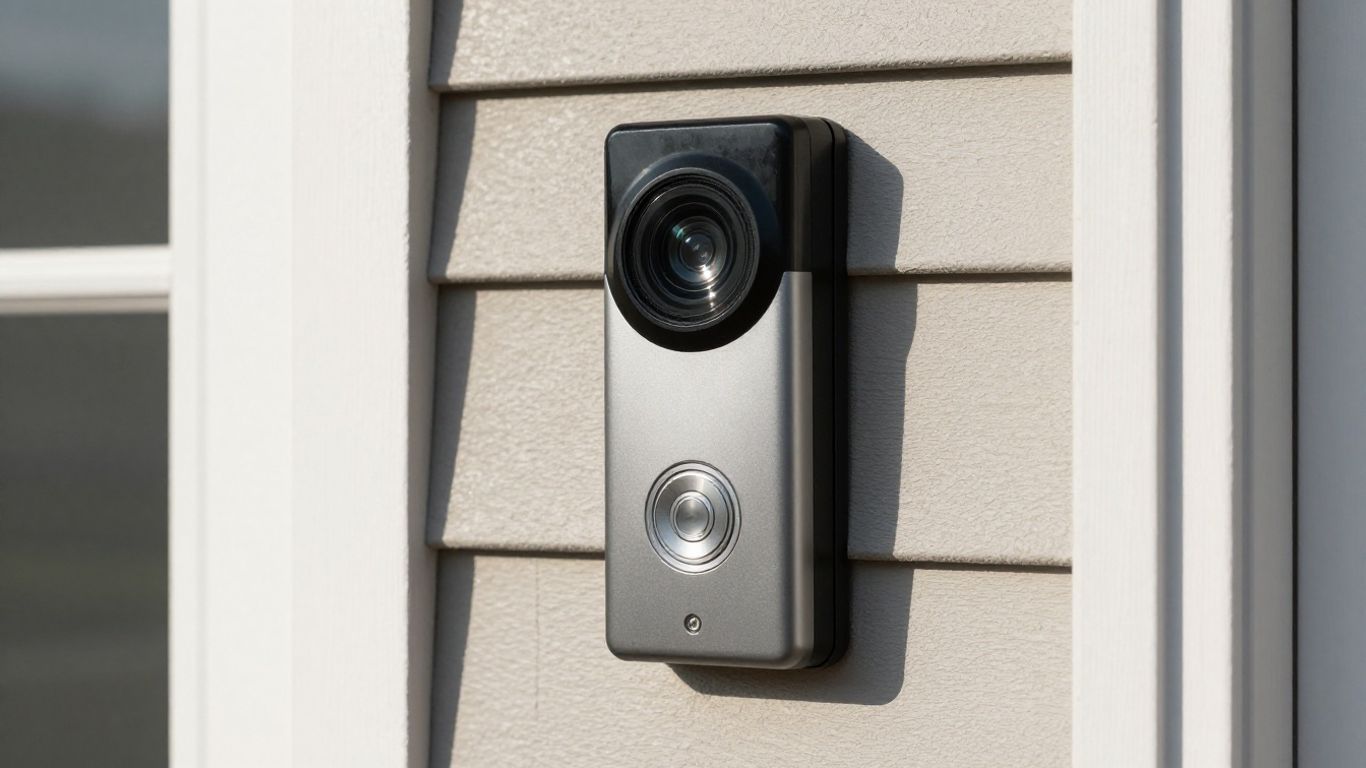
Getting the Ring Video Doorbell 4 up and running was surprisingly straightforward, even for someone like me who isn’t exactly a DIY expert. The whole process felt pretty intuitive, which is a big plus. I started by charging the battery pack, which took a few hours, so definitely plan ahead for that.
Once it was juiced up, I downloaded the Ring app and followed the on-screen prompts. The app guides you through everything, from connecting to your Wi-Fi to naming your device. Scanning the QR code on the back of the doorbell was simple enough, and before I knew it, I was ready to mount it.
The physical installation itself is also pretty manageable. The package includes a mounting bracket and screws. I opted to mount mine on the brickwork next to my front door. You’ll need a drill and a spirit level to get it perfectly straight, but it’s not overly complicated.
The screws are hidden once the doorbell is attached, which is a nice touch for security and aesthetics. If you’re renting, you might appreciate that it doesn’t require extensive modifications to your property. The whole Ring 4 installation guide provided in the app is clear, but I found myself double-checking a few things.
Here’s a quick rundown of the steps I followed:
- Charge the Battery: Make sure the removable battery pack is fully charged before you begin.
- Download the App & Set Up Device: Install the Ring app on your smartphone and create an account if you don’t have one. Select ‘Set Up a Device’ and choose ‘Doorbells’.
- Scan QR Code: Use your phone’s camera to scan the QR code located on the doorbell unit.
- Connect to Wi-Fi: Follow the app’s instructions to connect the doorbell to your home Wi-Fi network.
- Mount the Doorbell: Secure the mounting bracket to your wall or door frame using the provided screws. Then, attach the doorbell to the bracket.
- Finalize Setup: Insert the charged battery and complete any remaining steps in the app, like setting motion zones.
I did run into a minor snag when I realized I hadn’t checked the Wi-Fi signal strength at the exact mounting spot beforehand. It’s a good idea to test this before you drill any holes. My signal was a little weaker than ideal, but thankfully, it’s still working well enough.
The app does give you an RSSI reading, which is helpful for troubleshooting. Overall, the Ring Doorbell 4 installation was a success, and the setup process was quite smooth.
The entire process, from unboxing to having it fully functional, took me about an hour. Most of that time was spent ensuring it was perfectly aligned and connected to my Wi-Fi without any hiccups. The app really does hold your hand through the Ring Video Doorbell 4 setup.
For those who prefer a more visual guide, the Ring app offers clear instructions, and there are plenty of resources online if you get stuck. I found the included Ring Doorbell 4 installation guide to be sufficient, but sometimes seeing it done helps.
Ring Video Doorbell 4 Battery Life & Power Options
When it comes to keeping the Ring Video Doorbell 4 powered up, I’ve found there are a few ways to go about it, and each has its own perks. The most straightforward method is using the rechargeable battery pack that comes with it. It’s a pretty standard setup for battery-powered doorbells. You just pop the battery out, charge it up, and pop it back in.
Charging the battery itself takes a few hours, so keep that in mind. Once it’s fully charged, I’ve generally gotten about three to four months of use out of a single charge.
Of course, this can vary a lot depending on how much you use it – how many motion alerts you get, how often you use the live view, and so on. If you’re in a busy area or have it set up to catch a lot of activity, you might find yourself charging it a bit more frequently. This is a key consideration for the overall Ring Video Doorbell 4 battery life.
Here are the main power options I’ve looked at:
- Rechargeable Battery Pack: This is the default. It’s simple to swap out and charge. Great for homes without existing doorbell wiring.
- Ring Solar Panel: If you want to keep the battery topped up without manual charging, the solar panel is an option. It attaches behind the doorbell and uses sunlight to keep the battery from draining too quickly. I haven’t personally used this long-term, but it’s a good idea for sunny locations.
- Hardwiring: You can also wire the Ring Video Doorbell 4 directly into your existing doorbell system or a separate power source. This is the most convenient option as it means you never have to worry about charging the battery at all. It provides continuous power, which is ideal if you want uninterrupted performance.
For those who travel often or have a less-used property, the battery-powered approach is quite practical. However, if you’re looking for the absolute lowest maintenance, hardwiring or using the solar panel are definitely the ways to go to maximize your Ring Doorbell 4 battery life.
If you’re not hardwiring, remember that when the battery is out for charging, the doorbell itself is left exposed. There’s no cover to screw on in its place, so it just kind of sits there open. It’s a minor annoyance, but something to be aware of. Overall, the ring doorbell battery life is decent, but understanding these power options helps manage expectations.
Pro and Cons of Ring Video Doorbell 4?
So, after spending some time with the Ring Video Doorbell 4, I’ve got a pretty good handle on what works well and what could be better. It’s definitely a solid piece of tech, but like anything, it’s not perfect.
Let’s break it down
Ring Video Doorbell 4
✔ Pros
- Pre-roll recording adds real context
Captures a few seconds before motion — something many doorbells miss - Easy installation (plug-and-play)
Battery setup requires no wiring, ideal for beginners - Stable and reliable performance
Fewer bugs and crashes compared to many lower-cost alternatives - Customizable motion alerts
Detection zones help reduce unnecessary notifications - Strong Alexa integration
Works seamlessly with Echo devices and Amazon ecosystem
✕ Cons
- Subscription is effectively required
No video history without Ring Protect — biggest user frustration - Video quality is average
Clear enough, but not a major upgrade compared to newer 2K models - Inconsistent motion detection at times
Some events trigger late or only partially record - Battery drains faster in active areas
Frequent motion alerts significantly reduce battery life - Bulky design
Wider body doesn’t look as clean as newer slim doorbells - Higher long-term cost
Monthly fees add up, making it more expensive over time than no-subscription options
Bottom line: Ring Doorbell 4 is easy to set up and reliable, but the required subscription and average video quality make it less competitive compared to newer, no-fee alternatives.
The biggest hurdle for me is the reliance on battery power and the need for a subscription to get the most out of it. While the hardware itself is good, these ongoing costs and power limitations are definitely things to think about before buying.
Overall, I think the Ring Video Doorbell 4 is a capable device, especially with that color pre-roll feature. It offers a good way to keep an eye on your front door and provides some useful features for security and convenience.
However, the lack of a wired option and the charging port choice are definite drawbacks. If you’re looking for a doorbell with excellent picture quality, this is a strong contender, but be prepared for the subscription costs and battery management. It’s a step up from older models, but Ring still has some areas to improve, like offering local video storage options.
Ring Video Doorbell 4 vs Ring Video Doorbell 3
So, I’ve been looking at the Ring Video Doorbell 4 and thinking about how it stacks up against the older Ring Video Doorbell 3. Honestly, if you’re coming from the Ring 3 Plus, the upgrade might not feel like a huge leap. The biggest difference I noticed is the Color Pre-Roll feature on the new Ring 4.
This means you get a few seconds of color video before the motion event is even triggered, which is pretty neat for seeing exactly what kicked things off. The Ring 3 only offered black and white for its Pre-Roll. If you have an even older model, like the Ring Video Doorbell 2, then the Ring 4 is definitely a more significant upgrade because those older ones didn’t have any Pre-Roll at all.
Here’s a quick rundown of the main differences:
- Color Pre-Roll: Ring 4 has it, Ring 3 doesn’t. This is the headline feature.
- Wi-Fi: Both models support dual-band Wi-Fi, which is good for a more stable connection if your router is nearby. The Ring 3 also had this, so no real change there.
- Video Quality: Both record in 1080p HD. The Ring 4 does have improved night vision, but the daytime video quality is pretty similar.
- Design: They look almost identical. Ring hasn’t changed the basic design much over the generations.
While the Ring Video Doorbell 4 brings some nice improvements, especially with the color Pre-Roll, it’s not a massive overhaul compared to the Ring 3. For most people already using the Ring 3, sticking with it is probably fine unless you really want that color preview.
If you’re looking for a doorbell with even better video, you might want to check out something like the TP-Link Tapo D225 which offers 2K video. But for Ring users, the 4 is a solid, if incremental, update.
The battery life is also comparable between the two, and both require a Ring Protect plan to access recorded footage, which is pretty standard for most video doorbells these days. So, Ring Doorbell 4 vs Ring Doorbell 3? It’s a minor upgrade, but a welcome one for those wanting the latest features.
Ring Video Doorbell 4 vs Ring Video Doorbell (2nd Gen)
So, I’ve been looking at the Ring Video Doorbell 4 and thinking about how it stacks up against the older, second-generation model. Honestly, if you’re coming from the second-gen, the Ring 4 feels like a pretty significant step up, even if it’s not a complete overhaul. The biggest thing for me is the Color Pre-Roll feature.
With the second-gen, you get a black-and-white snippet of what happened before the motion alert, which is okay. But the Ring 4 gives you a color version of those first few seconds, and it really makes a difference in figuring out what’s going on. It’s like going from a blurry photo to a clear one – you can actually see details you’d miss otherwise.
Beyond that, the video quality is generally sharper on the Ring 4. Both shoot in 1080p HD, but I noticed the Ring 4 seems to handle low light a bit better, and the overall picture just looks cleaner. It’s not a night-and-day difference, but it’s noticeable.
Here’s a quick rundown of some key differences:
- Pre-Roll: Ring 4 has Color Pre-Roll; Ring 2nd Gen has Black & White Pre-Roll.
- Wi-Fi: Ring 4 supports dual-band Wi-Fi (2.4GHz and 5GHz), while the 2nd Gen is limited to 2.4GHz.
- Field of View: While both are pretty wide, the Ring 4 might offer a slightly better viewing angle, though it’s not a massive change.
- Design: They look pretty similar, but the Ring 4 has a slightly more refined feel, and you can swap out the faceplates on both.
The Ring Video Doorbell 4 brings some solid improvements, especially with its color pre-roll and dual-band Wi-Fi. If you’re still on an older model like the second-gen, it’s definitely worth considering an upgrade for a clearer picture of events before they happen.
Powering these things is also a bit different. The Ring 4 uses a rechargeable battery pack that you can easily swap out, which is super convenient. The second-gen also has a battery, but the Ring 4’s is generally designed to last a bit longer on a charge, especially if you tweak the settings.
You can also hardwire both if you prefer, which is always a good option to have. For anyone looking for a reliable video doorbell, the Ring lineup is a strong contender, and the Ring 4 is a good example of their latest video doorbell cameras.
Ultimately, if you have the second-gen Ring doorbell, the Ring 4 offers enough meaningful upgrades, particularly the color pre-roll, to make it a worthwhile consideration. It’s not a mandatory upgrade, but it certainly makes the viewing experience better.
Ring Video Doorbell 4 vs Eufy E340
When I started looking at video doorbells, the Ring Video Doorbell 4 was a strong contender. It’s got that familiar Ring look and integrates well if you’re already in the Amazon ecosystem. But then I stumbled upon the Eufy E340, and honestly, it made me rethink things. It’s not just a minor update; it feels like a whole different ballgame.
Let’s break down how they stack up:
Video Quality: The Ring 4 offers 1080p HD video, which is pretty standard these days. It does have that neat color Pre-Roll feature, showing you a few seconds before the motion event. The Eufy E340, however, boasts a 2K resolution. That extra detail can make a big difference when you’re trying to make out a face or a license plate. I found the Eufy’s video feed to be noticeably sharper, especially in varied lighting conditions.
Storage: Ring requires a subscription for cloud storage, which is a recurring cost to consider. The Eufy E340 offers local storage options, meaning no monthly fees if you prefer to keep your footage on a local drive. This was a big plus for me, as I don’t like being locked into subscriptions.
Power: Both have battery options, but the Ring 4 uses a proprietary rechargeable battery pack that you have to remove to charge via micro-USB. The Eufy E340 also has a battery, but it can be powered by a wired connection too, which means no battery charging worries if you have existing doorbell wiring. It’s a more flexible setup, in my opinion.
Smart Home Integration: Ring works best with Alexa. Eufy tends to play nicer with both Alexa and Google Assistant, which is great if you’re not tied to one platform. I appreciate having options.
Here’s a quick look at some key specs:
While the Ring Video Doorbell 4 is a solid choice, especially if you’re already invested in the Ring or Amazon ecosystem, the Eufy E340 really impressed me with its higher resolution video and the freedom from subscription fees thanks to its local storage. It felt like a more modern and flexible solution for my home security needs.
For me, the Eufy E340 felt like a significant upgrade over the original Ring doorbell I had previously. It’s a transformative addition to the home security setup after a month of use.
The Ring 4 is a decent device, but the Eufy E340 just offered more of what I was looking for in terms of features and cost of ownership. If you’re looking for the best video doorbells, it’s worth checking out various options from consumer reports to see what fits your needs best.
Who Should Buy Ring Video Doorbell 4?
So, who is the Ring Video Doorbell 4 actually for? I’ve been using it for a bit, and I think it really shines for a few different types of people.
First off, if you’re a renter or someone who doesn’t want to mess with hardwiring, this is a solid choice. The battery pack makes installation a breeze – no need to call an electrician or drill big holes. You just mount the plate, pop in the battery, and you’re pretty much good to go. It’s one of the best smart doorbells for easy setup.
Then there are folks who are tired of missing packages or want an extra layer of security without a full alarm system. The Ring 4 gives you that peace of mind. You can see who’s at the door from your phone, talk to delivery drivers, or just keep an eye on things. The color pre-roll feature is pretty neat for catching those few seconds before motion is detected, which can be super helpful.
If you’re already in the Amazon ecosystem, meaning you have Alexa devices, the integration is going to be really smooth. You can get announcements on your Echo speakers when someone rings the bell or triggers motion.
Also, if you’ve had an older Ring doorbell and are looking for an upgrade, the Ring Video Doorbell 4 offers some nice improvements, especially with that color pre-roll. It’s not a massive leap, but it’s a noticeable step up from older models.
So, Should You Get the Ring Video Doorbell 4?
Ring Video Doorbell 4, 7/10. A capable doorbell with useful color pre-roll, but the 1080p resolution feels dated in 2026, and the mandatory subscription for basic recording functionality pushes the true cost significantly higher than subscription-free alternatives.
Buy the Ring 4 if you are already deep in the Amazon/Alexa ecosystem, you want the color pre-roll feature, and you do not mind paying $3.99-$10/month for cloud storage.
Skip the Ring 4 if you want to avoid monthly fees (get the Eufy E340 instead), you need 2K or higher resolution, you use Apple HomeKit, or privacy concerns matter to you — Ring has fulfilled law enforcement data requests without requiring warrants in documented cases.”
Frequently Asked Questions
What’s the main new thing with the Ring Video Doorbell 4?
The biggest update is the ‘Color Pre-Roll’ feature. This means it records a few seconds of video in color *before* it even detects motion or someone rings the bell. So, I get to see what happened right before the event, which is pretty neat for catching details.
How long does the battery last on the Ring Video Doorbell 4?
In my experience, I found the battery can last for about 3 to 4 months on a single charge. Of course, how often it records and sends alerts can affect this, but it’s a pretty good amount of time before I need to recharge it.
Can I use the Ring Video Doorbell 4 without wiring it up?
Yes, absolutely! It comes with a rechargeable battery pack, which makes it super easy to install, especially if you’re renting or just don’t want to mess with electrical wires. I just had to charge it up and pop it in.
Do I need to pay for anything else to use the Ring Video Doorbell 4?
To get the most out of it, like saving and viewing recorded videos or using features like ‘Quick Replies’ (where it can leave a message), I need to subscribe to a Ring Protect plan. Otherwise, I can still see live video and get alerts, but recordings won’t be saved.
How good is the video quality, especially at night?
The video quality during the day is really clear, in full HD color. At night, it switches to black and white and is pretty sharp for about 25 feet. While it has color night vision for the ‘Pre-Roll’ feature, the regular night vision is black and white.
Is the Ring Video Doorbell 4 easy for me to set up myself?
For me, setting it up was quite straightforward. I just needed to charge the battery, download the Ring app, scan a QR code, and then mount the doorbell with a few screws. It took me less than an hour to get it all working.